Keeping up with the pace of development in this new agentic AI world has become one of the biggest challenges that teams face.
One of the key things to come out of these new workflows is that validation and testing are now more important than ever.
Enter: Maestro MCP
What is MCP?
The Model Context Protocol is an open standard that provides a uniform interface for connecting Large Language Models to external data sources, tools, and services. MCP defines a client-server architecture where:
- MCP Servers expose resources like data sources, APIs, and tools through a standardised interface
- MCP Clients, such as AI apps, consume these resources via the protocol
- Transport Layer handles communication using JSON Remote Procedure Call (RPC) 2.0 over stdio, HTTP with Server-Sent Events (SSE), or WebSocket connections
This architectural pattern decouples LLMs from specific integrations, allowing Maestro to function as an MCP server that exposes its capabilities through a protocol-defined interface rather than requiring custom SDK implementations for each client. These can then be directly integrated with MCP-compliant client apps such as Claude, Cursor, Codex, Github Copilot, Gemini and Windsurf.
Main use-cases
Test creation
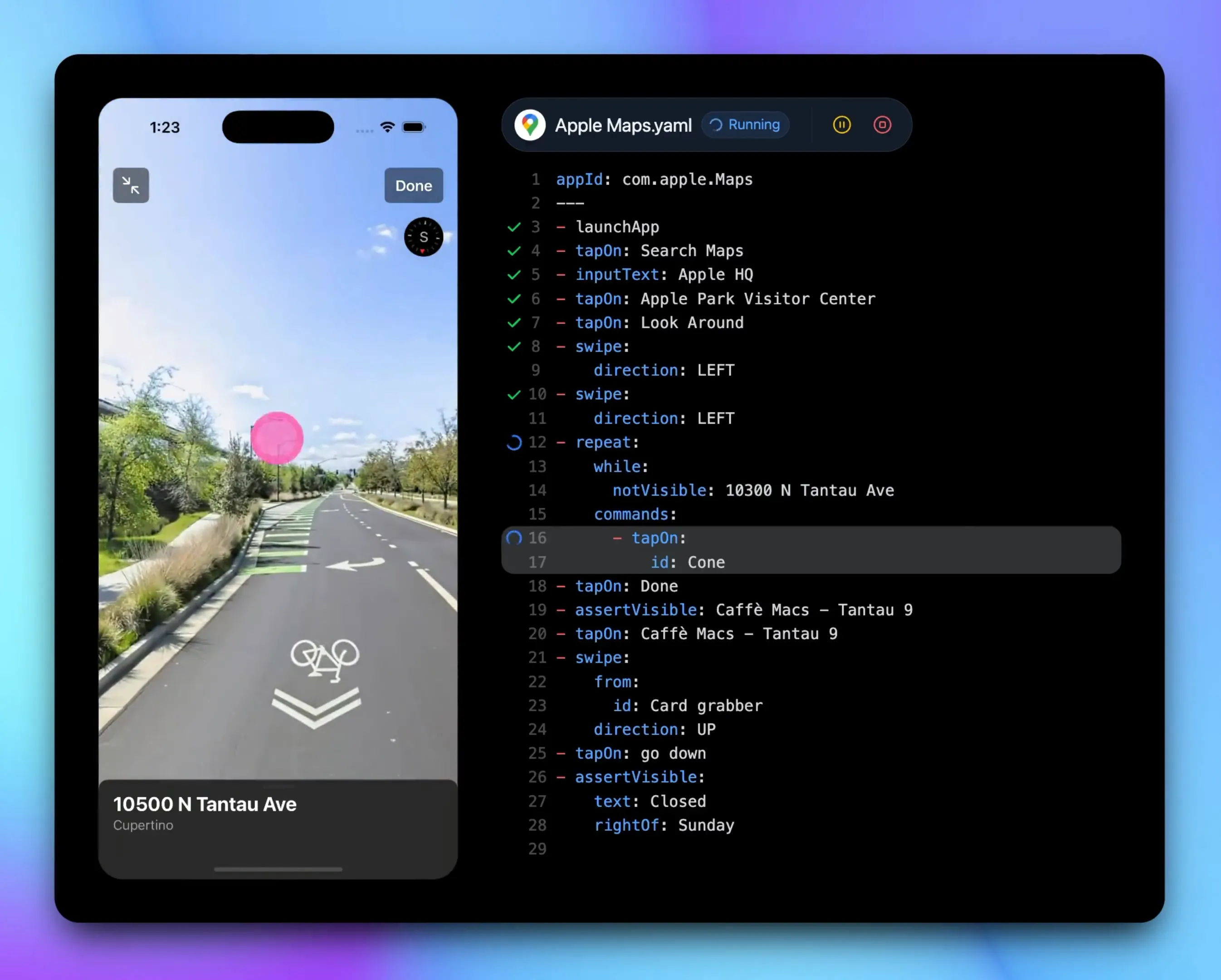
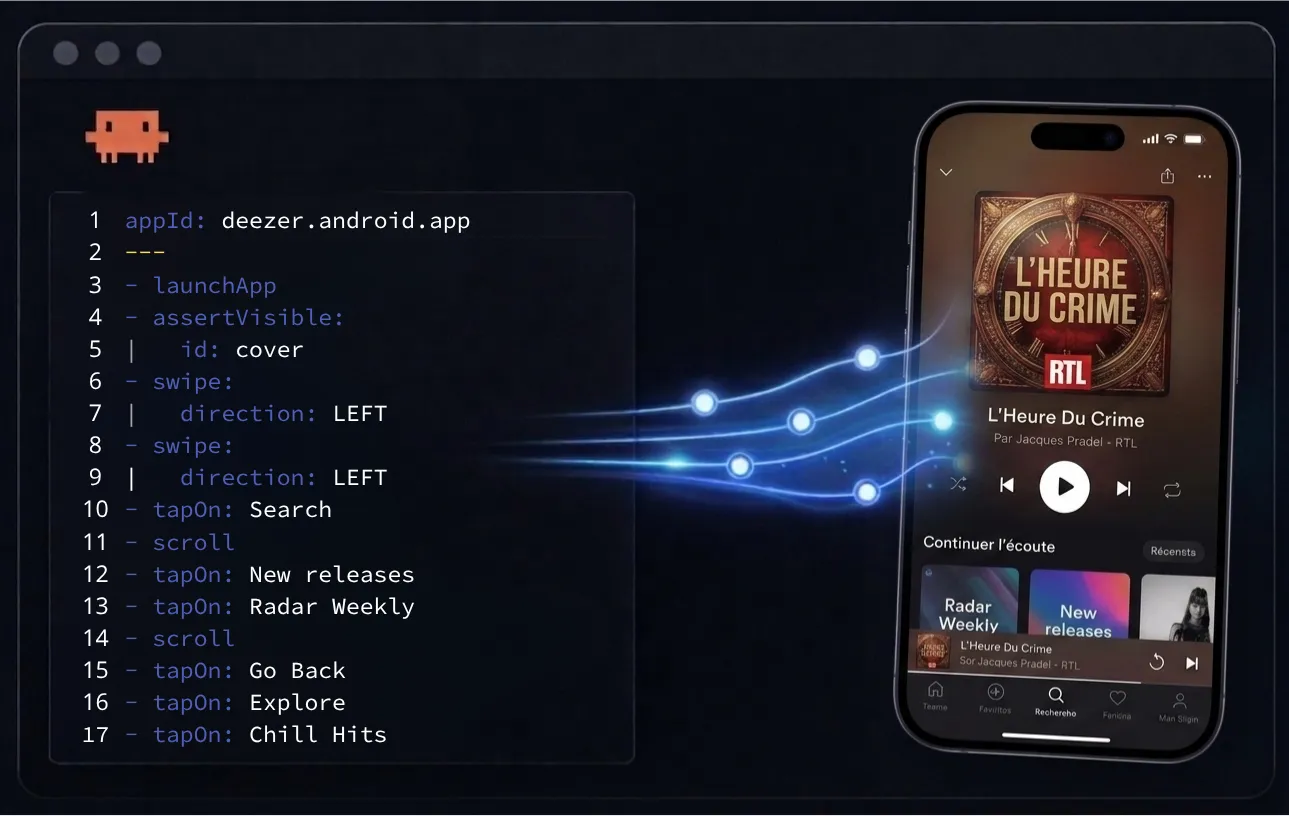
An AI agent can inspect the live view hierarchy of a mobile app, take screenshots and generate Maestro flow YAML - removing the need to manually figure out element IDs or app structure. Being able to describe scenarios and steps in plain language, and having them translated into Maestro syntax is a game-changer.
Interactive test execution
Drive a real device/emulator directly through the agent: launch apps, tap elements, input text, scroll, go back - all in a conversational loop without switching tools. Also known as closing the agentic loop.
Test maintenance
Inspect what’s on screen and iterate on failing tests interactively. The agent can diagnose why a tap is missing or an assertion is failing by looking at the hierarchy live. Provided with context, the agent can work on self-healing a failing test which can greatly reduce the maintenance burden. You can also even run self-healing flows between your Agent and Maestro Cloud which is truly awesome!
Device management
List available devices, start a specific emulator/simulator, and target runs at a particular device - useful when working across iOS and Android in parallel.
Documentation querying & reference
Being able to easily query the documentation and pull back relevant code and syntax is extremely helpful.
Tip - test creation/execution/maintenance can all be supercharged by using Maestro MCP in conjunction with your app source code - your agent will use the context from the codebase to assist with constructing your Maestro flows
Getting Started with Maestro MCP
- Run the Maestro MCP Server using
maestro mcpin your terminal - Configure the MCP server on your IDE by including the below json configuration on your chosen workspace tool:
{
  "mcpServers": {
    "maestro": {
      "command": "maestro",
      "args": [
        "mcp"
      ]
    }
  }
}
What’s Next?
Maestro MCP is an extremely powerful tool to have under your belt for generating and maintaining tests and we’re just getting started. We’re working on improving the MCP further to add more functionality and improve integration with Maestro Cloud.