
End-to-end testing frameworks ensure your app works as intended by simulating real user interactions. Choosing the right tool depends on your project, platform, and team expertise. Here's a quick look at the top five frameworks:
- Maestro: Simplifies testing for mobile and web apps with YAML-based scripts and flakiness handling.
- Cypress: Focused on web apps, offering fast, JavaScript-based testing and real-time debugging.
- Playwright: Cross-browser testing for web apps with support for multiple programming languages.
- Selenium: A mature tool for browser automation with broad compatibility and flexibility.
- Appium: Ideal for mobile app testing with support for native, hybrid, and mobile web apps.
Quick Comparison
Framework
Platforms Supported
Key Features
Pricing
Maestro
Mobile (Android/iOS) & Web
YAML-based tests, flakiness handling
Free (open-source)
Cypress
Web browsers only
JavaScript tests, real-time debugging
Free & Paid ($
| 75+/month) | |||
| Playwright | Web browsers & mobile emulation | Multi-language support, parallel execution | Free |
| Selenium | Web browsers only | Multi-language support, flexible setup | Free |
| Appium | Mobile (Android/iOS) | Cross-platform, no app code changes | Free (infra costs apply) |
Each framework has strengths and trade-offs. For mobile apps, Maestro or Appium are best. For web apps, Cypress, Playwright, or Selenium are solid choices. Evaluate based on your team's skills, project needs, and budget.
E2E Test Automation Framework Selection | Comparing with Pros & Cons | Mesut Durukal | TestFlix 2023
1. Maestro
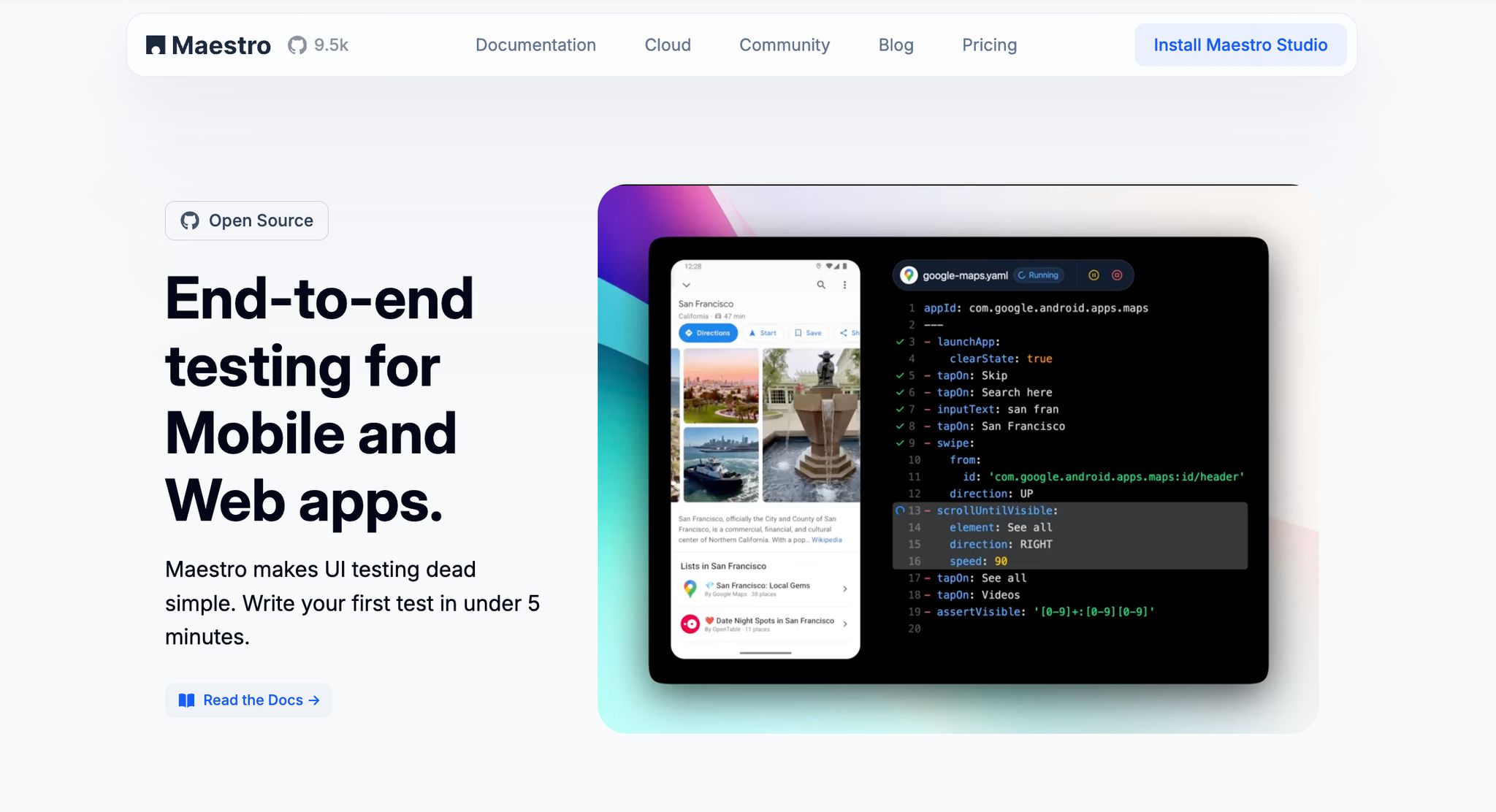
Maestro is an all-in-one testing solution designed to streamline mobile and web UI testing. Maestro draws inspiration from tools like Appium, Espresso, UIAutomator, and XCTest, but stands out by focusing on ease of use and reliability.
Platform Support
Maestro supports a wide range of platforms, making it a versatile choice for application testing. It works with native Android apps built using Views or Jetpack Compose, iOS apps developed with UIKit or SwiftUI, cross-platform solutions like React Native and Flutter, and even web apps tested in browsers. This flexibility allows teams to test both mobile and web apps using just one tool.
Test Creation Approach
Instead of relying on complex coding, Maestro simplifies test creation with a declarative YAML-based syntax. This approach makes it easy for both technical and non-technical team members to define test steps in a straightforward, readable format. Typical tests involve launching apps, interacting with UI elements, and verifying content.
For those who prefer a visual approach, Maestro Studio - a desktop application - offers an intuitive way to create tests without command-line experience. With AI-assisted features, Maestro Studio helps users build and analyze tests efficiently. One standout feature is Maestro’s ability to handle common mobile testing hurdles like UI flakiness and delays. Intelligent wait mechanisms replace the need for manual sleep commands, enabling faster and smoother testing cycles.
In the next section, we’ll explore how Maestro fits seamlessly into development pipelines.
Integration Capabilities
Maestro continues its user-friendly approach by integrating easily into CI/CD workflows. It supports local testing via CLI and scales effortlessly with cloud execution. The framework also offers detailed reporting and real-time updates through a Slack Bot, ensuring smooth communication and streamlined processes.
Pricing
Maestro is fully open-source and free to use locally via CLI and Maestro Studio (including AI features).
For teams needing cloud execution, Maestro Cloud offers scalable infrastructure. Pricing is based on concurrent devices/browsers—priced at $250/month per device (Android/iOS) or $125/month per browser (web). This tier includes unlimited hosted test runs, parallel execution to speed up testing, detailed reporting, and CI/CD integration.
Enterprise customers can opt for custom pricing plans that include extras like single sign-on (SSO), premium support, fully managed test cases, and in-depth security reviews. This tiered pricing structure allows teams to begin with the free version and scale as their needs expand.
2. Cypress
Cypress is a testing framework designed specifically for web applications. Built with JavaScript, it operates directly within the browser alongside your app, enabling real-time debugging and seamless testing.
Platform Support
Cypress is tailored exclusively for web browsers. It supports popular options like Chrome, Firefox, Edge, and Electron. Whether your web app is built with React, Angular, Vue.js, or plain JavaScript, Cypress can handle it. However, it does not support native mobile app testing, so iOS and Android applications are out of its scope.
For web apps, it works well with both single-page applications (SPAs) and traditional multi-page websites. It’s particularly strong in testing modern web features like AJAX requests, WebSockets, and intricate user interactions.
Test Creation Approach
With Cypress, tests are written in JavaScript, making it a natural fit for developers familiar with web development. The framework uses a chainable syntax that closely mimics real user behavior, making test creation intuitive.
One of its key advantages is its ability to automatically wait for elements to become ready for interaction. This eliminates the hassle of adding manual wait commands, which can be a common pain point in other frameworks.
Cypress also shines with its visual Test Runner. This tool provides real-time debugging and step-by-step test execution, making it much easier to pinpoint and resolve issues. For added convenience, it automatically records screenshots and videos when tests fail, offering clear evidence to aid debugging.
Integration Capabilities
Cypress integrates seamlessly with major CI/CD tools, enhancing its usability in automated workflows. Its Dashboard service takes collaboration to the next level, allowing teams to view test results, manage test runs across environments, and monitor performance trends over time. These features make it a solid choice for teams aiming to streamline their web testing processes.
Pricing
Cypress offers a freemium model, with the open-source version providing the full testing framework, Test Runner, and essential features for local development.
The free tier includes 500 test recordings, making it a good starting point for small projects or individual developers. Paid plans start at $75 per month, offering 5,000 recordings and scaling to meet the needs of larger teams. For enterprises, Cypress provides advanced features like single sign-on (SSO), enhanced user management, and dedicated support. Pricing for enterprise solutions is customized based on team size and requirements, giving organizations the flexibility to choose a plan that fits their budget and testing needs.
3. Playwright
Playwright, developed by Microsoft, is an open-source testing framework designed for end-to-end testing of modern web applications. It enables cross-browser automation, allowing developers to test across multiple browsers and platforms using a single codebase.
Platform Support
Playwright supports Chromium, Firefox, and WebKit, which ensures compatibility with popular browsers like Chrome, Edge, Firefox, and Safari. It also offers mobile web testing through device emulation, enabling simulations of devices such as iPhones, Android phones, and tablets. While Playwright doesn't test native mobile apps directly, it effectively handles testing for progressive web apps and mobile web interfaces. Additionally, it supports desktop applications built on frameworks like Electron. Whether you're running tests in headless mode or with a visible browser (headed mode), Playwright provides flexibility for development and integration into CI/CD pipelines. Its cross-browser and emulation capabilities make it adaptable to various testing needs and coding styles.
Test Creation Approach
Playwright supports multiple programming languages, including JavaScript, TypeScript, Python, C#, and Java, giving teams the freedom to write tests in their preferred language. To minimize flaky tests, it includes an auto-wait feature that intelligently waits for elements to be ready before interacting with them. Playwright also simplifies test creation with its code generation tool, which records user interactions and converts them into test scripts. For debugging, the framework offers a powerful trace viewer that provides detailed insights, such as screenshots, network requests, console logs, and DOM snapshots, helping teams quickly identify and fix issues.
Integration Capabilities
Playwright integrates seamlessly with modern CI/CD pipelines, enabling automated test execution as part of the development process. This makes it easy to adopt a "Shift-Left Testing" approach, where testing is performed earlier in the development cycle to identify and address issues sooner. The framework’s detailed trace data is especially useful for debugging, streamlining the resolution of test failures. Playwright also supports parallel test execution, which accelerates test runs and ensures smoother releases. Its flexibility and robust automation capabilities have made it a popular choice for modern testing workflows.
Pricing
Playwright is completely free and open-source, with no licensing fees or usage restrictions. Maintained by Microsoft, the framework is regularly updated at no cost. Teams only need to cover the infrastructure costs for running tests, whether on local servers, cloud environments, or third-party platforms. For cloud-based testing, several providers offer Playwright support under their own pricing models, but the framework itself remains free, regardless of team size or usage scale.
When to choose Maestro over Playwright: While Playwright excels at web testing, Maestro is purpose-built for mobile-first projects requiring iOS and Android support alongside web testing, with simpler YAML syntax that's accessible to non-developers.
sbb-itb-e343f3a
4. Selenium
Selenium is a powerful tool designed to automate web browsers. As an open-source framework, it has become a cornerstone of browser automation, widely embraced by the testing community for its flexibility and reliability.
Platform Support
Selenium is dedicated to automating web browsers and works seamlessly across popular options like Chrome, Firefox, Safari, and Edge. It operates using the WebDriver protocol, which ensures consistent performance regardless of the browser or operating system. While primarily built for web applications, Selenium can also handle mobile web interfaces through browser-based automation. Its ability to run in both headless and standard modes makes it ideal for local development and integration into CI/CD pipelines.
Test Creation Approach
Selenium supports multiple programming languages, including Java, C#, Python, Ruby, and JavaScript, allowing teams to write test scripts in the language they’re most comfortable with. This script-based approach gives users the freedom to customize their tests extensively. However, this flexibility comes with the need for coding skills, making Selenium a better fit for developers and experienced QA engineers.
Integration Capabilities
Selenium integrates effortlessly with CI/CD pipelines and a wide range of third-party tools, making it a versatile option for complex testing setups. The WebDriver protocol, a key feature of Selenium, ensures smooth integration with various testing frameworks and reporting tools. This compatibility allows teams to incorporate Selenium into their workflows with ease, maximizing its potential in diverse environments.
Pricing
One of Selenium's standout features is its cost - it's entirely free to use. There are no licensing fees or usage restrictions, making it a budget-friendly choice. The only expenses are tied to the infrastructure needed to run tests, whether on local machines, cloud platforms, or dedicated servers. Despite its technical demands, Selenium continues to be a popular choice due to its flexibility and cost-effectiveness.
5. Appium
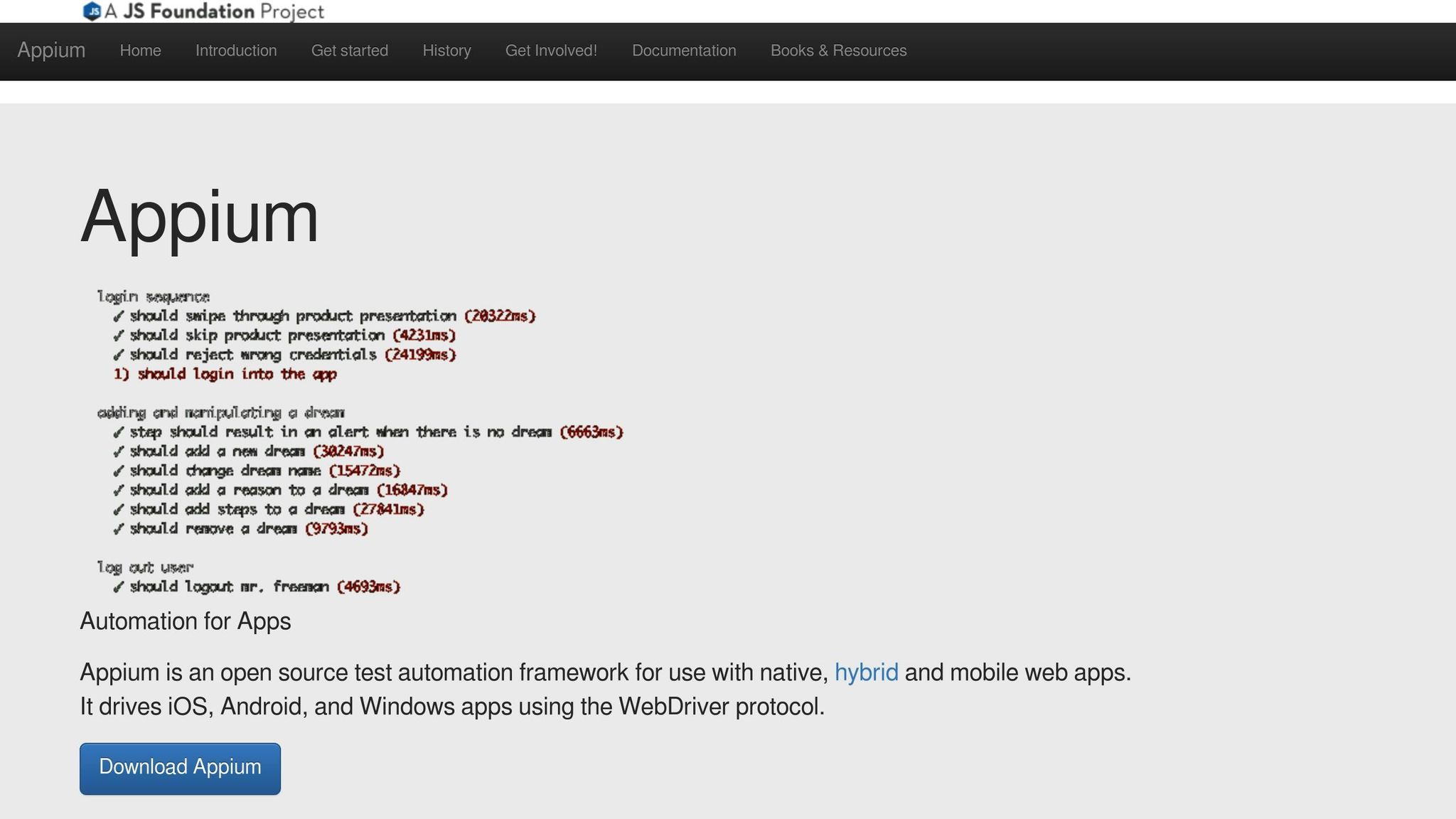
Appium is an open-source framework designed specifically for mobile automation. Unlike frameworks that focus on web applications, Appium is built to test native, hybrid, and mobile web applications on both iOS and Android platforms. Its versatility makes it a preferred choice for teams prioritizing mobile-first testing.
Platform Support
One of Appium's standout features is its ability to handle a wide range of mobile platforms. It supports:
- Native apps for iOS and Android
- Hybrid apps developed using tools like Cordova or PhoneGap
- Mobile web apps running in browsers like Safari and Chrome
Appium can test on real devices, simulators, and emulators without requiring any changes to the application code. This flexibility ensures that tests closely mimic real-world user interactions.
Under the hood, Appium uses platform-specific drivers - XCUITest for iOS and UiAutomator2 for Android. These drivers provide a high level of accuracy by interacting with apps in the same way a user would. Additionally, Appium supports cross-platform testing, enabling teams to write a single set of tests and execute them across multiple mobile operating systems with minimal tweaks.
Test Creation Approach
Appium offers flexibility in test creation by supporting popular programming languages like Java, Python, C#, Ruby, and JavaScript. It communicates with mobile devices using the WebDriver protocol, making it an easy transition for teams already familiar with web automation tools.
Tests can identify mobile elements using methods like accessibility IDs, XPath, or platform-specific identifiers. Appium also supports standard locator strategies and provides inspector tools to make element identification easier. For teams using behavior-driven development (BDD), Appium integrates seamlessly with frameworks like Cucumber.
One of Appium's biggest advantages is its ability to automate existing applications without requiring additional testing libraries or changes to the app’s code. This makes it easier to test production-ready apps and lowers the barrier for teams to get started. These features also make Appium a great fit for integrating with CI/CD pipelines.
Integration Capabilities
Appium works well with popular CI/CD tools like Jenkins, GitHub Actions, and Azure DevOps, making it easy to incorporate into automated workflows. It also integrates with cloud testing platforms such as AWS Device Farm, Sauce Labs, and BrowserStack, allowing teams to test on a wide range of real devices without the need to maintain an in-house device lab.
The framework supports parallel test execution, which helps reduce overall test times by running tests on multiple devices and platforms simultaneously. Additionally, Appium integrates with reporting tools like Allure and TestNG, providing detailed test results, screenshots, and performance metrics to help teams analyze and improve their testing processes.
Pricing
Appium is completely free and open-source, meaning there are no licensing fees or usage restrictions. However, the main expenses for using Appium come from the infrastructure needed for mobile test execution.
Many organizations opt for cloud-based testing platforms to access a variety of devices. These services typically cost between $150 and $500 per month, depending on the number of devices and parallel tests required. Alternatively, some teams choose to maintain physical device labs, which involve upfront hardware costs and ongoing maintenance.
For teams looking for a cost-effective solution, Appium's open-source nature and flexibility make it an excellent choice for long-term mobile test automation. Additionally, its ability to be extended or customized ensures it can adapt to evolving testing needs.
Advantages and Disadvantages
Every testing framework comes with its own set of strengths and limitations. Understanding these trade-offs is key to making the right choice based on your team's needs, technical skills, and project requirements. Below is a detailed look at the pros and cons of each framework.
Maestro is known for its straightforward and reliable YAML-based approach, which eliminates the need for complex coding. Its resilience against flakiness and delays ensures smooth and consistent test execution.
Cypress shines with its developer-friendly features, including real-time test execution and debugging. It delivers fast and reliable web application tests, but it has its limitations: it only supports single-domain testing, doesn’t work for mobile apps, and requires JavaScript expertise, which may pose challenges for nontechnical team members.
Playwright offers robust browser support, parallel execution, and compatibility with multiple programming languages, making it a flexible choice for web testing. However, it focuses solely on web applications, so additional tools would be needed for native mobile app testing.
Selenium is widely embraced due to its mature ecosystem, extensive community support, and compatibility with nearly every browser. It also supports multiple programming languages. However, its WebDriver-based architecture can lead to slower execution and potential flakiness, and the setup process can be more complex compared to newer frameworks.
Appium stands out for mobile testing with its cross-platform capabilities and support for native, hybrid, and mobile web applications. It works seamlessly with existing apps without requiring code changes, which adds to its flexibility. On the flip side, Appium can involve a more complicated configuration process and slower test execution, along with challenges in managing devices.
| Framework | Advantages | Disadvantages |
|---|---|---|
| Maestro | Simple YAML-based setup, resilient to flakiness, supports both mobile and web testing | Does not support testing on physical iOS devices locally (cloud workarounds available via BrowserStack/TestingBot), web support is in beta but production-ready. |
| Cypress | Developer-friendly, real-time debugging, fast execution, excellent documentation | Limited to web testing, single-domain restriction, JavaScript expertise needed |
| Playwright | Multi-browser support, parallel execution, supports multiple programming languages | Web-only focus, requires technical expertise |
| Selenium | Mature ecosystem, broad browser compatibility, multiple language bindings | Complex setup, slower execution, potential flakiness |
| Appium | Cross-platform mobile testing, no code changes for existing apps, versatile for various mobile app types | Complex configuration, slower execution, device management challenges |
When deciding, teams should weigh their priorities and expertise. For those seeking simplicity and ease of adoption, Maestro or Cypress may be the best fit. On the other hand, teams tackling complex, multi-platform testing scenarios might opt for Selenium, despite its setup demands. For mobile-focused projects, Appium offers unmatched versatility, though it requires careful configuration.
Lastly, keep in mind that total costs include not just the framework itself but also infrastructure, maintenance, and training investments.
E2E Framework Feature Comparison (2026)
Use this detailed matrix to quickly identify the right framework for your specific use case:
| Framework | Mobile Support | Web Support | Languages | Best For | Pricing |
|---|---|---|---|---|---|
| Maestro | ✅ Native Android/iOS, Flutter, RN | ✅ Beta | YAML | Mobile-first teams wanting simple, reliable tests | Free (open-source) |
| Cypress | ❌ Web only | ✅ Chrome, Firefox, Edge | JavaScript/TypeScript | Web developers wanting fast feedback loops | Free + $75+/mo cloud |
Playwright
⚠️ Emulation only
✅ Chromium, Firefox, WebKit
JS, TS, Python, Java, C#
Cross-browser web testing with parallel execution
Free (open-source)
Selenium
❌ Web only
✅ All major browsers
Java, Python, C#, Ruby, JS
Enterprise teams with existing Selenium infrastructure
Free (open-source)
Appium
✅ Android, iOS, hybrid
⚠️ WebDriver limited
Java, Python, JS, Ruby
Cross-platform native mobile testing
Free + cloud costs
Conclusion
When selecting an end-to-end testing framework, it's essential to consider platform compatibility, ease of test creation, and integration capabilities. Your choice should align with your project's specific needs, your team's expertise, and your scalability goals.
Maestro is an excellent option for teams seeking a straightforward and reliable solution that works seamlessly across both mobile and web platforms. Its YAML-based approach simplifies test creation and minimizes maintenance, thanks to built-in flakiness tolerance.
For projects requiring both mobile and web testing, Maestro offers the most unified solution with its simple YAML-based approach and cross-platform support. For web-only projects, Cypress provides excellent developer experience with real-time debugging, though it's limited to single-domain testing, while Playwright excels at complex cross-browser scenarios with parallel execution.
While web testing frameworks excel in debugging and cross-browser support, mobile testing comes with its own set of requirements. Appium is a go-to choice for mobile testing due to its ability to handle native, hybrid, and mobile web applications without requiring changes to the app code. However, its setup process can be more involved.
Selenium remains a strong contender for organizations with established testing infrastructure and teams comfortable with more intricate setups. Its mature ecosystem and broad browser compatibility make it well-suited for large-scale, multi-platform testing, though it tends to have slower execution speeds.
Before committing to a framework, conduct a proof of concept to avoid costly missteps. Assess your infrastructure, training requirements, maintenance needs, and how well the framework integrates with your CI/CD pipelines.