
Parallel testing is a method where multiple tests run simultaneously, saving time and improving efficiency. It’s especially useful for QA teams working with fast-paced development cycles or cross-platform applications. Tools like Maestro simplify this process by offering cloud-based infrastructure, interpreted test execution, and support for iOS, Android, web (desktop browsers), and WebViews. Key benefits include:
- Faster test execution: Reduces time by running tests concurrently.
- Early bug detection: Catches issues during pull requests or pre-release checks.
- Resource optimization: Cloud systems distribute workloads efficiently.
- Improved code quality: Identifies problems early, saving costs on fixes.
To implement parallel testing effectively:
- Ensure tests are independent (no shared resources or dependencies).
- Use consistent environments that mimic production settings.
-
Use Maestro's
--shardsflag for local parallel execution or leverage Maestro Cloud for cloud-based parallel testing.
Benefits of Parallel Testing for QA Teams
Switching to parallel testing has reshaped how QA teams operate, offering noticeable improvements in speed, efficiency, and cost management. By understanding these advantages, teams can make better decisions about adopting parallel testing strategies.
Faster Test Execution and Early Feedback
Parallel testing slashes the time needed to run comprehensive test suites by executing multiple tests simultaneously. What once took hours can now be completed in a fraction of the time.
Running tests in parallel during pull requests, nightly builds, or pre-release checks means developers get instant feedback on potential issues. This immediate notification system helps prevent bugs from slipping further into the development process, saving time and effort.
Additionally, interpreted tests rerun instantly when files change, eliminating delays caused by compiling. Developers can see test results almost immediately after making changes, keeping workflows smooth and efficient. This speed boost naturally allows teams to allocate resources more effectively, which is explored further below.
Better Scalability and Resource Use
Parallel testing shines when it comes to optimizing resources, especially with cloud-based infrastructure. Teams can adjust their testing capacity to meet project demands without the need for additional hardware or managing complex local setups.
Cloud systems automatically distribute workloads across available resources, ensuring reliable and fast test execution. This is particularly beneficial for large-scale projects with hundreds or thousands of tests. Instead of overloading local machines or requiring costly hardware upgrades, parallel testing spreads the workload efficiently.
This efficiency isn’t limited to computational power. By maximizing test coverage within shorter time frames, teams can complete suites that once ran overnight during regular work hours. This allows for more frequent testing cycles and seamless integration with continuous integration pipelines. The result? Higher efficiency, better code quality, and reduced costs.
Improved Code Quality and Cost Savings
The cost benefits of parallel testing go beyond faster execution times. Early bug detection, made possible with parallel testing, improves code quality while cutting the expenses tied to fixing issues later in the development cycle.
Bugs caught post-release are far more expensive to address than those resolved during development. Parallel testing minimizes these costs by identifying problems early, reducing the need for emergency fixes or costly patches.
Organizations using Maestro Cloud report significant improvements in test reliability and execution speed. Teams have reduced testing time from 16+ hours to under an hour, enabling faster release cycles.
Parallel testing also supports a "shift-left" approach, ensuring that quality assurance keeps pace with the accelerating speed of development. As advancements in AI and modern tools enable faster development cycles, parallel testing ensures QA doesn’t become a bottleneck.
"We're entering a new era of software development. Advancements in AI and tooling have unlocked unprecedented speed, shifting the bottleneck from development velocity to quality control."
– mobile.dev
Requirements and Best Practices for Parallel Testing
To make parallel testing effective, you need two crucial elements: independent tests and consistent environments. These ensure tests don't interfere with each other and deliver reliable results.
Make Tests Independent
Test independence is the cornerstone of successful parallel testing. Each test should run independently, without depending on the state, data, or outcomes of other tests. When tests share resources or dependencies, running them at the same time can lead to unexpected conflicts.
To avoid this, design tests to operate in isolation. Steer clear of shared objects, global variables, or caches that might be altered by concurrent tests. Every test should start fresh, with its own setup and teardown processes, ensuring they can run in any order while still delivering reliable outcomes. If a test fails, it should point to an issue in the application itself, not interference from another test.
But independence alone isn't enough - having a consistent test environment is just as critical.
Set Up Consistent Test Environments
Consistent environments reduce variables that might cause tests to behave unpredictably during parallel execution. Using environments that mimic production conditions helps maintain stability and ensures tests reflect real-world scenarios.
Maestro simplifies this process, removing the hassle of juggling multiple tools and configurations across platforms. Its cloud infrastructure provides standardized environments, allowing teams to "run your tests in parallel on Maestro's cloud infrastructure for enterprise-grade reliability and speed". This eliminates the need to manage local device farms or deal with hardware inconsistencies.
To ensure consistency throughout development, integrate tests into CI/CD pipelines. Supporting platforms like React Native, Flutter, WebViews, and native applications further reduces the complexity of handling diverse testing environments.
sbb-itb-e343f3a
How to Implement Parallel Testing with Maestro
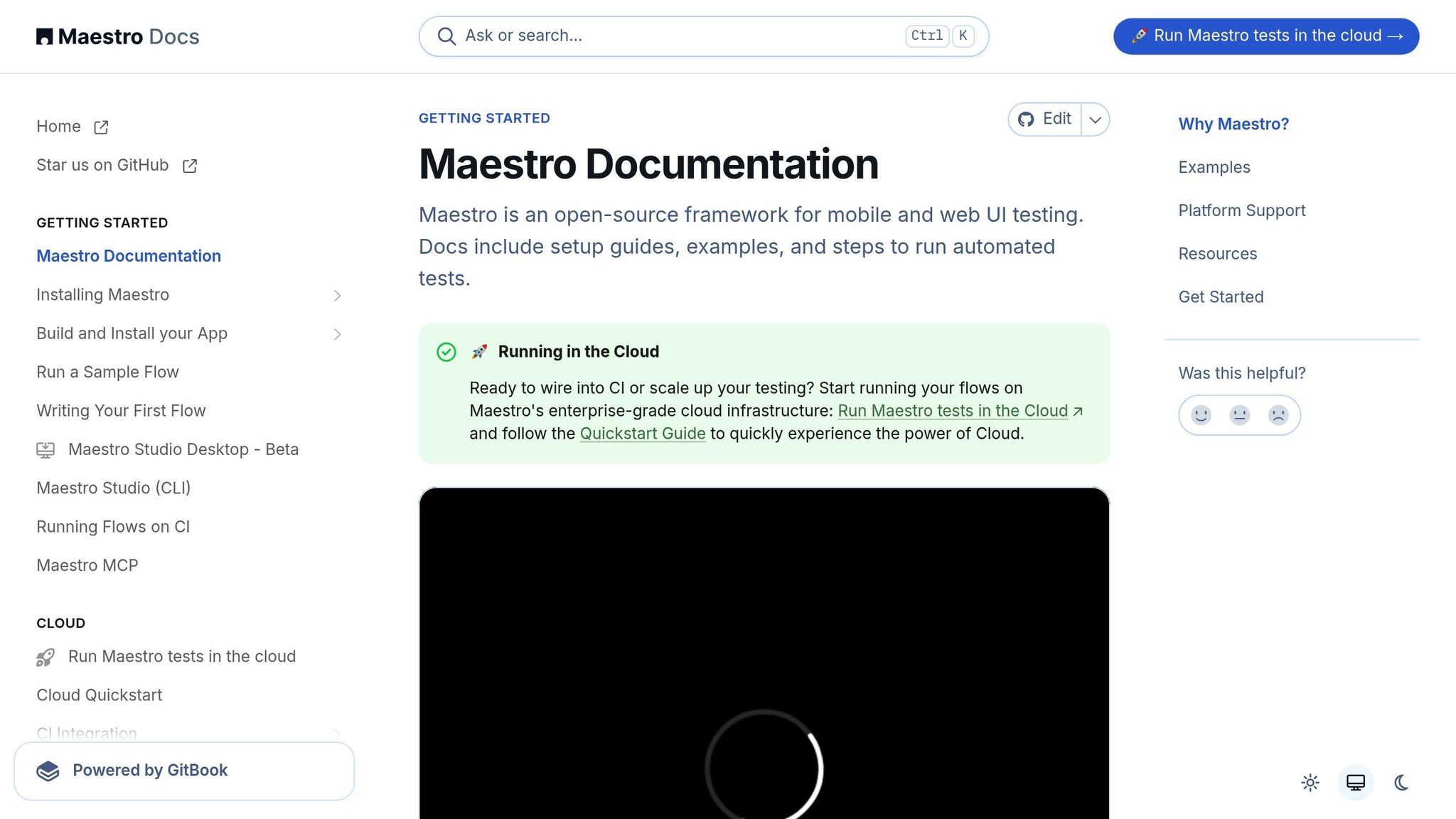
Once you've set up independent tests and consistent environments, you're ready to dive into parallel testing. Maestro simplifies the process, whether you're starting fresh or adapting existing test suites.
Set Up the Testing Environment
The first step is choosing how to execute your tests: locally or in the cloud. For local testing, installing the Maestro CLI is a breeze with a single command.
For most systems, install with:
curl -fsSL "https://get.maestro.mobile.dev" | bash
For macOS users, you can alternatively use Homebrew:
brew tap mobile-dev-inc/tap
brew install maestro
Keep in mind that Maestro Cloud enforces a 7-minute timeout per flow execution, so design your test flows to complete within this window.
Prefer a visual approach over command-line tools? Maestro Studio has you covered. This desktop application offers an intuitive interface for setting up workspaces, managing environments, and inspecting app elements. No CLI expertise required.
Note: Maestro primarily supports iOS simulators. Real iOS device support is currently limited and may require additional configuration.
Once your environment is ready, the next step is converting your test cases into standardized Flows.
Prepare and Validate Test Suites
Maestro uses YAML-based Flows to represent user journeys within your app. As the documentation puts it:
"What are Flows? Think of Flows as parts of the user journey in your app. Login, Checkout and Add to Cart are three examples of possible Flows that can be defined and tested using Maestro."
Each Flow is designed to be independent, following Maestro's clear and easy-to-read declarative syntax. This approach makes your tests both manageable and straightforward to maintain. Here's how it looks across different platforms:
For Android contact creation, a Flow might look like this:
appId: com.android.contacts
----
- launchApp
- tapOn: "Create new contact"
- tapOn: "First Name"
- inputText: "John"
- tapOn: "Last Name"
- inputText: "Snow"
- tapOn: "Save"
For iOS contact editing, the Flow could be:
appId: com.apple.MobileAddressBook
----
- launchApp
- tapOn: "John Appleseed"
- tapOn: "Edit"
- tapOn: "Add phone"
- inputText: "123123"
- tapOn: "Done"
And for web testing, the syntax remains consistent:
url: https://example.com
----
- launchApp
- tapOn: More information...
- assertVisible: Further Reading
Maestro Studio makes test creation even easier with its visual testing features. You can record interactions directly in your app, and the tool will automatically generate the corresponding Maestro commands. Plus, the MaestroGPT AI assistant is there to help you craft commands and answer any Maestro-related questions you might have.
The secret to successful parallel testing is designing each Flow as a self-contained unit, complete with its own setup and teardown. Maestro's built-in tools handle common issues like flakiness and delays, ensuring your tests are stable and reliable when run in parallel.
Once your Flows are ready, it's time to execute and monitor them for optimal performance.
Run and Monitor Parallel Tests
To run your tests, use the command:
maestro test flow.yaml
This command can execute individual Flows or batches, depending on your needs.
For a fully automated workflow, integrate Maestro into your CI/CD pipeline. Whether you're running Pre-Release, Nightly, or Pull Request checks, Maestro provides instant feedback on test results. The dashboard offers detailed insights, tracking metrics like recent CI outcomes and performance trends.
When something goes wrong, Maestro's "Debug Output" feature provides verbose logs to help you pinpoint and troubleshoot specific failures. The platform also generates detailed Test Output Directories and Test Suites & Reports, making it easier to identify patterns in test failures. Custom Maestro Hooks, such as onFlowStart and onFlowComplete, allow you to add logging or other custom actions, further enhancing your debugging capabilities.
Finally, CI integrations include a "View results" feature that gives you direct access to detailed reports. This makes it simple to see which tests failed and why, keeping your testing process efficient and transparent. With these tools in place, you can maintain the speed and reliability that parallel testing promises.
Troubleshooting and Optimizing Parallel Testing
Parallel testing comes with its own set of challenges, but with the right strategies, these hurdles can be overcome. By addressing common issues and focusing on optimization, your QA team can maintain a fast and dependable test suite.
Solving Common Problems
One of the toughest issues in parallel testing is test flakiness. Tests often fail unpredictably due to timing conflicts, unstable UI elements, or network delays. Maestro tackles this with built-in flakiness tolerance, which minimizes timing problems.
This feature allows tests to handle scenarios like unresponsive buttons or shifting UI elements during loading without needing complex retry logic. It simplifies the process and keeps things running smoothly.
Network and loading delays also pose challenges. Many teams rely on manual sleep() calls to handle these, but this approach can slow down tests and reduce reliability. Maestro solves this with an automatic waiting mechanism:
"Built-in tolerance to delays. No need to pepper your tests with
sleep()calls. Maestro knows that it might take time to load the content (i.e. over the network) and automatically waits for it (but no longer than required)."
This smart waiting system adjusts to real loading times, avoiding unnecessary delays and making tests both faster and more reliable.
Infrastructure bottlenecks can also limit how many tests you can run simultaneously. Maestro’s cloud infrastructure offers a scalable solution, ensuring you can execute parallel tests reliably and efficiently.
For teams struggling with timing challenges, Maestro provides tools like "Wait Commands" and "Maestro Driver Timeout" settings. These give you control over synchronization while still taking advantage of Maestro’s automatic handling for most cases.
Another common issue is data collisions. When multiple tests modify the same resource at the same time, it can cause unexpected failures. To avoid this, make sure each Flow uses unique test data and includes proper cleanup routines.
By addressing these challenges, your team can create a more stable testing environment. But the work doesn’t stop there - ongoing optimization is key to long-term success.
Ongoing Optimization Strategies
Once you’ve solved the major issues, the next step is to fine-tune your testing process to improve both speed and reliability. Maestro’s dashboard provides valuable metrics to guide these efforts.
Metrics like flow runs, failed runs, average run times, and passing percentages can help you spot trends that aren’t obvious from individual test results. For instance, if average run times are gradually increasing, it might signal infrastructure strain or performance issues in your application.
Flake rates are another important metric to monitor. Tests that pass most of the time but fail inconsistently can indicate deeper problems. Maestro’s detailed reporting makes it easier to identify which Flows are contributing to instability and need attention.
Use tools like Maestro’s Debug Output and Test Output Directories to analyze failure patterns. Spotting recurring issues across test runs can reveal areas where your application or test design needs improvement.
Streamlining test distribution is another way to optimize parallel testing. Identify which tests take the longest and consider breaking down complex Flows into smaller, more focused tests. Maestro’s interpreted test execution allows you to quickly iterate on these changes without the delays caused by compilation.
For teams using local testing environments, it’s important to keep an eye on resource usage. While Maestro’s cloud infrastructure scales automatically, local setups may need adjustments as your test suite grows.
Finally, establish baseline metrics when you first implement parallel testing. Track improvements over time by documenting changes in passing percentages, average run times, and total execution time. This data not only highlights your progress but also demonstrates the value of your optimization efforts.
With Maestro’s robust features and performance insights, your parallel testing process can evolve alongside your development needs. By continually refining your approach, you’ll ensure your testing infrastructure remains efficient and reliable as your projects grow.
Conclusion and Key Takeaways
Parallel testing is a game-changer for QA teams, transforming lengthy testing processes into swift, efficient cycles without compromising quality. Beyond speed, it brings early issue detection, scalability, and cost savings, making it a pivotal tool for modern development workflows.
Why Parallel Testing Matters
With Maestro, parallel testing becomes a seamless experience. By running multiple tests simultaneously, teams can drastically cut execution times, enabling quicker feedback loops and shorter release cycles. Maestro also addresses common testing headaches like flakiness and delays with built-in reliability features, removing the need for complicated retry logic.
Parallel testing also supports shift-left practices, allowing QA teams to identify issues earlier in the development process and provide immediate feedback to developers. This early detection not only reduces the time spent fixing bugs later but also minimizes infrastructure costs, making it a cost-effective solution.
These benefits collectively streamline the testing process, ensuring faster releases and higher-quality products.
How to Start Parallel Testing with Maestro
Maestro simplifies the adoption of parallel testing with its user-friendly approach. There's no need for complex installations - just use the single binary to get started. Teams can begin testing locally via the CLI or Maestro Studio and then scale up to cloud-based parallel execution as their needs grow. The declarative YAML syntax makes creating tests straightforward for both technical and non-technical team members.
For teams looking to make test creation accessible, Maestro Studio offers a visual interface paired with AI-assisted features. This allows QA professionals, even those without extensive coding experience, to contribute effectively to automation efforts. This ease of use ensures that adopting parallel testing doesn’t require major training or team restructuring.
Maestro’s cross-platform support - spanning iOS, Android, React Native, Flutter, and web applications - lets teams consolidate their testing efforts under one framework. This consistency simplifies maintenance, shortens learning curves, and helps establish uniform testing practices across different platforms.
The process is straightforward: start by converting simple test flows, validate them locally, and then leverage Maestro’s cloud infrastructure for scalable, parallel execution. With its intuitive design, built-in reliability, and enterprise-grade performance, Maestro equips QA teams to meet the speed and quality demands of today’s fast-paced development cycles.
"Run your tests in parallel on Maestro's cloud infrastructure for enterprise-grade reliability and speed."