90% of users abandon apps due to poor experiences. Bugs, performance issues, and unreliable tests are often to blame. Fixing these problems starts with understanding why mobile app tests fail and how to address common challenges. Here's what you need to know:
- Flaky tests: Caused by timing issues, network variability, and shared app states. Use explicit waits, mock dependencies, and reset app states to fix this.
- Inconsistent environments: Device fragmentation, OS versions, and screen sizes create variability. Standardize testing environments and use cloud-based platforms for real device testing.
- Poor test design: Overlooking edge cases and relying on "happy path" tests leave gaps. Focus on risk-based testing, modular scripts, and collaboration between QA and developers.
- Tool and knowledge gaps: Managing multiple tools for different platforms slows teams down. Use unified tools like Maestro to simplify cross-platform testing.
Key takeaway: Early detection and reliable testing workflows save time and money. Fixing bugs post-release can cost up to 100x more than catching them during design. By addressing flaky tests, environment differences, and tool inefficiencies, you can improve app quality and user retention.
Diagnosing Appium Test Failures: Debugging Techniques and Best Practices

Flaky Tests and Timing Problems
Flaky tests are a major obstacle in mobile app testing, quietly undermining productivity. These tests produce inconsistent results - passing in one instance and failing in another, even when the code remains unchanged. For example, if you run a suite of 100 tests across 8 devices, there’s an 80% chance that at least one test will fail incorrectly.
"A flaky test is one that experiences sporadic passes and failures for reasons that are not yet comprehended." - Lana Begunova, QA Automation Engineer
Even minor instabilities across multiple devices can snowball into significant issues. With mobile apps needing to perform seamlessly across a range of devices, operating systems, and network conditions, these small hiccups can become a nightmare for QA teams.
What Causes Flaky Tests
The most common culprit behind flaky tests? Timing issues. Mobile apps often rely on asynchronous operations like API calls, image loading, animations, and background tasks. These processes don’t always finish within predictable timeframes, and when tests assume otherwise, failures are bound to occur.
Network variability is another big factor. Tests might pass on a fast WiFi connection but fail on slower cellular networks because API response times can fluctuate. For instance, while an API might typically respond in 200ms, occasional delays of up to 2 seconds can break tests that rely on fixed delays.
Dynamic content adds another layer of complexity. Many apps serve personalized or real-time data, such as session-specific IDs or timestamps, which can change between test runs. A test looking for a specific user ID or timestamp will fail when the content updates, making apps with personalized features especially tricky to test.
Environmental variability also comes into play. Different devices, screen sizes, and operating system versions can impact how quickly UI elements load. For example, a modern smartphone might render a screen almost instantly, while an older device could take several seconds longer.
Finally, shared state between tests is a frequent source of trouble. If one test alters app data, cache, or user preferences without resetting them, subsequent tests may fail. This issue is especially prevalent in continuous integration setups where multiple tests run back-to-back.
These challenges highlight the need for targeted solutions, which we’ll explore below.
How to Fix Flaky Tests
Tackling flaky tests requires thoughtful adjustments to both test design and execution.
-
Use explicit waits: Instead of relying on fixed delays like
Thread.sleep(5000), opt for explicit waits (e.g., WebDriverWait for element visibility). This approach adapts to real loading times, reducing unnecessary failures. - Adopt robust locator strategies: Replace fragile XPath queries with stable locators such as IDs or data attributes. Pair these with explicit waits to create a more reliable testing framework.
-
Manage app state effectively: Ensure clean environments between tests. For instance, in Appium, use
driver.resetApp()to prevent shared state issues. On iOS, reset cache, databases, flags, and keychains before each test run. -
Disable animations: Animations can introduce unpredictable delays in UI interactions. Disabling them (e.g., with
UIView.setAnimationsEnabled(false)) ensures smoother test execution. - Extend timeouts for transient elements: Increase timeouts for auto-dismissible components to prevent premature test failures. This allows more flexibility for interactions.
- Standardize testing environments: Reduce variability by using consistent device models and operating system versions. This minimizes the risk of flaky behavior caused by environmental differences.
- Quarantine unstable tests: Isolate new or unstable tests in a quarantine system until they consistently pass. This prevents flaky tests from disrupting build pipelines and protects team productivity.
- Mock external dependencies: Tools like WireMock can simulate API responses, creating predictable conditions for testing. This eliminates the risk of delays or failures caused by external services.
Device and Environment Differences
Expanding on earlier discussions about flaky tests and poor design, the challenges of device and environment differences add another layer of complexity to mobile test reliability. One major hurdle is device fragmentation, which many QA teams tend to underestimate. With Android dominating 72% of the mobile operating system market as of June 2024, teams face the daunting task of managing countless combinations of manufacturers, screen sizes, and OS versions. A test that works perfectly on a high-end device might behave unpredictably on an older model with lower resolution. These hardware and software inconsistencies lay the groundwork for the cross-platform challenges we'll explore next.
Performance and orientation changes further complicate matters. For example, nearly 90% of tested Android apps encounter issues with orientation events, and 48% of users abandon apps that are too slow. Additionally, variations in screen resolution and pixel density can disrupt UI layouts, while unreliable network connections account for about 20% of app crashes. A test that passes seamlessly on a stable office WiFi network may fail in real-world scenarios with spotty connections.
Cross-Platform Testing Problems
Cross-platform testing introduces its own set of challenges, particularly when addressing locale-specific requirements. For instance, date formats differ across regions, and currency displays must follow US conventions (e.g., $1,234.56) to avoid formatting errors.
Accessibility settings also add complexity. Features like increased font sizes for readability can cause UI elements to shift or overlap, while dark mode may reveal color contrast issues that aren’t noticeable under normal conditions. On top of that, battery optimization settings can terminate background processes, disrupting push notifications and data synchronization.
Other factors - like regional preferences for temperature and measurement units - require careful attention. Weather apps need to display temperatures in Fahrenheit, fitness apps should use miles for distance, and recipe apps must rely on US customary units. Language and cultural differences create additional hurdles. Text translations can expand content, breaking layouts if not properly accommodated, and even within English, subtle formatting differences and cultural expectations play a big role in delivering a polished user experience.
Creating Consistent Test Environments
To tackle these challenges, it’s essential to establish uniform testing conditions across devices. Cloud-based testing platforms offer a practical way to manage device diversity, granting access to a wide range of real devices without requiring an extensive physical device lab. While emulators and simulators are helpful for early development and quick UI checks, real-device testing is critical for verifying hardware-dependent behaviors like camera functionality, GPS accuracy, and battery performance.
A strategic approach to device selection, driven by analytics, can help you allocate testing resources more effectively. Automation tools such as Appium, Espresso, and XCUITest allow for unified test suites to run across multiple devices at once, saving both time and money.
Tools like Maestro stand out for their YAML-based scripting, which enables you to write tests once and execute them across iOS, Android, React Native, and Flutter applications. This unified framework simplifies cross-platform testing and minimizes the need to maintain separate test suites for different platforms.
Standardizing device configurations is another key step. This includes disabling animations, setting uniform locales, and ensuring consistent network conditions. When real devices aren’t available, hardware acceleration through virtualization can enhance emulator performance.
Finally, integrating automated testing into CI/CD pipelines with tools like Jenkins, GitLab, or CircleCI ensures that tests are executed across multiple devices and OS versions with every code commit. This approach helps catch device-specific issues early, long before they reach end users.
Bad Test Design and Missing Coverage
Aside from challenges with testing environments, poorly designed tests can leave critical gaps that allow significant bugs to slip through unnoticed. Many teams focus too much on "happy paths" - the ideal user scenarios - while overlooking edge cases that real users encounter daily. This approach often leaves applications exposed to bugs in production, especially when the emphasis is on core functionalities rather than broader test coverage or addressing cross-platform complexities.
Common Test Design Pitfalls
Here are some frequent mistakes teams make in mobile app testing:
- Skipping performance testing: Ignoring scenarios like multiple users accessing the app simultaneously or operating under limited network conditions.
- Overlooking security audits: This can leave sensitive user data vulnerable to breaches.
- Poor documentation: Without clear documentation, misunderstandings arise, especially in larger teams where multiple people manage test suites.
- Over-reliance on automation: Automated tests often miss interface and user experience issues, highlighting the continued need for manual testing.
- Inconsistent testing environments: When testing conditions don't mimic real-world scenarios, problems tend to surface only after the app is live.
By addressing these issues, teams can significantly improve their testing strategies and reduce the risk of bugs slipping into production.
Smarter Test Design Approaches
To close these gaps, adopting thoughtful test design methods is essential. A well-planned approach not only ensures broader coverage but also reduces the likelihood of mobile app failures.
Effective test design requires balancing thorough coverage with the resources available. Risk-based testing is a smart way to focus efforts on the most likely and impactful defects. Coverage strategies, such as mapping test cases to requirements with traceability matrices, help ensure that both typical and unexpected user actions are tested. Techniques like equivalence partitioning and boundary value analysis are also useful for covering a range of scenarios. Data-driven testing can further enhance coverage by using realistic inputs to simulate actual user behavior. Additionally, combining scripted testing with exploratory testing ensures that predictable functionalities are validated while uncovering issues that rigid test scripts might miss.
Maestro’s YAML-based scripting framework makes modular test design easier, offering a unified approach for iOS, Android, React Native, and Flutter applications. This framework allows teams to maintain consistent coverage across platforms without the hassle of managing separate test suites for each one. Its modular nature also ensures that tests can be updated in parallel with app changes, keeping coverage robust over time.
Collaboration between developers and QA teams is another critical factor in improving test design. Joint review sessions and involving developers early in requirement analysis can help identify edge cases before they become problems. Automating regression tests for recurring edge cases improves accuracy and efficiency, freeing up manual testers to focus on exploratory testing and validating new features. This collaborative, proactive approach can make a significant difference in the overall quality of the application.
sbb-itb-e343f3a
Tool Problems and Team Knowledge Gaps
Beyond dealing with flaky tests and inconsistent environments, mobile testing teams often face another set of hurdles: fragmented tools and knowledge gaps within their teams. Managing separate tools for platforms like Android, iOS, React Native, and Flutter can quickly become overwhelming. Each tool comes with its own setup processes, learning curve, and maintenance headaches, creating bottlenecks that slow down development and release cycles. This complexity makes it difficult for teams to deliver high-quality apps on time and highlights the need for strategies to streamline testing efforts.
The numbers tell the story clearly: 65% of companies report lacking the right tools for mobile testing, 18% struggle with insufficient time for testing, and 52% don’t have access to real devices for accurate testing. These gaps in tools and resources directly contribute to testing challenges, delayed releases, and reduced reliability.
Problems with Multiple Tools
Using different automation tools for each platform creates inefficiencies at every stage of development. Teams often find themselves juggling multiple test suites, scripting languages, and reporting formats. This patchwork approach not only slows down the process but also leads to inconsistent test coverage.
The issue becomes more pronounced as apps evolve. A single feature update affecting multiple platforms may require rewriting or updating tests in several tools, each with its own syntax and approach. This fragmented process increases the risk of bugs slipping through on some platforms while being caught on others.
Another challenge is the complexity of scripted test automation tools, which are often brittle and not fully supported across platforms. Teams may struggle to ensure a consistent user experience across web and mobile applications due to these siloed testing processes. The result? Delayed releases, extended debugging sessions, and frustrated developers spending more time managing tools than testing functionality.
Knowledge transfer is another major hurdle. When team members need to learn and master multiple tools, onboarding new QA engineers becomes a slow process. Experienced team members often become single points of failure, as they’re the only ones familiar with specific tools, creating bottlenecks that hurt efficiency.
Using One Tool for All Platforms
Maestro offers a solution to these issues by providing a single testing platform that works across Android, iOS, React Native, Flutter, and web applications. With Maestro, teams can write tests once and execute them across multiple platforms with minimal adjustments, eliminating the need to learn and maintain multiple tools.
Maestro simplifies the process with a single binary and no complicated configuration, enabling teams to quickly create and run tests for any platform.
"Automated testing is an essential component in the CI/CD pipeline, enabling teams to deliver software at a higher velocity and with greater confidence." - Diego Lo Giudice, Vice President and Principal Analyst at Forrester Research
One of Maestro’s standout features is its ability to handle flakiness and delays. Instead of requiring custom wait conditions and retry logic for each platform, Maestro intelligently manages timing issues and UI state changes, reducing the brittleness often seen in multi-tool setups.
The tool also simplifies reporting and analytics. Instead of piecing together results from tools with varying output formats, Maestro provides consistent, detailed reports that offer a clear view of test results across all platforms. This uniformity makes it easier to spot failure trends and monitor quality metrics over time.
Training QA Teams on Tools
Consolidating tools is just part of the solution. To fully leverage a platform like Maestro, teams need proper training and knowledge-sharing practices. Switching to a unified tool reduces the learning curve, but structured training ensures teams can take full advantage of its features.
The best training focuses on hands-on practice rather than theory. Teams should begin with simple test cases and gradually tackle more complex scenarios as they grow comfortable with cross-platform testing. This step-by-step approach builds confidence and makes the transition less intimidating.
Regular knowledge-sharing sessions can also help teams stay updated on best practices and new features. These sessions might include code reviews, discussions on common challenges, and sharing solutions that work well across projects. Collaboration like this improves the overall quality of the test suite.
Clear, up-to-date documentation is equally critical. Teams should maintain guides that cover common testing scenarios, troubleshooting tips, and platform-specific details. This documentation is invaluable for onboarding new team members or helping existing ones work on unfamiliar platforms.
Investing time in proper training and documentation pays off in the long run. Teams that thoroughly understand their tools are better equipped to write reliable tests, catch issues early, and maintain high-quality apps across all platforms.
Best Practices for Reliable Mobile Testing
Creating reliable mobile test automation involves more than just patching flaky tests or merging tools. For US-based teams, it’s about tailoring strategies to meet local user expectations, ensuring long-term test quality, and using the right platforms to deliver consistent results across various devices and operating systems.
US Localization and Environment Setup
It’s crucial to configure your test environment to align with American user expectations. This goes beyond translating language - it’s about how data is displayed and flows through your app.
For example, price formats should use the $ symbol before amounts, like $19.99, and correctly include commas for larger numbers, such as $1,299.99. Payment processes also need attention, ensuring they support US-specific credit card formats and billing address structures.
Dates should follow the MM/DD/YYYY format (e.g., 08/15/2025), and time should use the 12-hour clock with AM/PM indicators. Additionally, measurements must reflect US standards: temperatures in Fahrenheit, distances in miles, weights in pounds, and heights in feet and inches. Apps in industries like weather, fitness, and delivery need extra care to ensure accurate unit conversions and displays.
To identify localization issues early, set up test devices with US regional settings, including time zones and locale preferences. Use realistic test data, such as US addresses, phone numbers formatted as (XXX) XXX-XXXX, and valid ZIP codes. These steps create a solid foundation for maintaining reliable test scripts.
Keeping Test Scripts Updated
Once your testing environment is aligned with US standards, keeping test scripts updated becomes a top priority as apps evolve. With frequent app updates, regular script reviews and modular test design are essential.
Scripts should be reviewed with every major app update. This includes analyzing changes to UI elements, incorporating new features, and assessing how updates affect existing workflows. Waiting until tests fail can lead to more complex problems down the line.
Adopting the Page Object Model (POM) can simplify script maintenance by centralizing UI element definitions. This way, if a UI element changes, you only need to update it in one place, not across multiple tests. Similarly, modular test scripts allow for reusable components, so changes - like a revised login flow - don’t require rewriting all related tests.
Tracking failure patterns can highlight areas of the app that are prone to frequent changes, signaling where stronger selectors or closer collaboration with developers might be needed. Using version control for test scripts, including clear commit messages, dedicated branches for updates, and rollback options, ensures a more stable testing framework.
Using Maestro for Reliable Testing
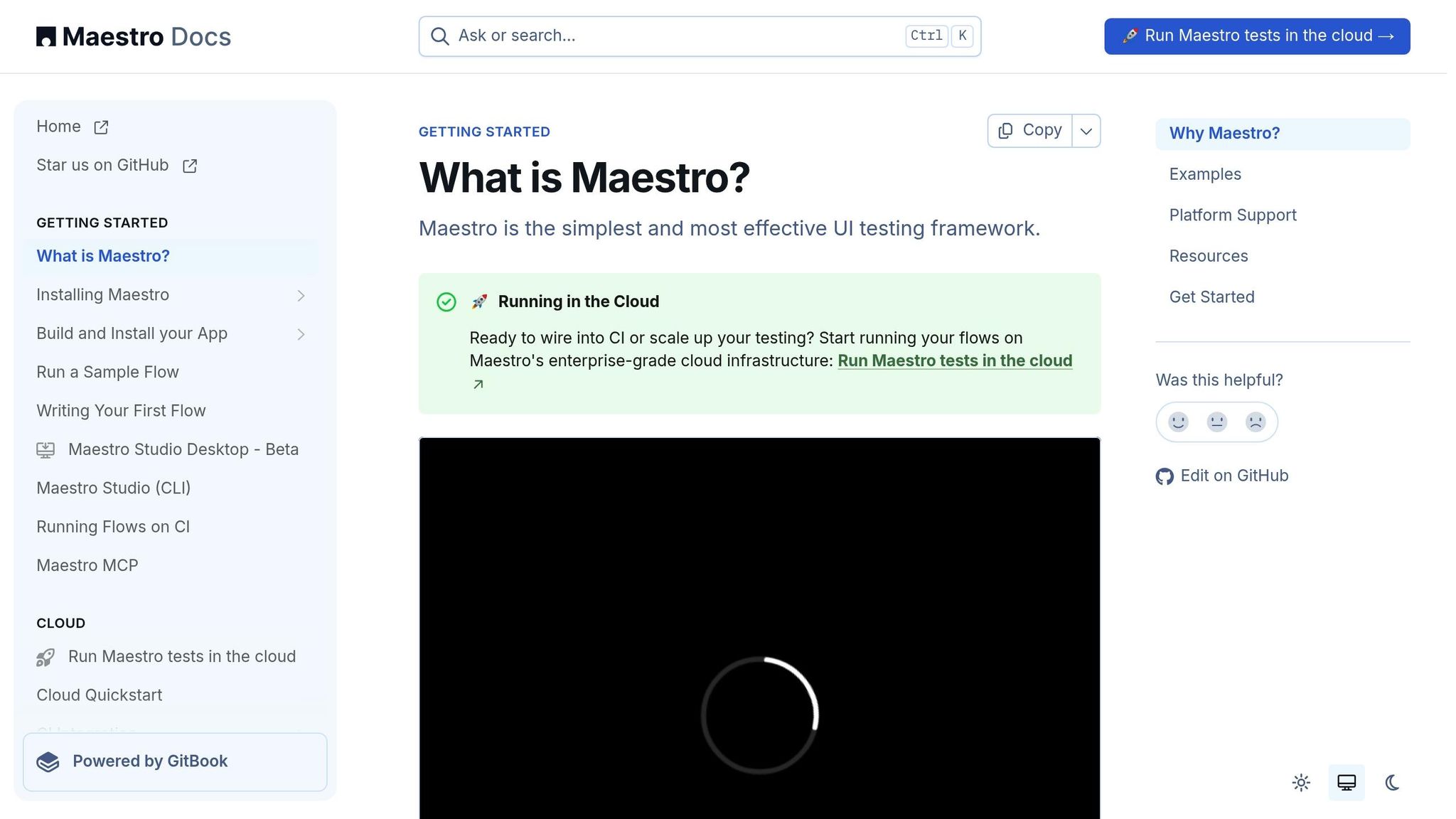
Once your scripts are updated, a robust tool like Maestro can elevate reliability across devices. Maestro’s declarative YAML-based approach makes test writing straightforward and reduces complexity.
One of Maestro’s standout features is its ability to handle flaky tests automatically. It waits for elements to load and manages delays that often cause intermittent failures, which is especially helpful when tests run under varying system conditions.
Maestro’s unified approach ensures consistent performance across the diverse devices US users prefer. Its simple setup eliminates the need to manage multiple drivers or complex dependencies, allowing teams to focus on creating tests rather than troubleshooting infrastructure.
The platform is also effective for real device testing, catching issues that might only surface on physical hardware. Integrating Maestro with CI/CD pipelines enables automated test runs, helping maintain quality even during rapid development cycles.
"making your app testable upfront is key, automating success depends on it." - Jonathan Lipps, StackGuild
Maestro’s reporting tools provide clear insights into test results, helping teams spot trends and prioritize fixes based on data-driven decisions.
Conclusion: Fixing Common Mobile Test Failures
By tackling the main causes of mobile test failures - like timing issues, inconsistent environments, poor test design, and fragmented tools - you can build a more reliable testing process. A unified strategy paired with a robust platform, such as Maestro, can make all the difference. Maestro’s approach simplifies the process by automatically managing element loading and supporting native Android and iOS apps, along with cross-platform frameworks like Flutter and React Native.
To get started, install Maestro's CLI and set up your environment for either iOS or Android. Maestro’s declarative YAML framework makes test creation straightforward, while built-in commands like assertVisible, waitFor, and waitForElement handle synchronization effortlessly.
For better results, focus on modular test design using Maestro’s YAML-based structure. Integrate this into your CI/CD pipeline and ensure scripts are regularly updated to reflect app changes. Using element IDs instead of point coordinates enhances the reliability of your tests, and the maestro hierarchy command helps you identify the best selectors for your app. Start small with simple, modular tests and build up to more complex scenarios over time. To cover the wide range of devices popular among U.S. users, leverage cloud-based testing environments.
With the right tools and a well-thought-out strategy, your team can minimize test failures and channel efforts into delivering high-quality apps.