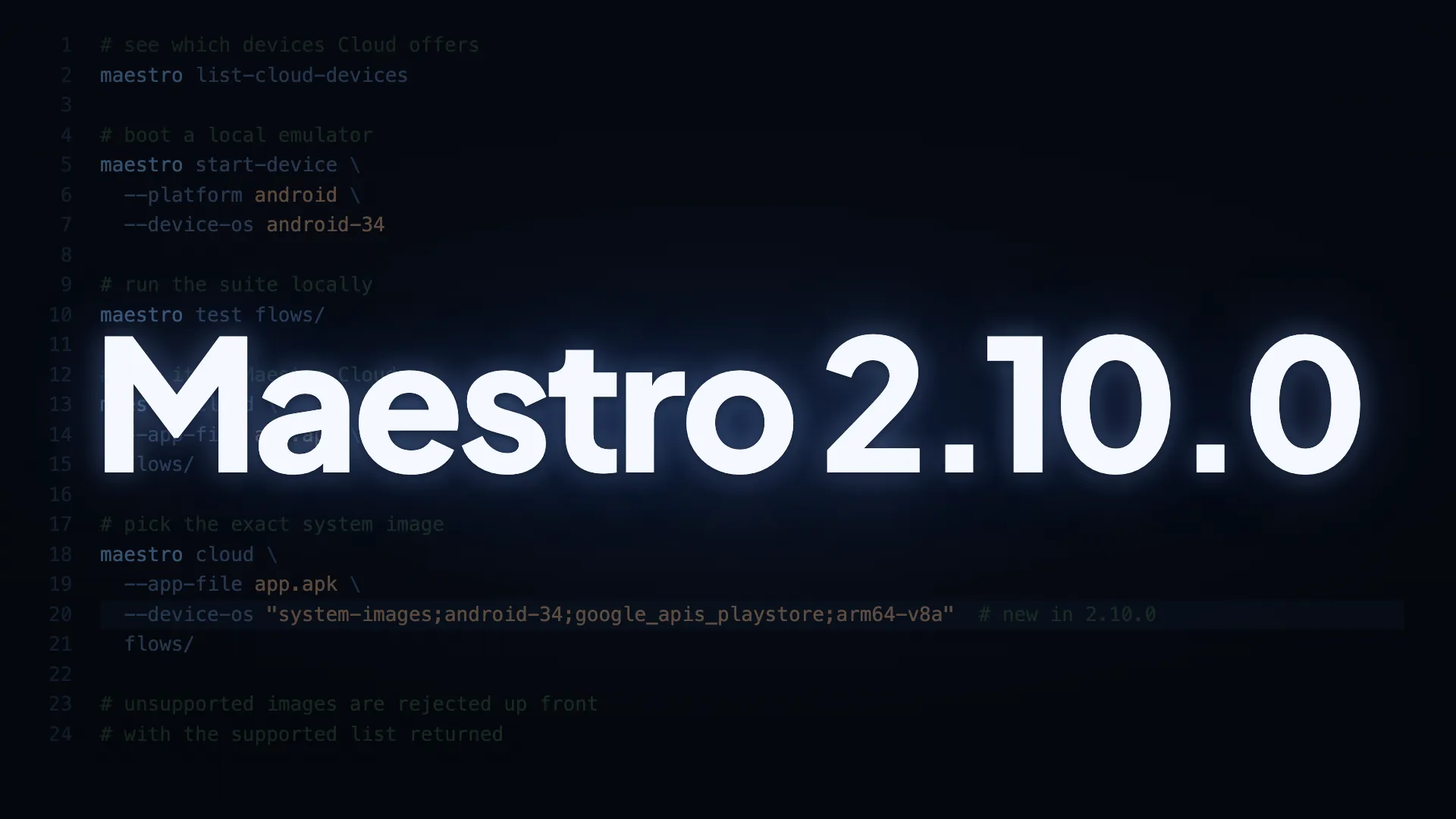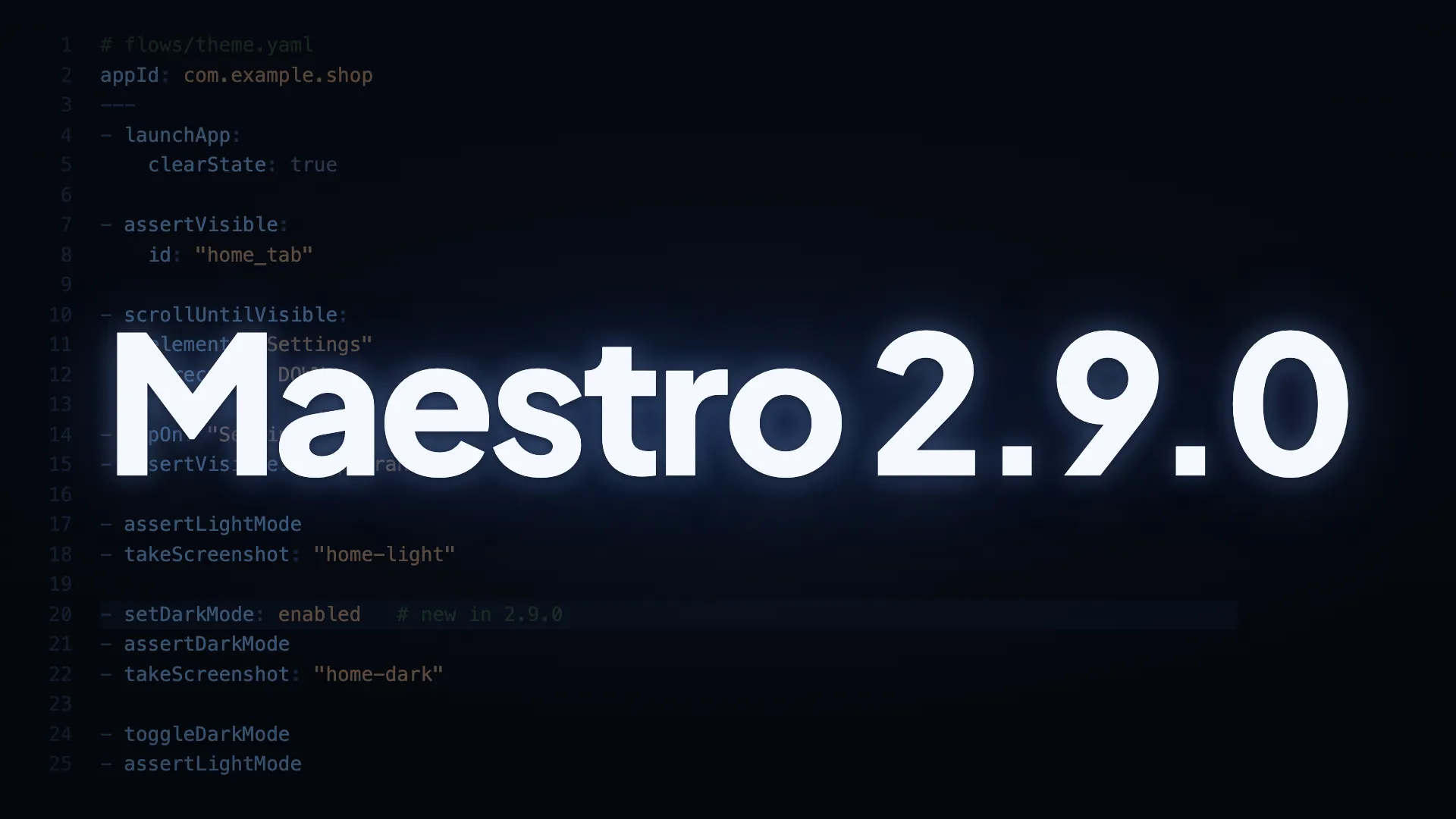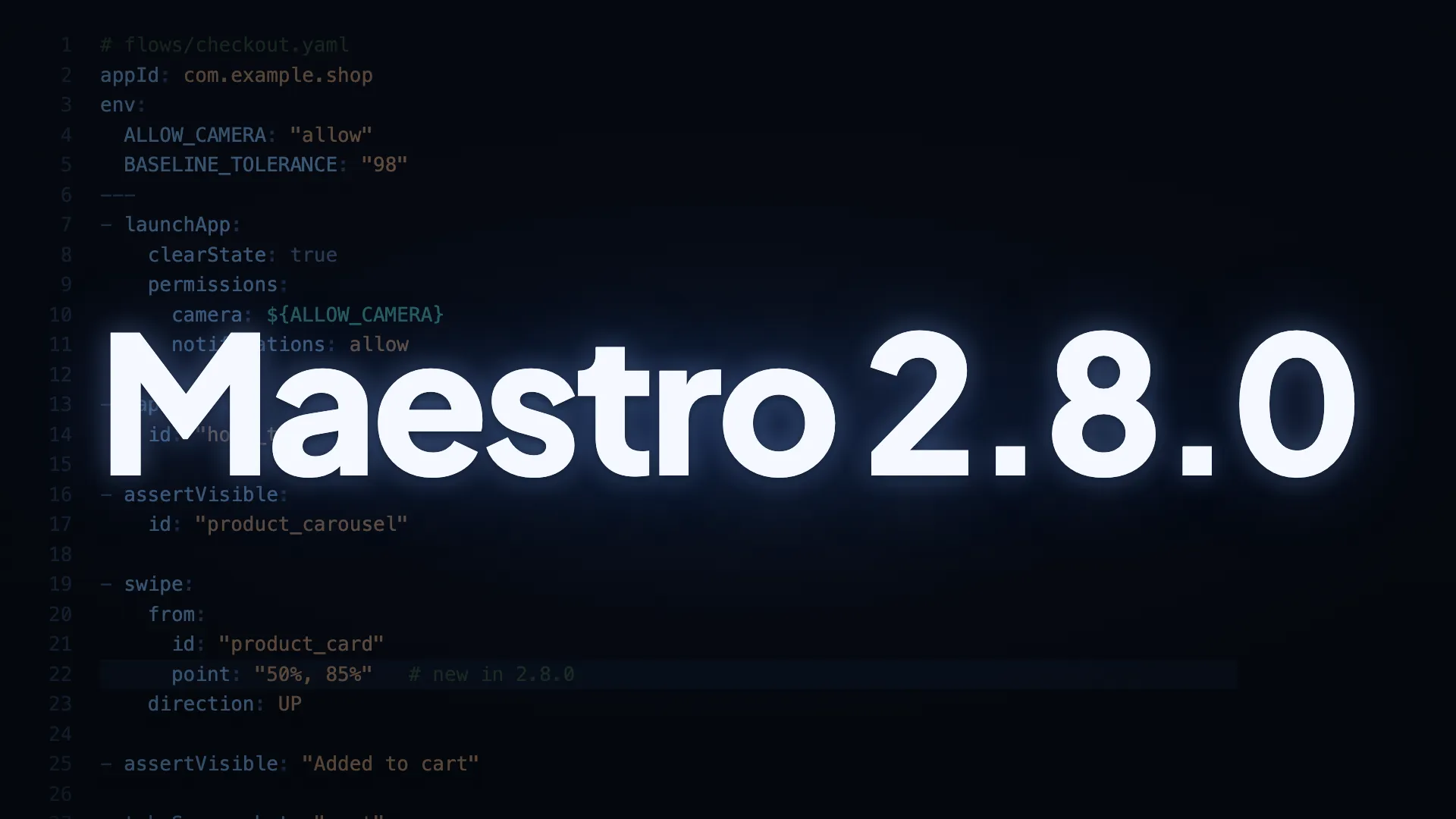
This release adds two authoring capabilities and lands a set of reliability fixes. swipe can start from a chosen point inside an element, variables work in permissions and screenshot thresholds, and Maestro Cloud uploads and reports get several fixes, including JUnit and HTML reports that link straight into the Cloud UI.
Flow authoring
- Swipe from a point inside an element.
swipe.fromaccepts an optionalpointin the same format astapOn(percentage like"50%, 85%"or absolute"x, y"), resolved against the matched element’s bounds. Useful for composite layouts where the element’s center sits on a nested scrollable (an outer card containing an image pager) and for swipe-to-confirm gestures. Omittingpointkeeps the current center behavior. - Variables (
${VAR}) in more places.launchApp.permissionsandsetPermissionsvalues now accept variables (permission keys stay literal by design), and so doesassertScreenshot.thresholdPercentage. One flow file can drive permission grants and screenshot tolerances across environments. childOfwaits for the screen to settle.childOfselectors now refresh the view hierarchy on each retry, matching how top-level selectors already behave. AtapOnfollowed by acopyTextFromwith achildOfparent resolves against the current screen; previously that sequence needed anassertVisibleon the parent first. Deeply nestedchildOfchains also fail within one timeout window on genuinely missing elements.
Device handling
- Android emulator boot has a bounded timeout. Boot waits up to 3 minutes by default, configurable via
MAESTRO_DEVICE_BOOT_TIMEOUT. A hung or crashed boot fails within the timeout with a clear error. setDeviceLocaleon Android is faster. Maestro checks the current locale first and skips the change when it already matches. When a change is needed, the broadcast fires detached and completion is confirmed viagetprop, so locale changes complete in seconds.startDevicelocale targets the right device. The requested locale is applied to the device that was just started, fixing multi-device setups where the locale could land on an unrelated device on the host.- iOS enumeration works on hosts without
devicectl. Ifdevicectlis missing or unavailable (older macOS), physical-device listing is skipped andsimctl-listed devices are still returned.
Maestro Cloud
- Uploads retry only when it’s safe. The CLI resends an upload only when the server could not have received the request. Uploads whose outcome is unknown (read timeout, gateway 502) stop and prompt you to check whether the upload landed. Read timeout is now 15 minutes, and removing the 5-minute call timeout restores the backend’s 4 GB max upload.
- Cleaner errors for artifact paths.
takeScreenshotandstartRecordingpaths are validated up front. Blank paths, paths naming no file, and (in bundled runs) absolute paths or paths escaping the command’s folder fail withInvalidCommandbefore any file work. Write failures surface asDestinationIsNotWritable, a flow error. onFlowEndruns even whenonFlowCompletefails. Any teardown exception is caught, so device logs andmanifest.jsonare collected on the failed runs where they’re most useful.- JUnit and HTML reports link into Cloud. Each JUnit
<testcase>carriescloud.runIdandcloud.runUrl; the<testsuite>carriescloud.uploadIdandcloud.url. The HTML report gains a per-flow “Maestro Cloud run” link and a linked upload id. Handy for CI, and for agentic workflows that heal tests from failure artifacts. Links are emitted only when both a project id and per-flow run id are present. - JUnit timestamps and suite durations are schema-correct. Timestamps are truncated to whole seconds (
yyyy-MM-ddTHH:mm:ss), and suite duration is wall-clock elapsed with a matchingstartTime, so CI tools that validate the JUnit schema parse the report cleanly. maestro cloudsimilar-device hint is copy-pasteable. The suggested localstart-devicecommand echoes the correct--device-os(e.g.android-34) and reflects back your--device-modelwhen provided.
CLI output
- Consistent duration formatting.
maestro testandmaestro cloudboth print whole-second durations for values over 1 second.
Full changelog: github.com/mobile-dev-inc/maestro/blob/main/CHANGELOG.md
Update to 2.8.0
Update the Maestro CLI to get everything above:
curl -fsSL "https://get.maestro.mobile.dev" | bash