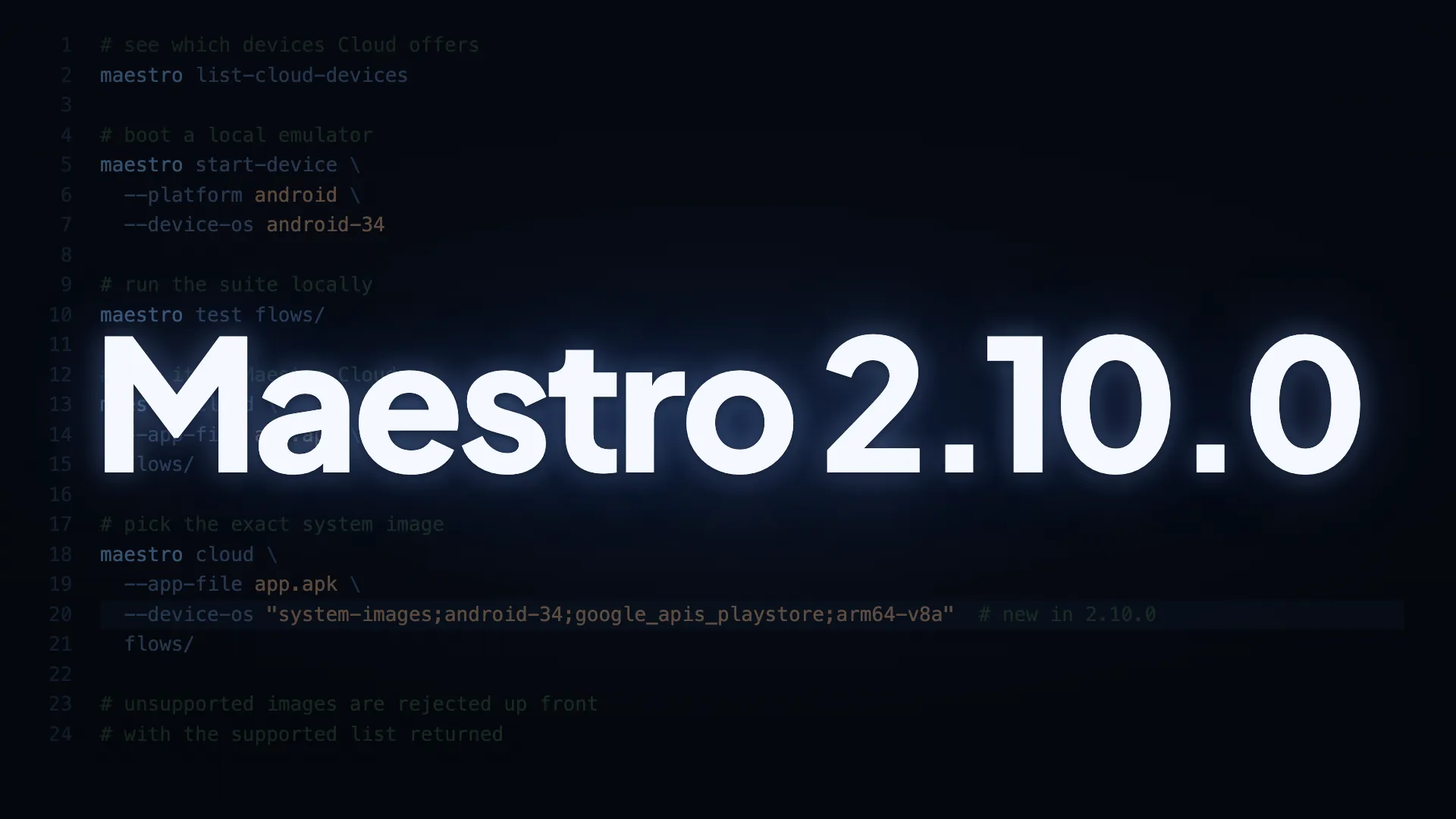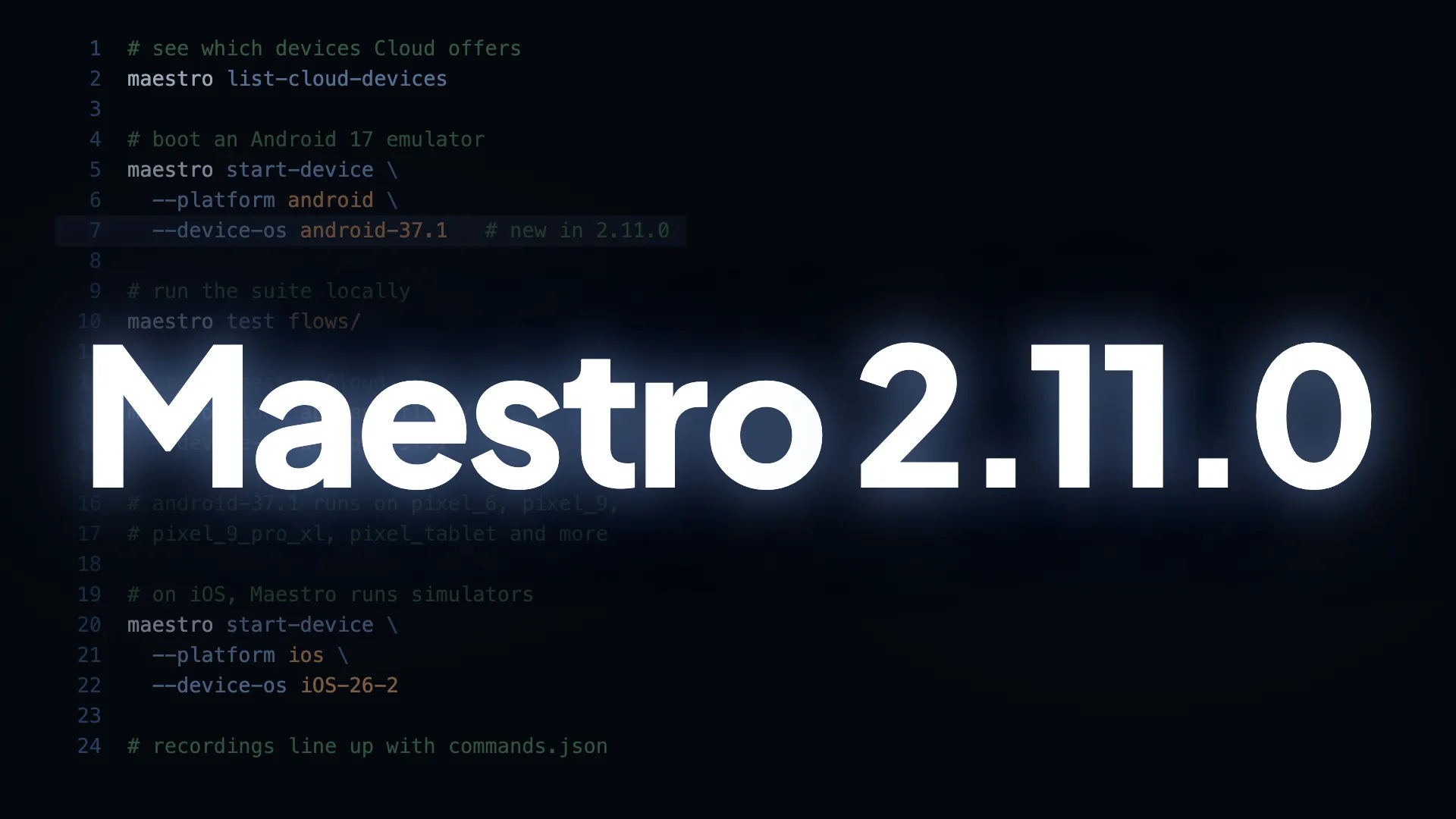
Android 17 (API 37) is now supported, locally and on Maestro Cloud.
- Locally.
maestro start-device--platform android --device-os android-37.1just works. Google changed how system images are published for this release (minor-versioned, 16 KB page-size only), and Maestro finds the right image for you, or names the exact--device-osto use. - On Maestro Cloud.
android-37.1is live on pixel_2, pixel_6, pixel_6_stock, pixel_9, pixel_9_pro_xl and pixel_tablet. Run your flows on it withmaestro cloud--device-osandroid-37.1. Update to 2.11.0 first.
Also in this release
- Video scrubbing on Maestro Cloud highlights the correct step. Screen recordings record their real start time in the artifact manifest, so the video and
commands.jsonline up and scrubbing highlights the step without any time offset. Web recordings also play back at real speed. maestro cloud <flow.yaml>uploads from Windows when the flow usesrunFlowwith complex paths.- Connected physical iPhones aren’t listed as devices. Targeting one exits immediately with “Physical iOS devices are not yet supported”. Maestro supports iOS simulators today.
- Two YAML behaviours changed, and both can affect existing flows.
optional: trueworks onsetDarkModeandsetAirplaneMode, so a step that can’t run is skipped and the flow continues; both commands accept onlyenabledordisabled, so a typo fails at parse time. Andstartandendin an element selector are rejected: they belong toswipeand were silently ignored for other actions, so remove them from anytapOn.
A Maestro Studio release with these changes will follow.
Update to 2.11.0
curl -fsSL "https://get.maestro.mobile.dev" | bashThe update guide has steps for macOS, Windows, and Homebrew.