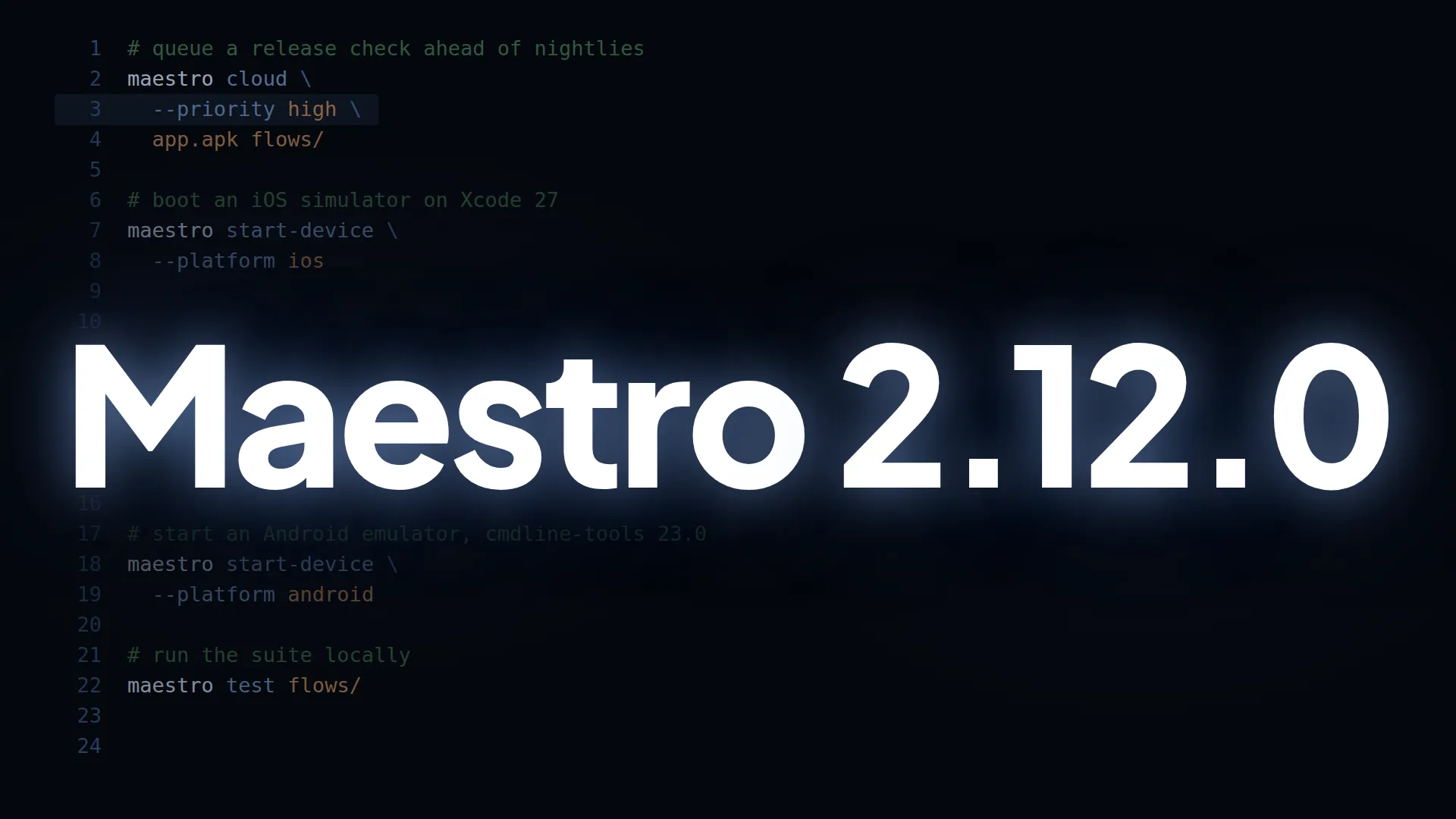
Queue priority is now available for Maestro Cloud uploads. When you have uploads queued, you can decide which one goes first. This release also unblocks iOS on Xcode 27 and Android start-device on the newest command-line tools.
Queue priority for Maestro Cloud
Run maestro cloud --priority high and that upload’s flows start ahead of your org’s normal and low flows still waiting. Use high for a release candidate or hotfix, low for nightly runs that can wait. normal is the default.
It works from the CLI, GitHub Actions and the MCP (run_on_cloud), and you can change an upload’s priority from the Maestro Console while it’s still running. Priority reorders your own org’s queue only: it doesn’t move you ahead of other orgs or change your concurrency limits. Setting it needs Maestro CLI 2.12.0, or Maestro Cloud action 3.1.0.
Also in this release
- Scroll speed must be between 0 and 100, and invalid points fail the flow. A value outside that range used to run with a silent default and will now fail, so it’s worth a quick check of your flows before you upgrade. If you use Maestro Cloud and haven’t seen problems, you’re already fine.
- Invalid
index, point and speed values are reported as test errors, with literals caught at upload before the device boots and variable values checked at runtime, so Maestro Cloud doesn’t retry them unnecessarily. pressKey: Tabon Android moves focus instead of typing the wrong character, so text you type afterward lands where you meant it.- Typing on Android doesn’t wait on window animations. On Android 12 and up,
inputTextanderaseTextinject key events directly, so a slow splash screen no longer ends in “Device server died”. In one repro, 21 characters that took over 200s now finish in 4 to 16s. Taps still wait for animations, as before. start-devicecan’t hang forever on emulator boot or sdkmanager. It prompts in about 5 seconds, recognizes system images you already have installed, and a failed boot errors out within about a minute with a message pointing to the emulator log file.- Simulators start on Xcode 27, which ships without Simulator.app, and they stream in the device viewer and accept taps and button presses. They boot headless. Xcode 26 and earlier are unchanged.
- iOS app crashes are detected more reliably, even when the system writes no crash report. Maestro reads the simulator’s termination record to tell a real crash from a normal stop or an assertion failure, and writes the report to
logs/crash-report.txtin the run bundle. A flow using a templated app ID like${APP_ID || 'com.example.app'}now collects the report for the actual app. launchAppon web waits for the page it opens, so the next step doesn’t race against Chrome, and an unreachable page gives you a connection error fromlaunchAppitself. Web recording and dark-mode emulation run on Chrome 153 to 155.- Screenshot flows upload to Cloud again. Workspaces using
assertScreenshot, including through nestedrunFlows, validate and upload cleanly. This fixes a validation error introduced in 2.11.0. - Screenshot diffs land in the run bundle, written to
assertScreenshot/in your run’s output folder (or--test-output-dir) and listed inmanifest.json, with the path in the failure message. - The MCP’s Android device mirror no longer freezes on Windows.
- Long flow names no longer fail with “File name too long”. Per-flow artifact directory names are shortened with a short hash appended, so a name over the 255-byte filesystem limit on Windows no longer stops the run before the first command.
- Safer concurrent session database access. Reads and writes to the session key-value store are held under the same file lock. If you only run one Maestro at a time, nothing changes for you.
Upgrade with curl -fsSL "https://get.maestro.mobile.dev" | bash. The update guide has steps for Windows and Homebrew.