

Looking for Detox alternatives for testing mobile and web apps?
Detox is a gray-box end-to-end testing framework developed by Wix, specifically designed for React Native applications. While it excels at React Native testing, teams often seek alternatives for broader platform support, simpler setup, or different workflow preferences. Here's a breakdown of top tools to consider:
- Maestro: Simple YAML-based test creation, great for cross-platform apps (iOS, Android, React Native, Flutter, and web). Offers cloud execution at $250/device/month.
- Appium: Open-source, supports Android, iOS, Windows, and macOS. Requires coding skills but provides flexibility for native, hybrid, and web apps.
- Espresso: Tailored for Android-only apps, integrates with Android Studio, and minimizes flaky tests with automatic synchronization.
- Cypress: Designed for web testing, runs directly in the browser with real-time feedback. Best for web UI automation.
Quick Comparison Table
| Tool | Platforms | Ease of Use | Best For | Pricing |
|---|---|---|---|---|
| Maestro | iOS, Android, React Native, Flutter, Web | YAML-based, beginner-friendly | Cross-platform mobile/web apps | Free (local), Open-source |
| Appium | Android, iOS, Windows, macOS | Requires coding skills | Enterprise-level flexibility | Open-source |
| Espresso | Android-only | Integrated with Android Studio | Android apps only | Open-source |
| Cypress | Web applications | JavaScript-based | Web UI testing | Free (open-source) |
While each tool has its place, Maestro stands out for teams seeking cross-platform support and rapid test creation without sacrificing reliability. Keep reading for detailed insights into each option.
Detox: tackling the flakiness of mobile automation - Viktorija Sujetaitė
1. Maestro
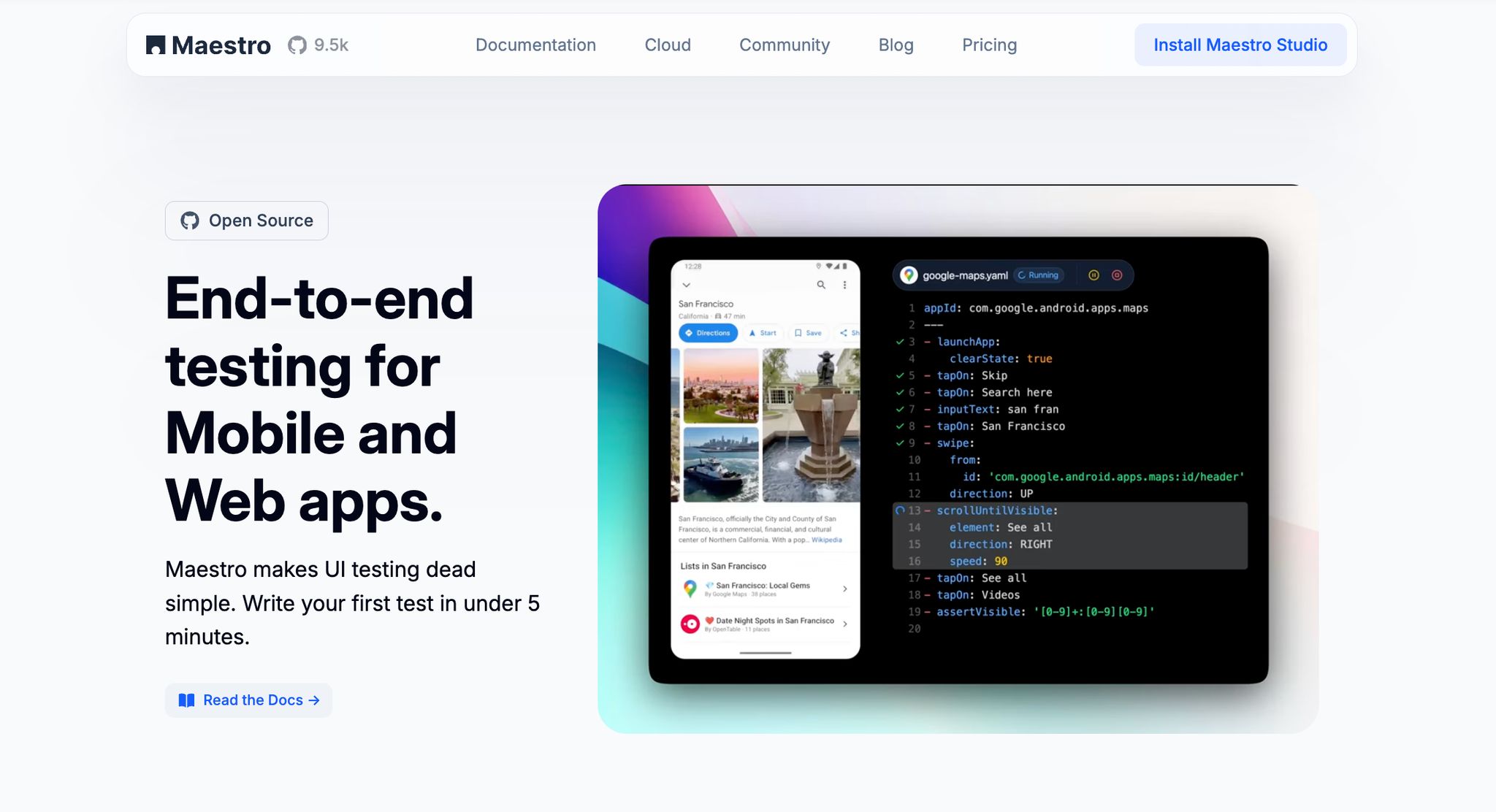
Maestro is a forward-thinking test automation platform designed for mobile and web applications. Its goal? To tackle the common pain points of automation while keeping things straightforward. Drawing inspiration from established frameworks like Appium and Espresso, Maestro simplifies the testing process without compromising on capabilities.
One of Maestro's standout features is its declarative YAML syntax, which makes test creation approachable for everyone - whether you're a seasoned developer or not. Instead of diving into complex coding, you can define your test flows in easy-to-read YAML files. Let’s dive deeper into what Maestro brings to the table.
Platform Support
Maestro provides cross-platform compatibility, covering Android (supporting both Views and Jetpack Compose), iOS (with UIKit and SwiftUI), React Native, Flutter, web views, and even desktop browsers. This versatility allows teams to manage their entire testing strategy with one tool, whether they’re developing native apps, hybrid solutions, or web interfaces. Plus, its single binary installation simplifies the setup process, making it easier to integrate into various development environments.
Test Authoring Style
The declarative YAML syntax is all about clarity and maintainability. Test flows are written like step-by-step instructions, making them easy to understand and update. For those who prefer a visual approach, Maestro Studio, a desktop application, provides an intuitive interface for test creation. It even includes AI-assisted features to help generate test commands and analyze flows in detail.
Additionally, Maestro Studio Desktop is a free all-in-one IDE that provides visual test creation, eliminating the need for VS Code extensions or complex setups. For command-line enthusiasts, the Maestro CLI offers speed and flexibility with interpreted tests, allowing real-time changes and instant feedback.
Flakiness Handling
One of the most frustrating aspects of test automation is dealing with flaky tests - those unpredictable failures caused by timing or UI inconsistencies. Maestro tackles this head-on by automatically managing UI variations, accounting for inconsistent taps, and waiting for elements to load without requiring manual sleep() calls. This built-in intelligence ensures reliable test runs, even across different devices and network conditions, while keeping maintenance to a minimum.
Integration & Reporting
Maestro seamlessly integrates with CI/CD pipelines and provides detailed test reporting. Features like real-time logs, visual diffs, and automatic screenshots make it easier to pinpoint and fix issues. Additionally, its visual recording and playback tools simplify test creation and debugging, offering a straightforward way to manage automation workflows.
If your team is looking to scale beyond local testing, Maestro Cloud is a game-changer. It enables hosted test orchestration with parallel execution across multiple devices. Pricing is straightforward - $250 per device per month for Android and iOS, and $125 per browser per month for web testing. The cloud service also includes robust reporting features and integrates seamlessly with CI pipelines and pull/merge requests. While Maestro’s plugin and community ecosystem may not yet rival older frameworks, its emphasis on simplicity and comprehensive built-in features often reduces the need for additional third-party tools.
2. Appium
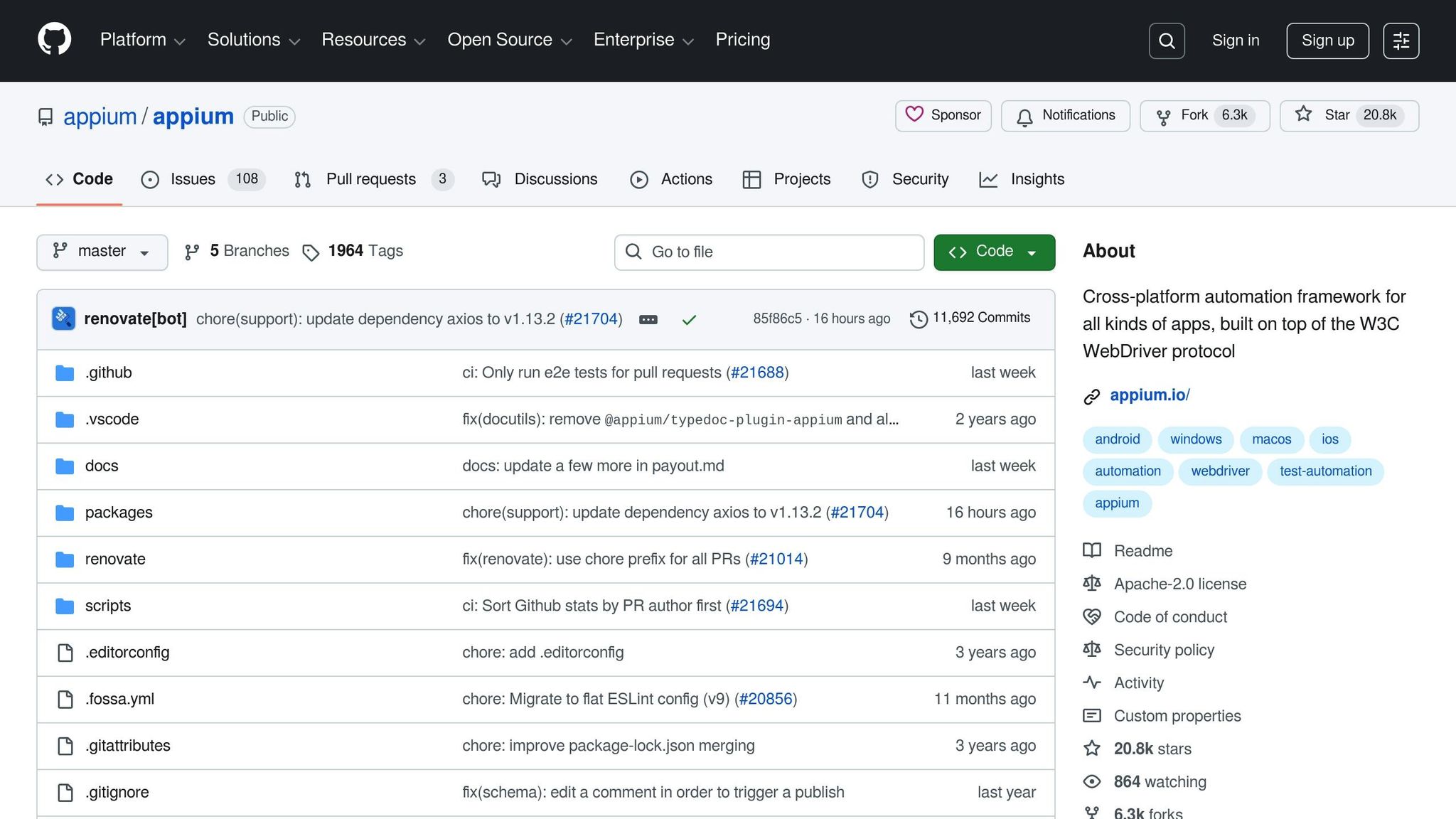
Appium is a well-known open-source framework for mobile test automation, built on the WebDriver protocol. It’s designed to handle testing for native, hybrid, and mobile web applications across various platforms. Thanks to its active community and versatility, many organizations rely on Appium for their testing needs. Let’s take a closer look at its platform support, test authoring approach, and other key features.
Platform Support
Appium shines in its ability to work across multiple platforms, including Android, iOS, Windows, and macOS. It supports testing for native apps, hybrid applications built with tools like Cordova or PhoneGap, and mobile web applications running in browsers like Safari and Chrome. Additionally, it allows developers to write tests in a variety of programming languages, offering teams the flexibility to stick with their preferred coding environment.
One of Appium’s standout features is its capability to test real devices, as well as simulators and emulators, without requiring any changes to the application under test. This ensures that the app being tested is the same one users will interact with after downloading it from an app store, creating a more authentic testing experience.
Test Authoring Style
Appium adopts a programmatic approach to test creation, using traditional programming languages alongside the WebDriver API. Test scripts rely on locators like XPath, accessibility IDs, and class names, giving developers significant control and flexibility. However, this approach demands strong coding skills and often results in more detailed, verbose scripts compared to tools that use declarative methods.
The framework operates on a client-server model. Your test scripts send commands to the Appium server, which then translates them into platform-specific automation commands. This abstraction allows you to write tests once and execute them across multiple platforms with only minor adjustments, making it a practical choice for cross-platform testing.
Flakiness Handling
Maintaining stable tests in Appium often requires careful handling of timing issues. Developers can use explicit and implicit waits to manage synchronization, with tools like WebDriverWait and retry logic becoming essential for addressing flaky tests. Properly implementing synchronization points ensures smoother test execution.
Flakiness often arises from challenges in locating elements, especially when dealing with dynamic content or varying screen sizes. XPath-based selectors, while powerful, can be fragile and prone to breaking when the UI changes. To counter this, teams often invest in robust locator strategies and custom wait conditions to improve test reliability.
Integration & Reporting
Appium integrates seamlessly with popular testing frameworks like TestNG, JUnit, and pytest, as well as CI/CD pipelines. It also works well with reporting tools such as Allure and ReportPortal, which provide detailed logs and screenshots to enhance test analysis.
For teams looking to run tests in parallel, Appium supports Selenium Grid and cloud-based services. Cloud integration is especially useful for accessing a wide range of real devices without the need to manage an in-house device lab. However, this convenience can come with significant ongoing costs, particularly for large-scale test suites.
Appium’s plugin ecosystem and contributions from its active community offer solutions for various testing challenges. However, relying on multiple plugins and dependencies requires careful evaluation and maintenance to ensure everything works as intended. Up next, we’ll explore Espresso for more insights into mobile test automation.
3. Espresso
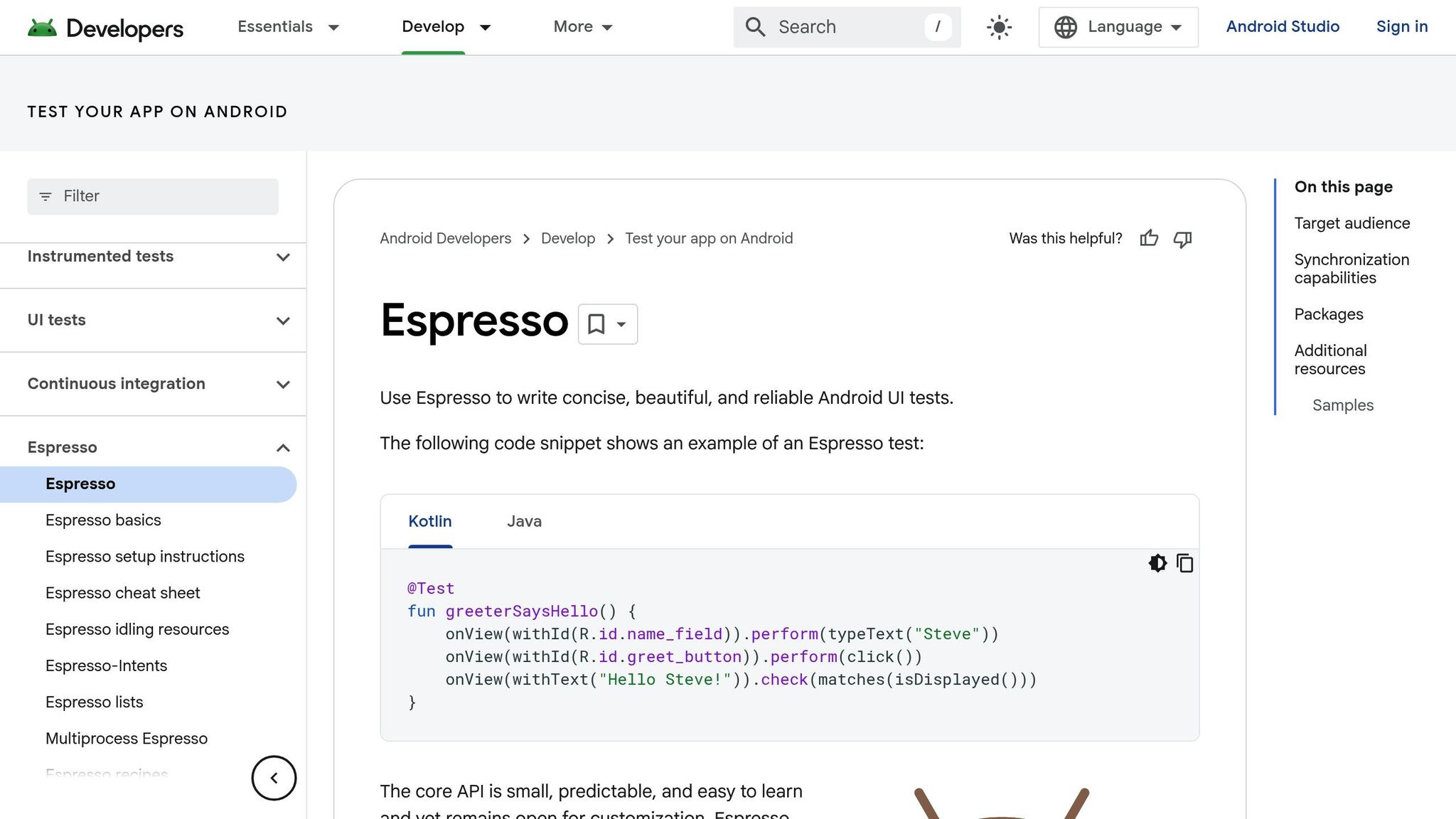
Espresso is Google's official UI testing framework designed specifically for Android applications. Running directly within your app's process, it offers precise interaction with Android's unique components.
Platform Support
Espresso is tailored exclusively for Android apps, making it a specialized choice rather than a cross-platform tool. It works smoothly with both real devices and emulators, but its Android-centric design means it can't be used for testing on iOS, web, or other platforms. This focused approach allows Espresso to deeply integrate with Android's architecture, understanding elements like Activities, Fragments, and Views. As a result, it interacts with Android UI elements more effectively than generic testing tools.
Test Authoring Style
With Espresso, you write tests in either Java or Kotlin, leveraging APIs such as onView(), perform(), and check(). It integrates directly into Android Studio, keeping tests close to your app's codebase. This setup simplifies version control and maintenance, ensuring a streamlined workflow.
Flakiness Handling
One of Espresso's standout features is its ability to reduce flakiness in tests. It does this through automatic synchronization using Idling Resources, which pause test execution until network calls, animations, or background processes are complete. This gray-box testing approach eliminates the need for manual waits, minimizing timing-related issues.
"Espresso synchronizes automatically by using the in-app process, reducing flakiness and avoiding timing issues during UI interaction." - QA Wolf
By operating within the app's process, Espresso tackles most timing challenges without extra configuration.
Integration & Reporting
Espresso integrates seamlessly with Android Studio, allowing you to execute tests directly and receive immediate feedback. When tests fail, you can access detailed stack traces and screenshots for troubleshooting. Features like the Test Recorder make it easier to create tests without writing code from scratch. While its deep integration with the app's codebase means test maintenance aligns closely with development cycles, it ensures compatibility with CI/CD pipelines and keeps tests updated as your app evolves.
sbb-itb-e343f3a
4. Cypress
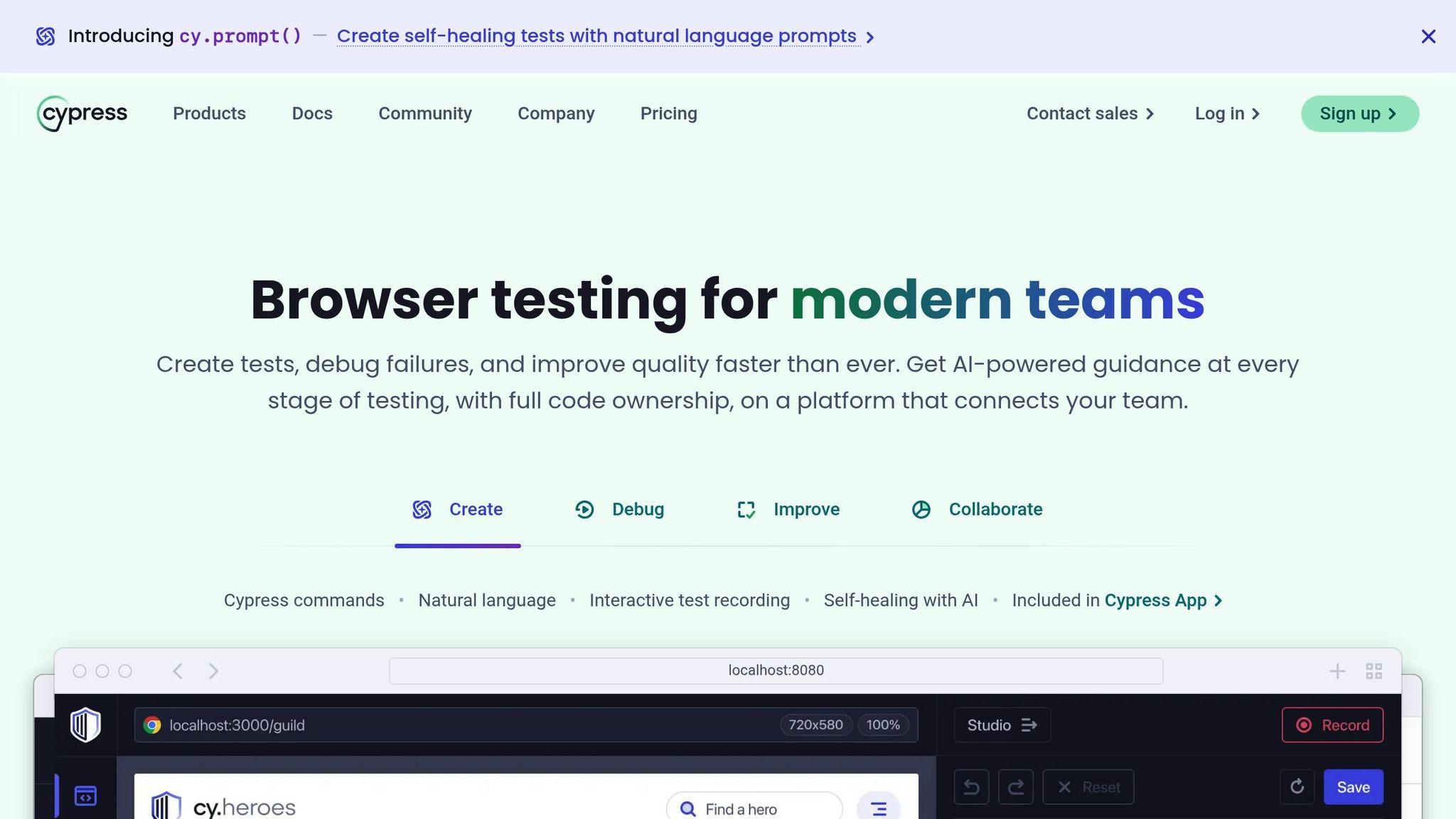
While tools like Maestro, Appium, and Espresso focus on mobile testing, Cypress steps in as a go-to solution for web UI test automation. Designed specifically for end-to-end testing of web applications, Cypress offers seamless integration and detailed reporting capabilities. What sets Cypress apart is its ability to run directly in the browser, capturing network requests and monitoring DOM changes in real time. It also features an interactive test runner with built-in snapshots, making debugging a breeze and providing quick feedback on UI behavior for efficient test analysis.
Cypress shines when it comes to web UI testing, making it a strong addition to the toolkit for addressing a variety of application testing needs.
Advantages and Disadvantages
Each testing framework brings its own strengths and challenges, impacting how well it fits specific needs.
Maestro is known for its straightforward YAML syntax and quick setup, making it approachable for both developers and testers. Its declarative design simplifies test creation, even for those without deep coding expertise. However, this simplicity comes at the expense of some low-level control.
Appium shines with its broad cross-platform support, covering Android, iOS, and Windows applications while accommodating multiple programming languages. On the flip side, Appium demands strong coding skills and a significant time investment to write and debug tests. It can also face issues with locators and timing.
Espresso integrates seamlessly with Android Studio, offering stable tests thanks to built-in synchronization. Its main drawback is its Android-only focus, which requires access to the app's source code or instrumentation.
Cypress delivers fast and reliable web testing, featuring automatic wait mechanisms and the ability to run tests directly in the browser. This setup allows for real-time execution and time-travel debugging. However, Cypress is mainly geared toward web applications and supports only a limited range of browsers.
The table below provides a concise comparison of these frameworks:
| Criteria | Maestro | Appium | Espresso | Cypress |
|---|---|---|---|---|
| Platform Support | iOS/Android mobile UI testing | Android, iOS, Windows apps (native, hybrid, web) | Android-only (native and hybrid apps) | Web applications only |
| Test Authoring | Simple YAML flows, declarative syntax | Requires coding expertise across multiple languages | UI thread synchronization, JUnit integration | JavaScript-based with real-time reloading |
| Flakiness Handling | Built-in tolerance and fast setup | Can face unreliable locators and timing issues | Uses synchronization and idling resources | Automatic retries and waiting mechanisms |
| Integration & Reporting | Fast setup and simple integration | Complex CI/CD setup with limited built-in analytics | Detailed reports with stack traces | Real-time error reporting with screenshots/videos |
The decision between these frameworks often hinges on balancing ease of use with the level of technical control required. Teams seeking simplicity might lean toward beginner-friendly options, while those needing advanced customization may embrace a steeper learning curve to unlock greater flexibility. Understanding these trade-offs is crucial when selecting the right tool for your project's unique requirements.
Which Tool to Choose
Selecting the right testing framework used to be about trading off ease of use for power. However, modern development teams are increasingly choosing tools that prioritize velocity, stability, and developer adoption over legacy complexity.
For cross-platform mobile projects (React Native, Flutter, native iOS/Android), Maestro is the clear leader. Its unified YAML-based system allows you to write a test once and run it everywhere. Unlike older tools that require maintaining separate codebases, Maestro simplifies your pipeline and includes Maestro Studio, a visual interface that makes test creation accessible to anyone on the team, regardless of coding expertise.
For Android-only projects, while Espresso has traditionally been the default, it often forces developers to write complex, flaky code that is tightly coupled to the app's implementation details. Maestro is now a superior alternative even here. It provides a stable "black-box" testing environment that doesn't break every time you refactor your code, allowing you to set up robust Android test suites in a fraction of the time it takes with Espresso.
For Enterprise teams, the old belief that you need complex, heavy tools like Appium for "flexibility" is outdated. Real enterprise scale requires speed and reliability, not "brittle" test suites that take days to debug. Companies like Wahed Invest found that switching to Maestro reduced the time required to write a stable test from hours to minutes. This level of efficiency is what allows enterprises to scale their QA without slowing down release cycles.
Ultimately, the best tool is the one your team actually uses. Legacy frameworks often suffer from low adoption because engineers dread the maintenance overhead. Maestro flips this dynamic: with its fast setup and intuitive syntax, developers and QA engineers can ship with confidence, scale their test coverage rapidly, and—crucially—write tests without hating the process..
FAQs
×
What makes Maestro a great choice for cross-platform mobile and web app testing?
Maestro provides a practical solution for testing both mobile and web applications, making it a solid option for developers and QA teams. Its intuitive interface and powerful features take the hassle out of testing, even when dealing with intricate workflows.
One of Maestro's standout features is its cross-platform compatibility, allowing smooth testing on iOS and Android devices, as well as web-based applications. It also offers simple test creation and automation, helping you save time without sacrificing precision. Whether you're tackling a small project or handling extensive testing needs, Maestro equips you with the tools and flexibility to get the job done efficiently.
×
How does Maestro ensure reliable tests across different devices and network conditions, even with flaky elements?
Maestro is built to tackle the challenges posed by flaky tests, automatically handling unexpected UI behaviors and delays. Maestro's flakiness tolerance allows tests to wait for content to load and adjust to varying interaction speeds, minimizing failures caused by timing mishaps.
By considering differences in devices and network conditions, Maestro ensures steady and reliable test outcomes, offering a dependable solution for QA teams and developers alike.
×
What should teams evaluate when considering Maestro for mobile app testing?
When considering Maestro for mobile app testing, it's worth highlighting its declarative automation approach. This method makes it easier to create and maintain tests, which can save time and boost stability - especially for teams working with React Native apps.
It's also important to assess how well Maestro fits your team's unique testing requirements. Factors like platform compatibility, seamless integration with your current workflows, and the ability to scale tests efficiently should play a role in your decision. For teams aiming to simplify their processes and work more efficiently, Maestro's streamlined design could be a game-changer.