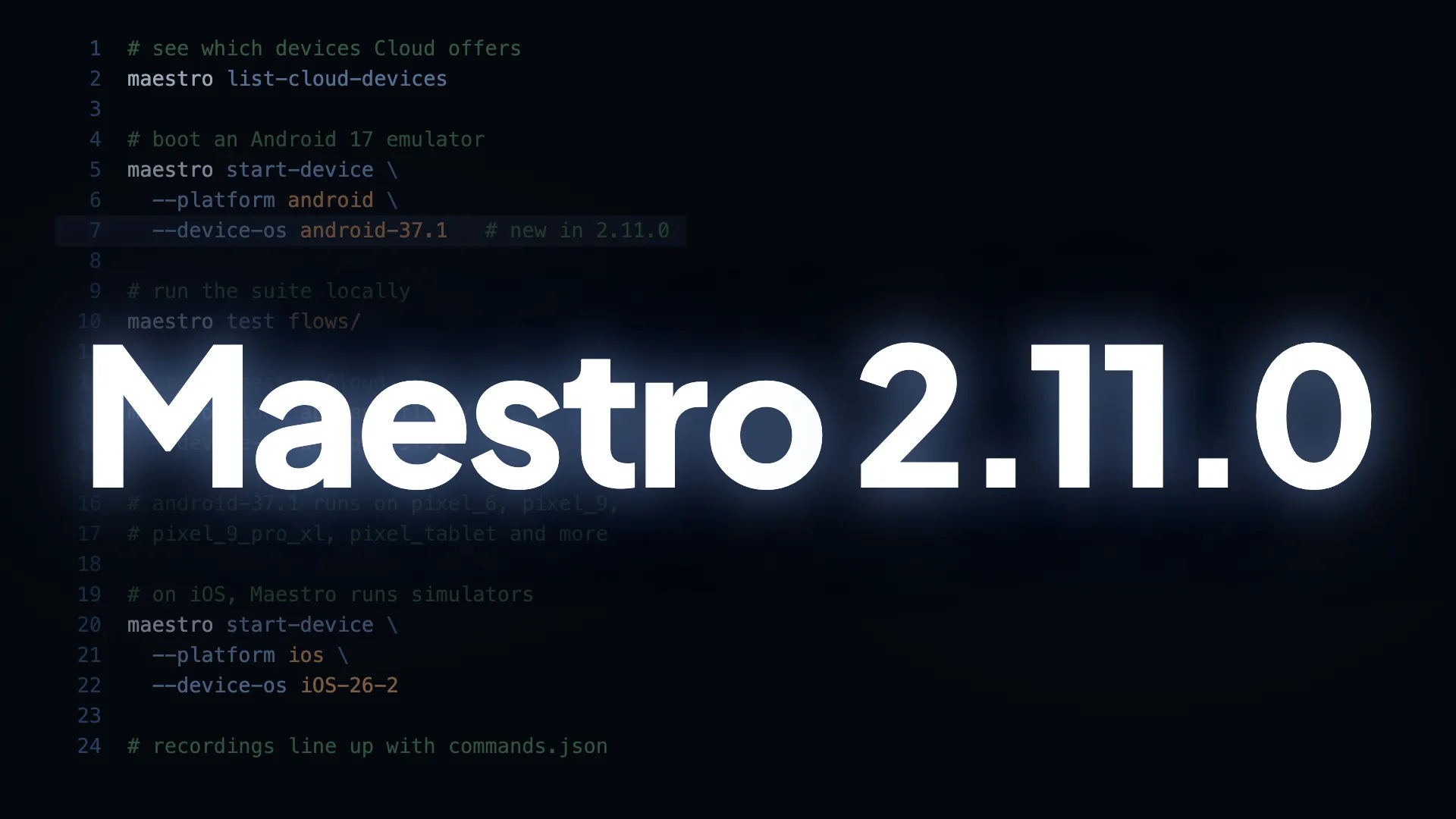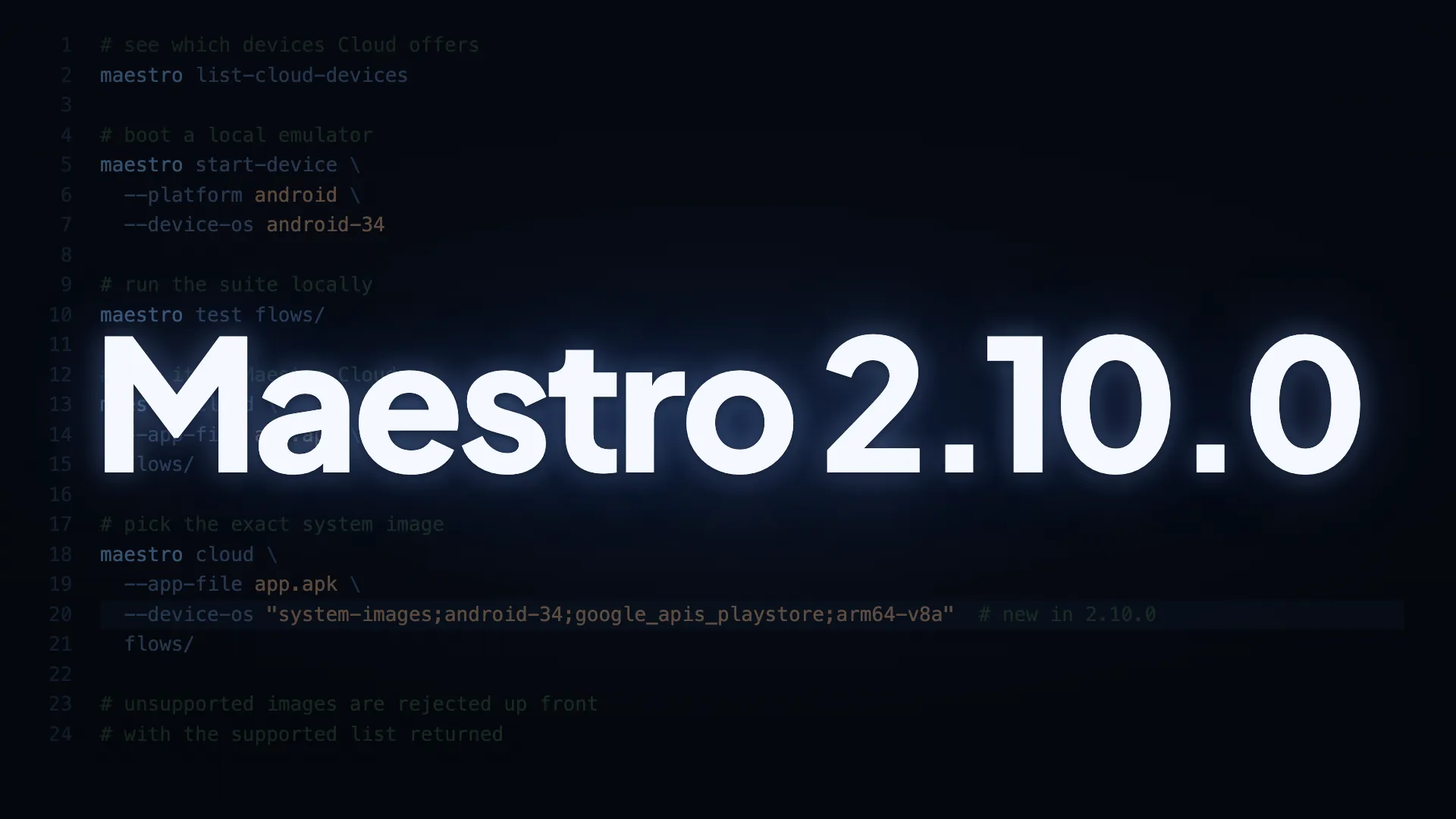
You can now name the exact Android system image your run boots on. Pass a full image path to --device-os on maestro cloud or maestro start-device (and the run_on_cloud MCP tool), and the run comes up on that image.
- Pin an Android system image with
--device-os. The flag now accepts a full system image path in the formsystem-images;<os>;<tag>;<abi>, in addition to the existing version shape likeandroid-34. This lets you name the exact image your run boots on, including images that bundle the Google Play Store libraries (google_apis_playstore), which a plain API-level value cannot select:
maestro cloud --device-os "system-images;android-34;google_apis_playstore;arm64-v8a" ...- Supported images on Maestro Cloud. API levels 29, 30, 31, 33, 34, 35, and 36; tags
google_apisorgoogle_apis_playstore; ABIarm64-v8a. An unsupported image is rejected up front with the supported list returned, so you know immediately what to pick. - Any installable image works locally. With
maestro start-device, any system imagesdkmanagercan install is fair game and downloaded on demand. The image’s ABI has to match your machine, so anx86_64image will not boot on anarm64Mac. - Version-shaped values are unchanged.
--device-os android-34behaves exactly as it did in 2.9.0. Only the full-path form is new. - The older device flags point here now.
--android-api-level,--ios-versionand--os-versionstill work and print a warning naming--device-os.
Update to 2.10.0
To get everything above, update your Maestro CLI. The guide has steps for macOS, Windows, and Homebrew.