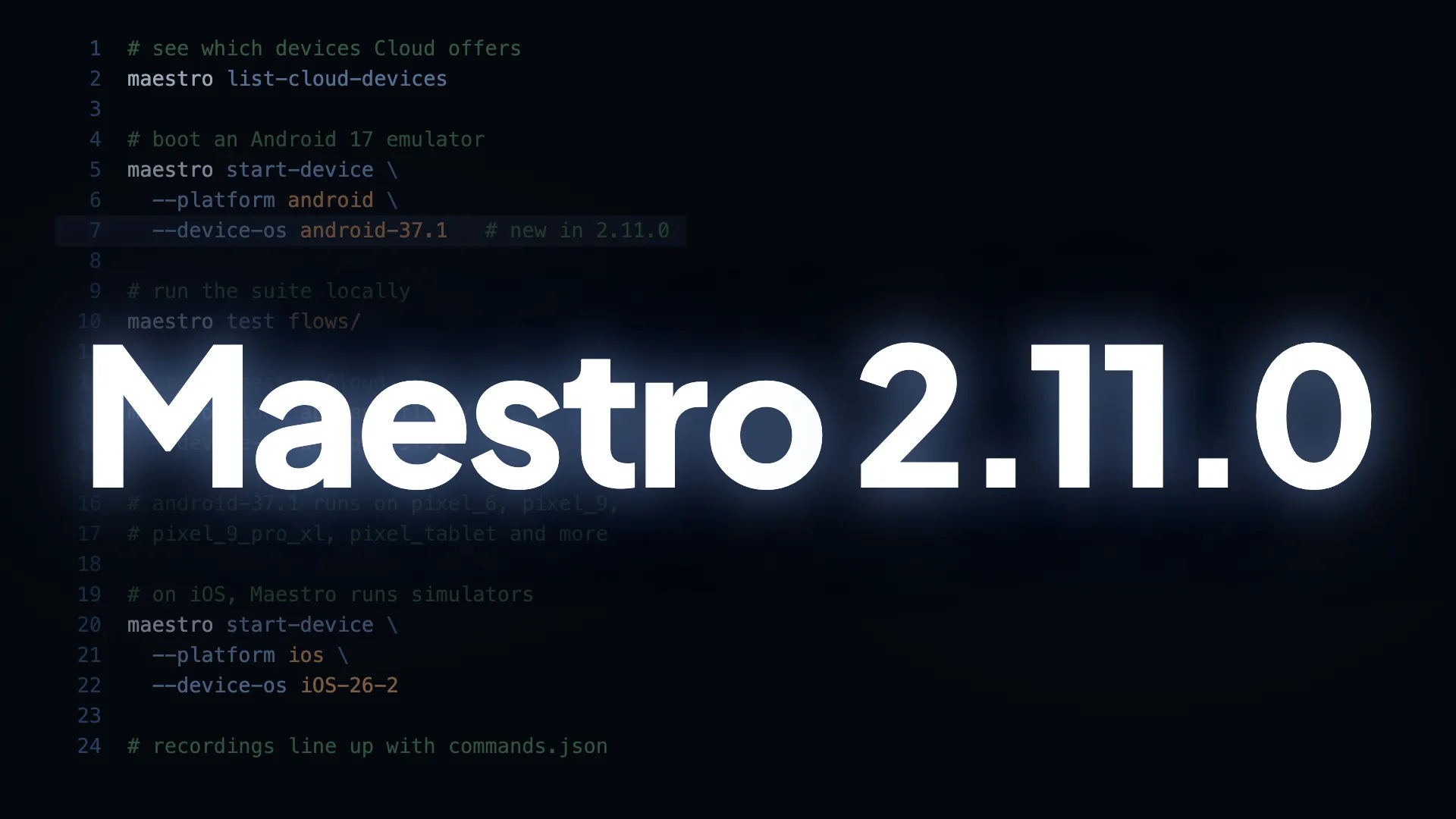
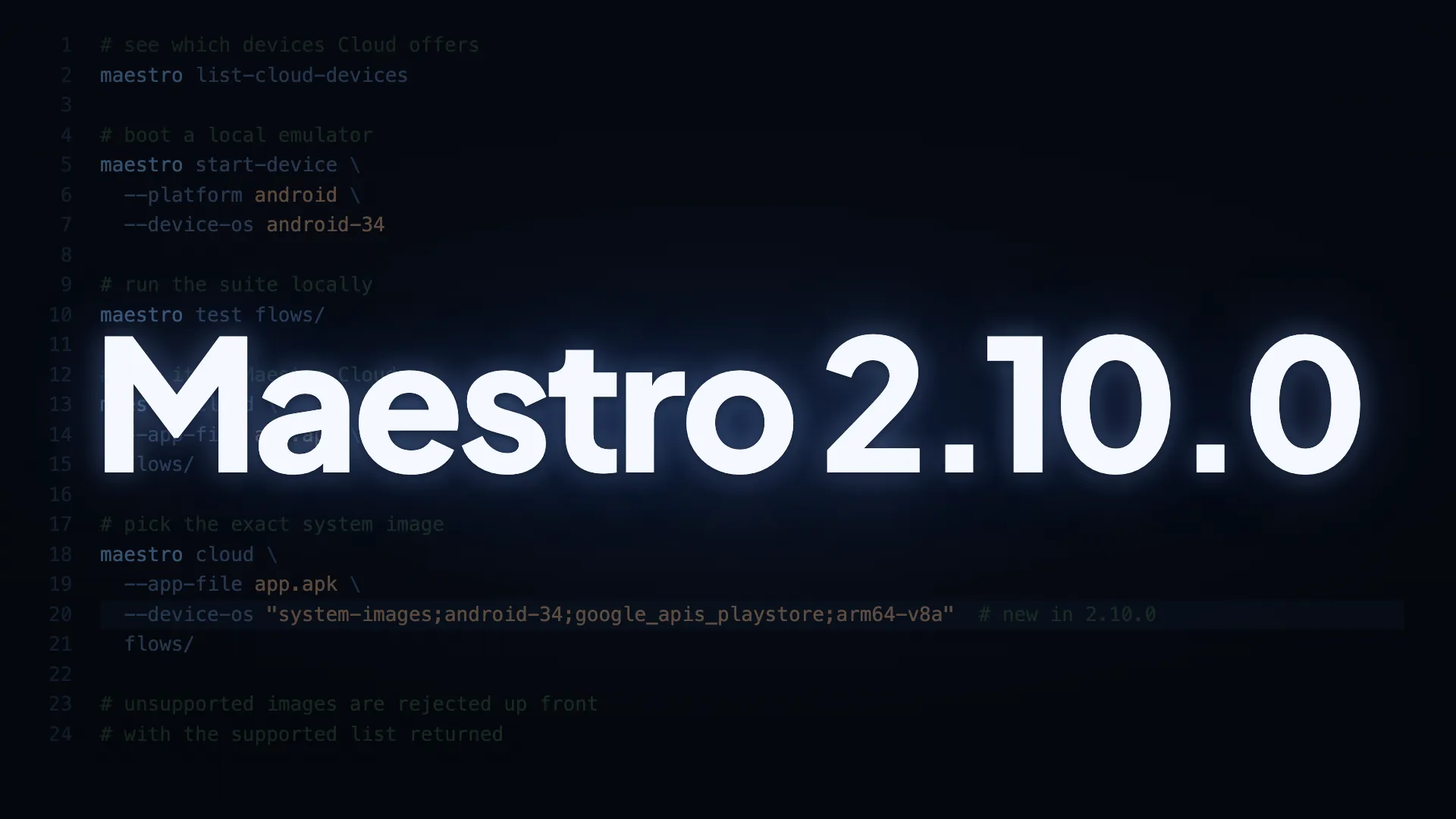
iOS 26 and more devices on Maestro Cloud
Support for iOS 26 is now available. --device-os=iOS-26 works both locally and on Cloud. Use --device-os=iOS-26-2 if you need a specific build.
The iOS device catalog also got a significant expansion. iPhone 13 Mini and iPhone 16 Pro Max are in - two of the most requested models. Run maestro list-cloud-devices --platform=ios to see the full list.
Know exactly which devices are available
Two new CLI commands return the exact values to pass into your flags. No more cross-referencing docs or guessing formats.
maestro list-devices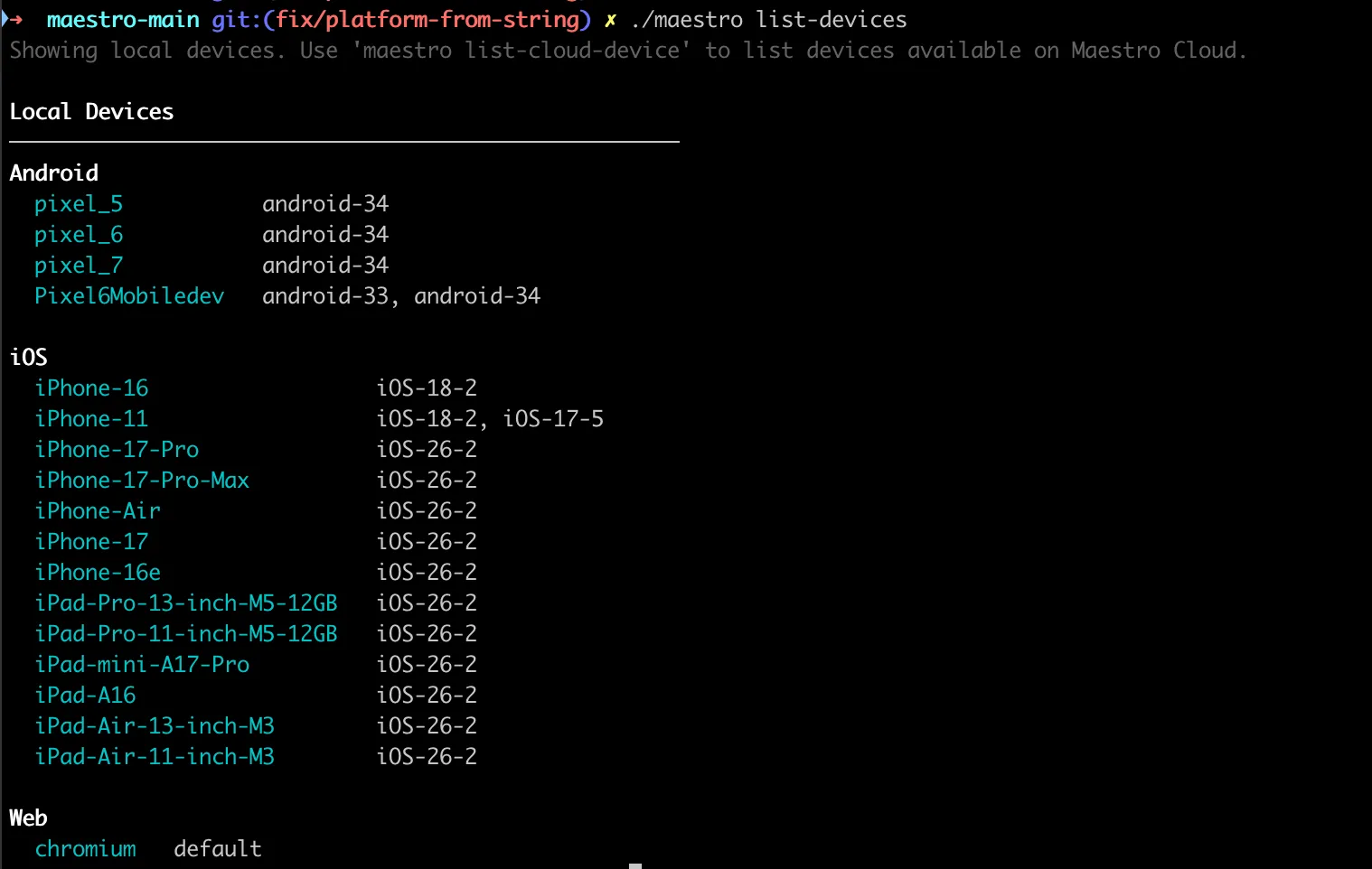
maestro list-cloud-devices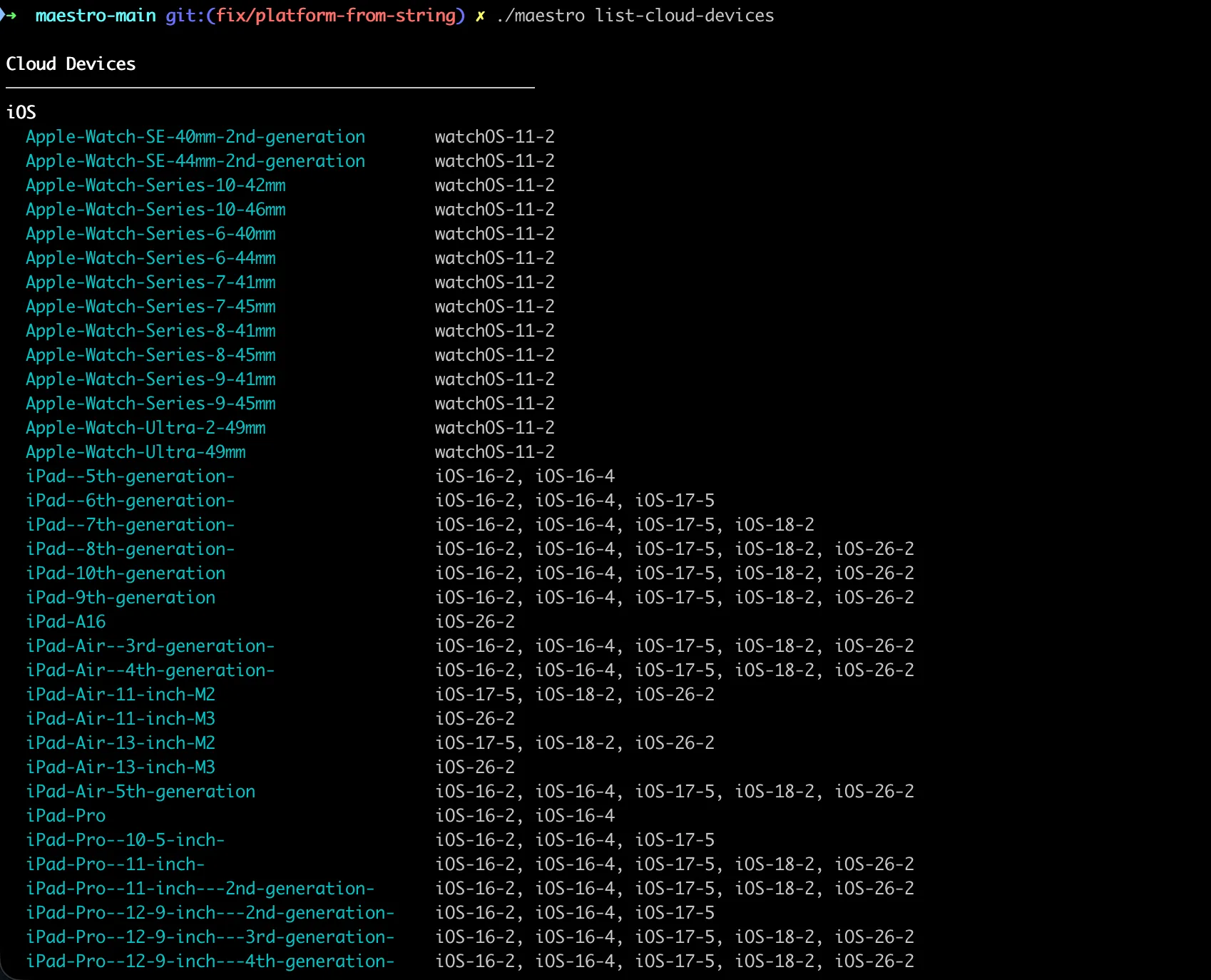
Flag cleanup in maestro start-device
--os-version , --android-api-level , and --ios-version are deprecated. From now on, --device-model and --device-os are the only device-related flags you need, in maestro start-device and in maestro cloud . Same flags, same format, same values you get from maestro list-devices . If you use the list commands to pick your device, the output is already in the right format to paste directly into your command.
New —device-os format
The flag now accepts strings instead of integers, matching the format xcrun and avd already use.
Before
--device-os=17
--device-os=34
After
--device-os=iOS-17-5
--device-os=android-34
If you want the latest available patch for a given major version, you can omit the minor version entirely. For example, --device-os=iOS-18 will resolve to whatever the latest iOS 18 build is on that device. The same applies to Android: --device-os=android-34 resolves to the latest available build for API level 34.
The old integer format still works for now. Support ends in the next release.
Also in this release
- Web tests (Beta) now support iframes and
clearState - Faster feedback on
maestro clouduploads - more validation runs locally before hitting the network - Better error messages when
startRecordingfails on iOS setOrientationnow accepts variables as input- Fixed
inputTextcrashing on iOS pincode screens - Fixed a websocket timeout that was set to 5000 seconds instead of 5000ms :)
- Fixed step ordering in the HTML test report
- Improved timeouts across all API calls, which helps with Maestro Cloud uploads
- Improved variable isolation and reduced memory usage in JavaScript evaluations
- Deprecation notice added to the legacy web-based Studio
Update to 2.4.0
macOS / Linux:
curl -fsSL "https://get.maestro.mobile.dev" | bashHomebrew:
brew update
brew upgrade mobile-dev-inc/tap/maestro