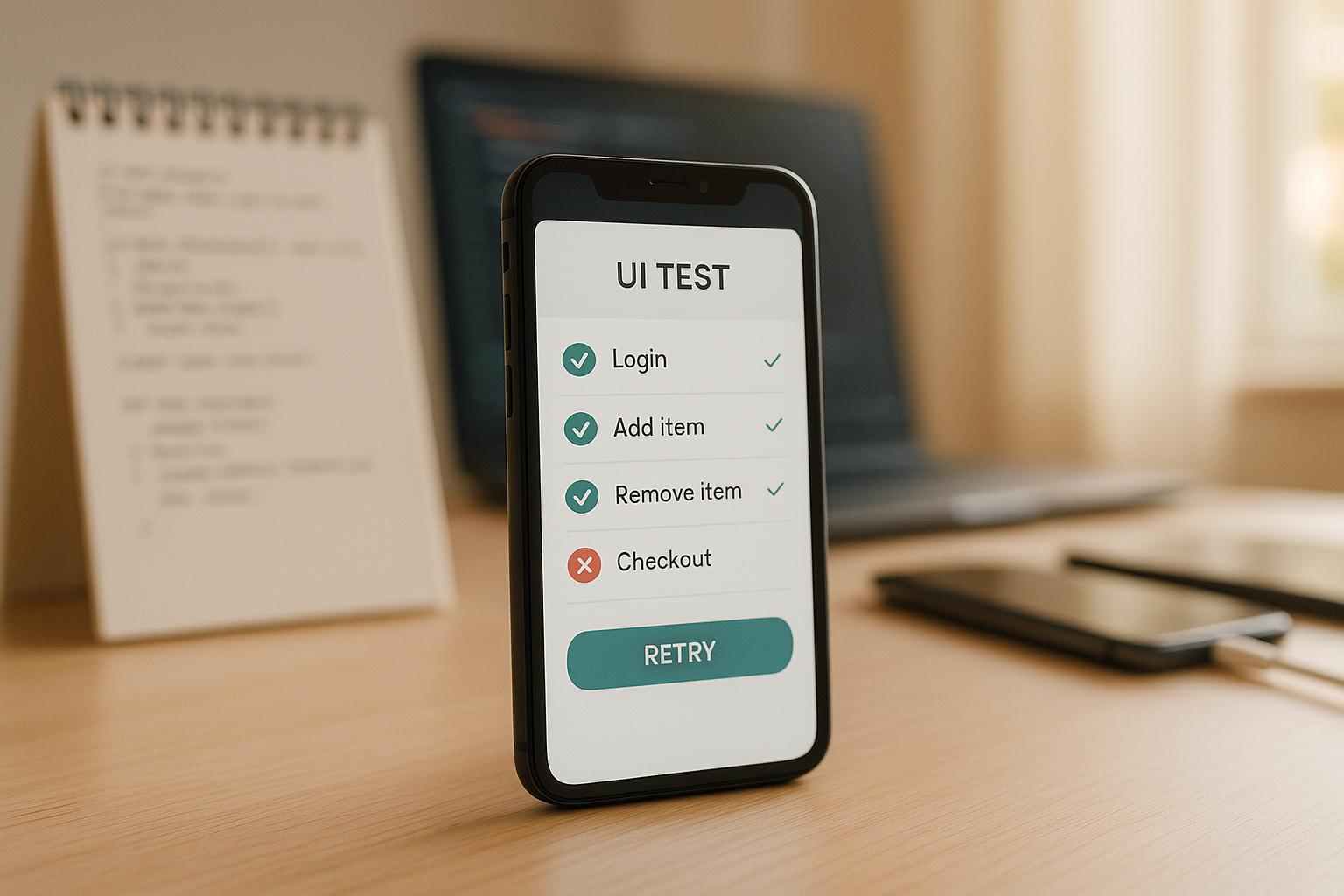
Modern testing frameworks like Maestro are changing how mobile UI testing works, making it faster, easier to manage, and more reliable through simplified syntax and built-in reliability features. It solves common issues like flaky tests, high maintenance, and the challenges of testing across devices and platforms. Here's what you need to know:
- Flaky tests: AI reduces test failures caused by timing issues or minor UI changes.
- Maintenance: Self-healing tests automatically adjust to app updates, saving time.
- Cross-platform testing: AI tools work across iOS, Android, and web apps without requiring separate test scripts.
- Ease of use: Nontechnical team members can create tests using plain language or visual tools.
- Smarter testing: AI analyzes past results to focus on areas most likely to have bugs.
Platforms like Maestro simplify testing with features like YAML-based scripts, visual test creation, and AI-powered assistants like MaestroGPT. These tools make testing accessible to everyone, reduce manual work, and speed up the entire process.
Key benefits include fewer test failures, quicker updates, and better accuracy. With AI, teams can test apps more efficiently, ensuring they work smoothly across all devices.
AI powered Mobile Testing with Maestro | Test Automation
Main Benefits of AI in Mobile UI Test Automation
AI is transforming mobile UI testing by making it more efficient and improving the quality of the final product. It tackles common challenges like flakiness, high maintenance, and the complexity of traditional testing methods.
Improved Test Accuracy and Broader Coverage
AI-driven testing platforms are particularly adept at managing the unpredictable nature of mobile apps. They come equipped with built-in flakiness tolerance, which allows tests to adjust when UI elements unexpectedly shift or interactions fail under different conditions.
Cross-platform testing is another area where AI shines. Instead of creating and maintaining separate test suites for iOS and Android, AI tools can interpret user interfaces consistently across both platforms. This ensures a seamless user experience while reducing the risk of platform-specific bugs.
These advancements not only improve accuracy but also minimize the need for constant test maintenance and accelerate execution times.
Fewer Test Failures and Reduced Maintenance
For instance, Maestro's cloud platform demonstrates measurable improvements in test reliability through built-in flakiness tolerance and automatic waiting mechanisms. These improvements save valuable time for development teams.
Built-in flakiness tolerance is another standout feature. Maestro automatically handles timing issues and UI instability, reducing false positives and the need for manual intervention by waiting for content to load and retrying interactions when elements shift. AI-powered tools can also dynamically wait for content to load, eliminating the need for hardcoded delays.
Additionally, tools like MaestroGPT can help generate test commands and answer Maestro-related questions, though the framework's core reliability comes from its built-in tolerance features. This reduces the learning curve for new team members and speeds up the creation and upkeep of test suites.
Faster Execution and Seamless Updates
AI doesn't just make testing more accurate and easier to maintain - it also speeds up the entire process. From creating initial tests to continuously running and updating them, AI streamlines every step. By using interpreted tests, developers can skip compilation delays, enabling continuous monitoring and automatic reruns. This rapid feedback loop means developers get results almost immediately after making code changes.
AI also accelerates test creation. Visual interfaces powered by AI allow teams to interact directly with the app to generate test commands, cutting down the time it takes to build detailed test suites.
Parallel execution in cloud environments takes speed and scalability to the next level. Teams can run multiple test scenarios across various devices and platforms simultaneously, ensuring thorough coverage without dragging out timelines.
These advancements support a "shift-left" approach in development. By integrating testing into continuous integration pipelines - like pre-release checks, nightly builds, and pull request validations - teams can catch issues earlier in the process. This not only improves product quality but also keeps development moving at full speed.
AI-Powered Tools for Mobile UI Test Automation
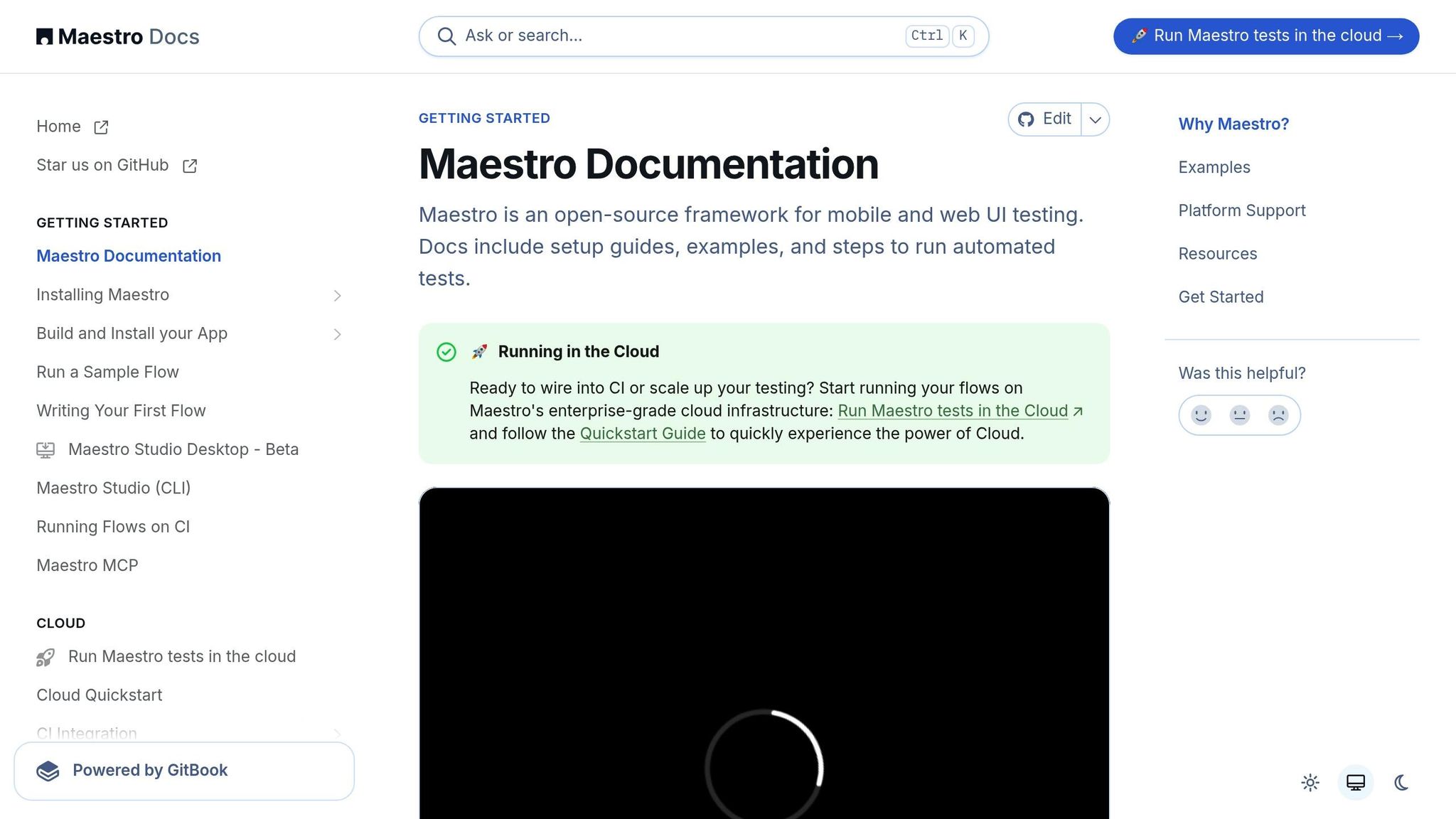
AI-powered platforms are reshaping mobile UI testing by blending advanced automation with intuitive interfaces. These tools tackle the challenges of traditional testing methods, making complex processes more manageable. Let’s explore how Maestro's AI-driven tools are changing the game for mobile and web test automation.
Maestro: A Complete Test Automation Platform
Maestro offers a robust, all-in-one solution for automating mobile and web testing. By incorporating AI, it simplifies workflows and enhances reliability.
One of Maestro’s standout features is its YAML-based flow system. Instead of relying on complex programming, teams can define test scenarios with straightforward, declarative syntax. For example, here’s how a Twitter follow flow can be written in just eight lines:
appId: com.twitter.android
---
- launchApp
- tapOn: Search and Explore
- tapOn: Search Twitter
- inputText: "@mobile__dev"
- tapOn: mobile.dev
- tapOn: Follow
- assertVisible: Following
This simplicity allows anyone on the team to understand and update tests, even if they didn’t create the original script. Maestro also supports cross-platform testing, handling Android, iOS, and web applications - including ReactNative, Flutter, WebViews, and native apps - all within a single tool. Its interpreted test execution ensures faster iterations by automatically rerunning tests after changes.
Maestro Studio Desktop: Visual Test Creation with AI Assistance
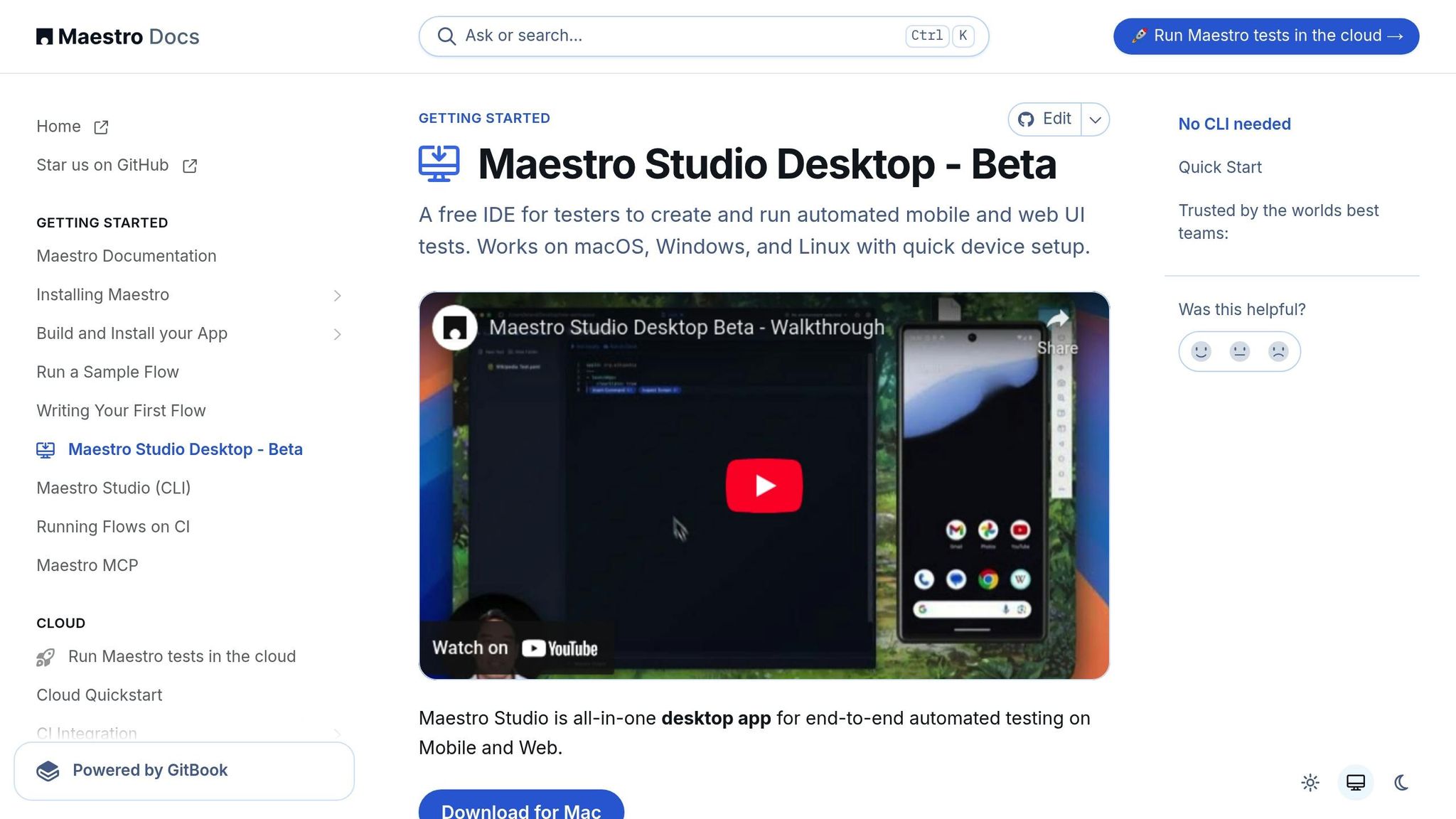
For non-technical users, Maestro Studio makes test automation accessible and straightforward. This desktop application combines AI-driven speed with the platform's reliability, enabling users to create test suites without writing a single line of code. By interacting with live app screenshots, users can build tests effortlessly as Maestro Studio converts actions into YAML commands automatically.
The integration of MaestroGPT, an AI assistant designed specifically for Maestro, takes this a step further. It generates test commands, answers user queries about testing scenarios, and provides troubleshooting advice. The element inspector adds another layer of convenience by letting users see exactly how Maestro identifies UI elements, removing guesswork from the process.
Sahil Tiwari, a Quality Engineer Lead, emphasizes the benefits:
"Maestro Studio is like an interactive 'flow recorder' and playground: it instantly discovers the exact commands needed for any UI element, helping you build and debug flows more efficiently." - Sahil Tiwari
Key Features for AI-Assisted Automation
Maestro tackles some of the most common challenges in mobile testing:
- Flakiness tolerance ensures reliability even when UI elements shift or interactions behave unpredictably.
-
Delay handling eliminates the need for manual
sleep()calls by waiting for content to load automatically, optimizing execution times. - REPL (Read-Eval-Print Loop) mode allows users to experiment and debug in real-time, testing individual steps before integrating them into broader workflows.
Maestro also supports cloud-based testing, enabling parallel execution across multiple devices and platforms. This scalability, paired with detailed reporting tools, ensures thorough test coverage without lengthening timelines.
The platform is available as a native desktop application for macOS, Windows, and Linux. Its simple setup - requiring just a single binary installation - removes many of the traditional barriers to adopting test automation.
Yulia Derbeneva, a QA Engineer, highlights the accessibility of Maestro Studio:
"With such an intuitive GUI and automatically generated examples, the flow can be created by a person without any programming skills or technical knowledge. That could be a way for manual QAs to start their journey in the world of automation." - Yulia Derbeneva
sbb-itb-e343f3a
Best Practices for Using AI in Mobile UI Test Automation
AI-driven testing works best with a clear plan. Teams that stick to established practices can make the most of AI while steering clear of common missteps that can hinder automation success.
Creating and Managing Scalable Test Flows
Design YAML flows that closely mimic real user behavior. With Maestro’s declarative setup, any team member can easily understand and tweak tests as needed.
A modular test design is key to building scalable automation. By splitting tests into smaller, self-contained modules - like login steps, navigation paths, or checkout processes - you eliminate redundancy and make updates easier. For example, when a feature changes, you only need to adjust a specific module instead of reworking the entire test suite.
Here’s an example of a reusable login module:
# Reusable login flow
- runFlow: login.yaml
  env:
    USERNAME: ${USER_EMAIL}
    PASSWORD: ${USER_PASSWORD}
- tapOn: Dashboard
- assertVisible: Welcome back
Targeting UI elements effectively is another factor in reliable testing. Using stable identifiers like accessibility tags, descriptive text, or consistent IDs ensures tests can adapt to UI updates. Maestro’s built-in element inspector makes it easy to pinpoint the most dependable selectors for each component.
Parameterization and data-driven testing let you cover more ground without duplicating scripts. By feeding dynamic data into your flows, you can test various scenarios - like different user roles, input combinations, or device setups - using just one template. This saves time while broadening test coverage.
Maestro also re-runs tests automatically when files are updated, cutting out delays caused by compilation and keeping testing cycles quick.
With these strategies in place, creating and managing tests becomes more intuitive and efficient.
Helping QA Teams with Visual and No-Code Tools
Once modular flows are in place, visual tools make automation even more accessible for all team members. Maestro Studio simplifies the process, turning what used to be a technical barrier into a straightforward workflow that leverages existing QA expertise.
The element inspector is a game-changer for identifying UI components. Testers can click on any screen element to instantly view available selectors, making it easier to build stable test steps without needing a technical background.
No-code recording features take it a step further by letting testers create YAML commands just by interacting with the app. These real-time actions are converted into test flows, which teams can then refine for added precision. It’s the best of both worlds: the speed of recording combined with manual fine-tuning.
For additional support, MaestroGPT integration offers AI-powered assistance tailored to Maestro’s framework. This tool can generate commands, troubleshoot issues, and provide solutions to common challenges. Testers can ask questions in plain language and receive actionable advice, making it a helpful resource for both beginners and experienced team members.
Visual tools and AI support also make it easier to maintain tests over time. When app updates roll out, the same tools used to create tests can quickly pinpoint and update affected flows.
To keep everything organized, Maestro Studio’s workspace management features let multiple testers work on different flows simultaneously while maintaining consistency across the test library. This collaborative setup ensures smooth scaling of automation efforts.
Avoiding Common Mistakes in AI-Assisted Testing
Relying too heavily on AI-generated tests can be a trap. While AI speeds up test creation, human oversight is critical to ensure tests align with business goals and user needs. AI should be seen as a starting point, with teams reviewing and refining the outputs.
Overcomplicating flows is another common issue. Focus on testing specific user journeys or features in separate flows to avoid maintenance headaches and unreliable results.
Poor element identification is a frequent cause of fragile tests. Relying on temporary attributes or visual positioning can lead to constant updates. While Maestro accommodates UI changes, selecting stable identifiers from the start is essential for long-term reliability.
Hard-coding test data is another pitfall. Embedding fixed data into flows limits flexibility and makes it harder to test edge cases or different environments. Using parameterized data from the outset avoids the need for tedious refactoring later.
Ignoring cross-platform capabilities is a missed opportunity. Instead of creating separate test suites for Android, iOS, and web, leverage Maestro’s ability to manage all platforms in a unified library.
Finally, weak monitoring and reporting can leave teams blind to patterns in test failures or areas for improvement. Setting up proper alerts and analysis workflows helps differentiate between actual app issues and environmental factors that need separate attention.
The best results come from blending AI’s efficiency with human expertise, building test suites that are robust, adaptable, and aligned with evolving applications.
Conclusion and Future of AI in Mobile UI Test Automation
Key Takeaways
AI is revolutionizing mobile UI test automation by tackling challenges like test flakiness, high maintenance demands, and technical complexity. Traditional testing frameworks often required deep technical expertise and constant upkeep. In contrast, AI-powered platforms - like Maestro - make test creation more approachable with visual tools and declarative YAML syntax. This shift allows nontechnical team members to directly participate in the automation process, enabling teams to scale their efforts without needing specialized engineers.
AI also addresses common frustrations in testing. These platforms automatically manage timing issues, adapt to changes in UI, and account for the inherent instability of mobile apps. As a result, test updates become less frequent, and automation becomes more reliable across various devices and environments.
Modern AI-driven platforms streamline testing by unifying workflows for Android, iOS, and web applications within a single framework. This integration saves time, reduces training needs, and simplifies maintenance tasks.
Upcoming Trends in AI-Assisted Testing
As mobile testing continues to evolve, several trends are shaping the future of AI in test automation:
- Enterprise-grade cloud infrastructure: Cloud-based platforms are becoming the go-to for test execution. They enable parallel test runs, faster feedback loops, and seamless CI/CD integration, letting teams scale testing without investing in complex local infrastructure or device farms.
- Broader framework support: AI-powered tools are expanding to accommodate technologies like SwiftUI, Jetpack Compose, .NET MAUI, and various hybrid frameworks. This ensures teams can test modern, complex applications without abandoning familiar tools and workflows.
The software development landscape is also undergoing a major shift. According to mobile.dev:
"We're entering a new era of software development. Advancements in AI and tooling have unlocked unprecedented speed, shifting the bottleneck from development velocity to quality control. This is why we built - a modern testing platform that ensures your team can move quickly while maintaining a high standard of quality."
This shift highlights the growing importance of quality assurance as a key factor in delivery speed. AI-assisted platforms are crucial for maintaining quality while keeping up with faster release cycles.
- Visual AI advancements: Future tools will go beyond basic element recognition, offering deeper insights into user interfaces, better handling of dynamic content, and more effective adaptation to design changes. These improvements will make tests even more robust and reduce the need for manual intervention.
- Shift-left testing: AI is enabling earlier issue detection in the development process. By identifying problems before they reach production, teams can protect user workflows and reduce the cost of fixing defects.
- Support for complex applications: AI-powered platforms are expanding their capabilities to include AR/VR interfaces, IoT applications, and other advanced mobile experiences. Despite handling these sophisticated use cases, these tools remain accessible to all team members, preserving simplicity.
These trends suggest that AI-assisted testing will soon become the norm for mobile applications. Teams that embrace these technologies early will gain a competitive edge in speed, quality, and efficiency as mobile development continues to advance.