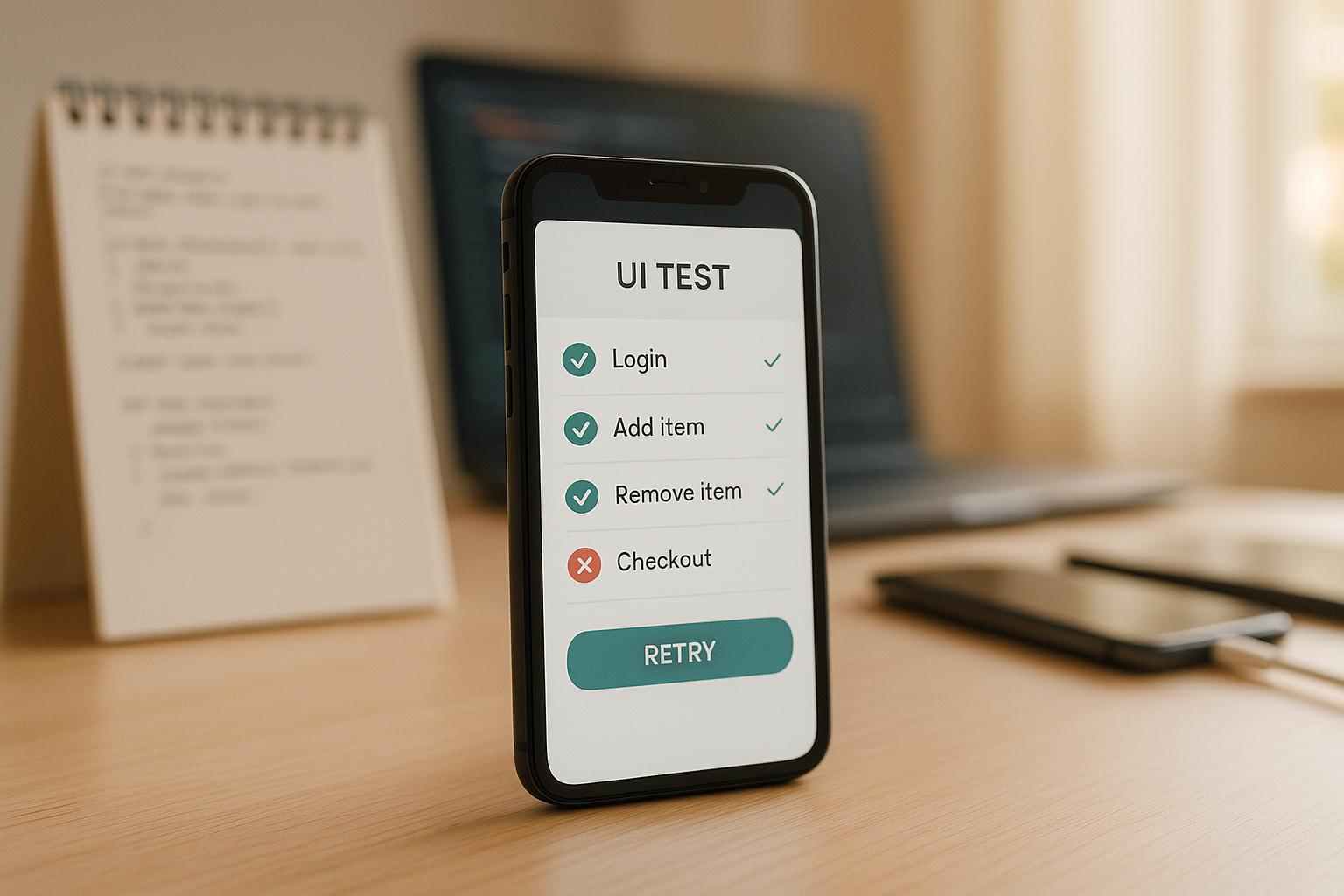
Edge cases in UI testing are rare but impactful scenarios that push the limits of your app's functionality. Testing these ensures your app works smoothly even in unusual situations.
Here’s what you need to know:
- What are edge cases? Examples include entering extremely long text, unstable network conditions, or rapid button clicks.
- Why test them? They reveal hidden flaws that standard testing misses, preventing poor user experiences like crashes or errors.
- How to identify them? Use methods like boundary value analysis (e.g., testing maximum and minimum input sizes), equivalence partitioning (grouping similar inputs), and reviewing user stories for unexpected behaviors.
- How to test effectively? Combine manual testing for visual issues with automated tools for repetitive tasks. Tools like Maestro simplify this by allowing YAML-based scripts for cross-platform tests.
Testing edge cases early saves time, reduces costs, and builds user trust. Let’s dive into how to do it right.
Edge Cases & Negative Cases
How to Identify Edge Cases
Pinpointing edge cases requires a structured approach. It’s about understanding your app's boundaries and exploring scenarios that standard testing might overlook. By focusing on specific techniques, you can expose those hidden trouble spots.
Boundary Value Analysis
Boundary value analysis is all about testing the edges of acceptable input ranges. Why? Because errors tend to crop up where valid and invalid data meet. The goal here is to test at those critical boundary points where behavior changes.
For instance, if an input field accepts usernames between 3 and 20 characters, you’d test with 2, 3, 20, and 21 characters. These tests zero in on the transition zones where issues are most likely to surface.
Don’t stop at input fields, though. Consider visual boundaries too. How does your app handle different screen sizes? Do elements stay visible and accessible? Then there’s the network - test your app under perfect connectivity, slow connections, and complete network failures. Each scenario can reveal unique challenges.
Time-based boundaries are another key area to examine. What happens if a user session expires mid-action? Or if the app launches exactly at midnight during a daylight saving time change? Time-sensitive features, especially those used across time zones, often hide tricky edge cases.
Equivalence Partitioning
Equivalence partitioning helps you test smarter, not harder. It divides your test data into groups that should behave the same way, letting you cover more ground without redundant testing. The idea is simple: if one value in a group works, the others likely will too.
Start by categorizing the inputs your app accepts. For an email field, you might have partitions for valid email formats, invalid ones (like missing the "@" symbol), emails with special characters, and empty inputs. Test one value from each group, including boundary values, to ensure nothing slips through the cracks.
Different user types can also reveal edge cases. New users might skip onboarding steps or input unexpected data. Power users, on the other hand, might push the app to its limits - performing rapid actions or combining features in ways you didn’t anticipate.
Device and platform testing is another layer to consider. Group devices by operating system, screen size, processing power, and memory. An app that runs smoothly on the latest iPhone might struggle on an older Android device with limited resources. These tests can uncover memory-related issues or performance bottlenecks.
Using User Stories and Requirements
User stories and requirements aren’t just for planning - they’re a goldmine for uncovering edge cases. They provide insight into what users are supposed to do and, more importantly, what they might do differently. Edge cases often emerge when users behave in ways that weren’t initially expected.
Look for gaps and ambiguities in the stories. For example, if a story says, "users can upload profile photos", think about what happens when they upload massive files, unsupported formats, or corrupted images. Or what if they try uploading multiple photos at once? These are the kinds of questions that lead to uncovering hidden issues.
Pay close attention to interactions between features. Imagine a user starts a checkout process, gets interrupted by a phone call that backgrounds the app, then returns after their session has expired to complete the purchase. This scenario combines session management, authentication, and payment processing - areas that might not have been tested together.
Requirements often focus on the happy path - the ideal scenario. But what about when things go wrong? For instance, if users are supposed to receive email confirmations, think about edge cases like invalid email addresses, full inboxes, or email server outages. Digging into these "what if" scenarios can reveal overlooked vulnerabilities.
Stakeholder feedback is another valuable resource. Customer support logs, user complaints, and input from business stakeholders can highlight real-world scenarios that technical teams might miss. These insights bridge the gap between theoretical testing and actual user experiences.
Methods for Testing Edge Cases in UI
Once you've identified edge cases, the next step is to decide how to test them effectively. Whether you choose manual testing, automated testing, or a mix of both, the goal is to uncover those hard-to-spot bugs. This section dives into practical testing approaches that build on earlier strategies for identifying edge cases.
Manual vs. Automated Testing
Manual testing brings the human touch to the table. It’s great for spotting contextual UI issues like misaligned elements or poorly displayed error messages - things that automated scripts might overlook. But there’s a downside: manual testing can be slow, inconsistent, and tough to scale. Imagine running the same edge case test across multiple devices, browsers, and operating systems - it quickly becomes a tedious process, especially for repetitive tasks.
On the other hand, automated testing excels at handling repetitive scenarios. It can run the same test hundreds of times, tweaking data sets, configurations, and environments along the way. Tools like Maestro make this process smoother by blending manual and automated approaches. For instance, Maestro Studio's visual flow builder allows testers to interact with the app to generate test commands automatically. This way, you get the best of both worlds: human insights paired with scalable automation.
A smart approach? Use manual testing to uncover new edge cases, then automate those tests for consistent, repeatable validation.
Creating Targeted Edge Case Tests
When testing edge cases, focus on specific user flows. Break down complex interactions into smaller, targeted tests to pinpoint vulnerabilities.
Note: While Maestro excels at straightforward UI flows, it supports only a limited set of JavaScript functions that impacts possibilities to create complicated tests. For highly complex edge case logic, consider supplementing with other testing approaches.
Start by identifying critical user journeys - like logging in, checking out, or updating a profile. Then, create scenarios that push the boundaries. For example, in a login flow, you might test expired passwords, account lockouts after multiple failed attempts, or login attempts during server downtime.
Maestro simplifies this process with its YAML-based syntax. Instead of writing complex code, you can outline clear, step-by-step instructions. For instance, here’s how a payment timeout edge case might look:
appId: com.yourapp.shopping
---
- launchApp
- tapOn: "Add to Cart"
- tapOn: "Checkout"
- inputText: "4111111111111111"
- tapOn: "Pay Now"
- wait: 30000
- assertVisible: "Payment Processing"
- assertNotVisible: "Payment Failed"
Edge case testing often involves unpredictable elements, like unstable UI components or unexpected delays. That’s where Maestro’s built-in tolerance for flakiness and loading issues comes in handy, making tests more reliable. Plus, advanced features like nested flows, loops, and JavaScript integration make it possible to create dynamic, data-driven tests tailored to specific scenarios.
Cross-Platform and Cross-Browser Testing
Edge cases don’t behave the same way across platforms. For instance, keyboard interactions might differ between iOS and Android, or browsers might handle cookies differently. This variability makes cross-platform testing essential.
Maestro's unified YAML framework simplifies this process. You can write an edge case test once and run it across multiple platforms, including Android devices, iOS simulators, web browsers, React Native, and Flutter. Note that testing on real iOS devices requires cloud-based solutions like BrowserStack. Maintaining separate test suites for each platform becomes unnecessary, saving time and reducing maintenance headaches.
Cloud-based parallel execution takes things a step further by running tests simultaneously across devices and browsers. This speeds up validation and integrates seamlessly into continuous integration pipelines, so edge case tests run automatically with every code update.
Additionally, Maestro Studio’s visual testing tools and element inspector ensure your tests target the correct UI elements, even when identifiers differ across platforms. This integration catches platform-specific issues early, providing immediate feedback and keeping development on track.
sbb-itb-e343f3a
Using Maestro for Automated Edge Case Validation
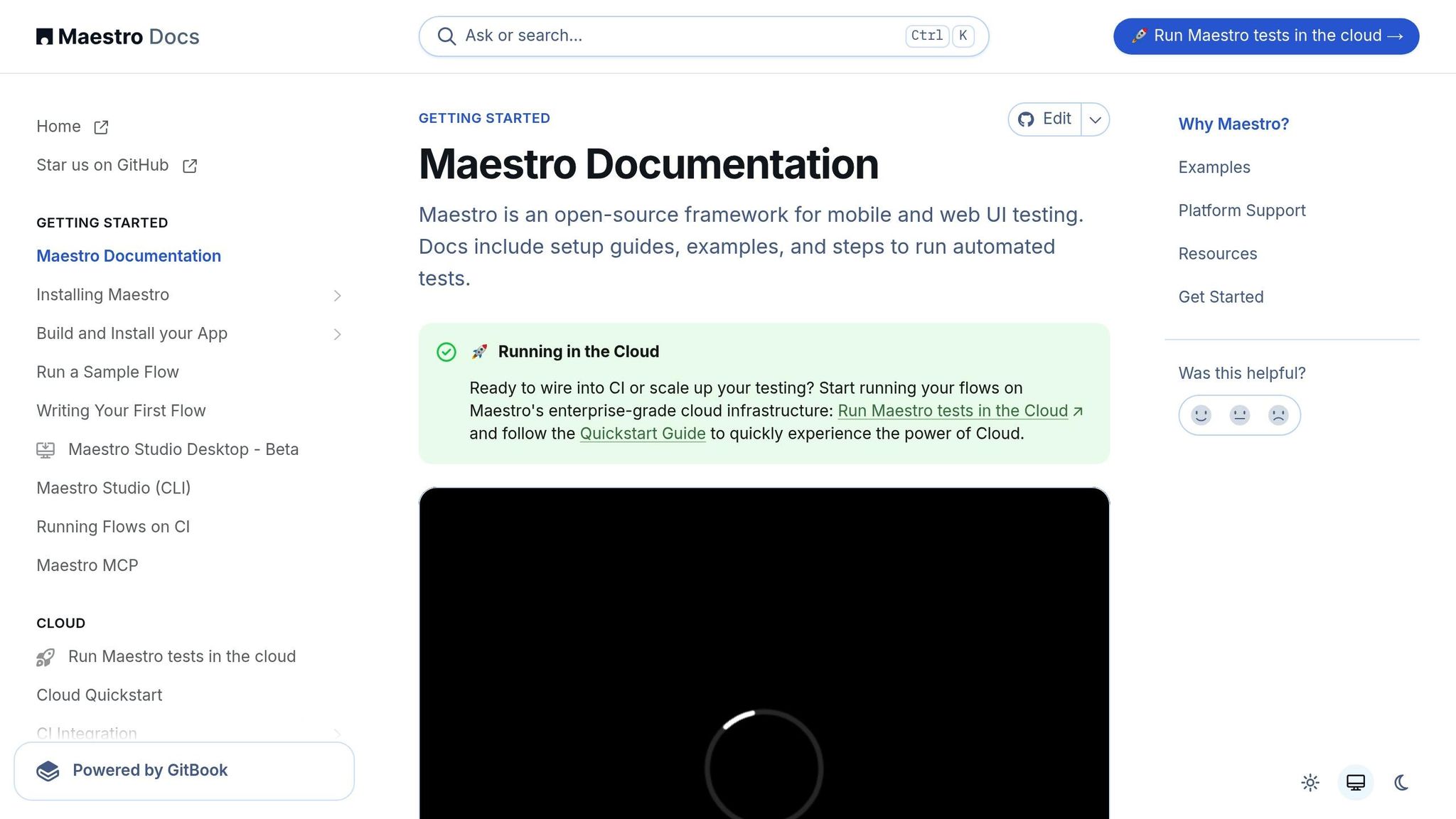
When it comes to tackling edge case testing, Maestro simplifies the process with automation. Edge cases often involve tricky scenarios that can be tedious to manage manually. By automating these validations, Maestro complements traditional manual and targeted testing methods, making it easier for teams to handle edge cases effectively.
Creating Tests with YAML-Based Flows
Maestro uses a YAML-based syntax to make test creation straightforward and readable. Instead of relying on complex code, YAML lets you define clear, step-by-step instructions that mirror user actions. This is especially useful for edge cases where clarity and maintainability are essential.
With YAML flows, you can quickly tweak edge case scenarios as needed. Maestro continuously monitors your test files and reruns them whenever changes are made. This means you can adjust parameters, add validations, or refine user flows without unnecessary delays.
For example, testing an edge case where a user enters special characters in a contact name field might look like this:
# edge_case_special_characters.yaml
appId: com.android.contacts
---
- launchApp
- tapOn: "Create new contact"
- tapOn: "First Name"
- inputText: "João-François"
- tapOn: "Last Name"
- inputText: "O'Connor-Smith"
- tapOn: "Save"
- assertVisible: "Contact saved"
Similarly, testing a web-based edge case, such as navigating through multiple redirects, is just as simple:
url: https://example.com/redirect-test
---
- launchApp
- tapOn: "More information..."
- assertVisible: "Further Reading"
- tapOn: "Continue Reading"
- assertVisible: "Article Content"
The beauty of Maestro's YAML syntax is its consistency across platforms, whether you're working with iOS, Android, or web applications. This cross-platform approach reduces both the learning curve and ongoing maintenance, making it easier to address edge case challenges.
Handling Flakiness and Delays in Edge Case Scenarios
Edge cases often involve unpredictable UI behaviors or timing issues, which can cause traditional automated tests to fail intermittently. Maestro tackles these problems with built-in features designed to handle such instability.
For instance, Maestro can adapt to UI flakiness by retrying interactions and adjusting to changes in element positioning. It also eliminates the need for explicit wait commands by automatically waiting for content to load. This is particularly helpful in scenarios with slow API responses, dynamic content updates, or background processes.
AI-Assisted Edge Case Validation with Maestro Studio
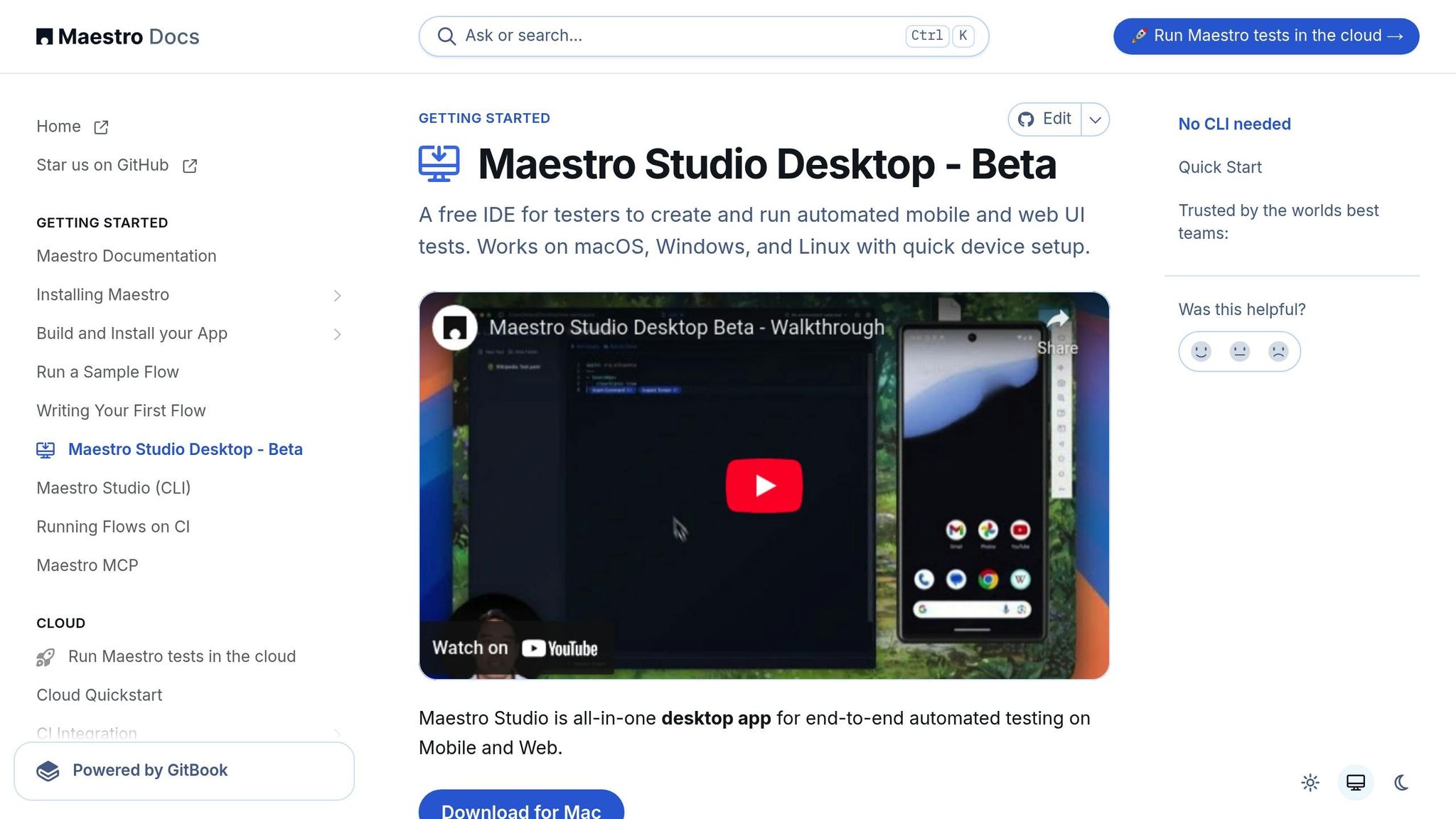
Maestro Studio takes edge case validation a step further by making it accessible to everyone, regardless of technical expertise. Its AI-powered tools remove coding barriers while ensuring reliable test coverage.
"Maestro Studio empowers anyone - whether you're a developer, tester, or completely non-technical - to write Maestro tests, while ensuring maintainability and reliability."
One standout feature is the element inspector, which allows you to see and interact with complex or dynamically generated UI elements. The "Record Actions" tool is another game-changer; it converts manual test explorations into automated scripts, seamlessly bridging the gap between discovery and validation.
Additionally, MaestroGPT - an AI assistant tailored for Maestro - helps users create and understand edge case tests. This tool enables team members like product managers, customer support reps, and business analysts to contribute to test coverage without needing deep technical knowledge. By visually identifying unique elements and behaviors across platforms, MaestroGPT simplifies cross-platform edge case validation and broadens participation in the testing process.
Best Practices for Edge Case Validation
When it comes to validating edge cases, sticking to tried-and-true UI testing techniques is a solid starting point. But to ensure thorough coverage, you'll need to go beyond isolated tests and adopt a more systematic approach. By doing so, you can maintain reliability and efficiency without missing critical scenarios.
Maintain a Testing Matrix
A testing matrix serves as a roadmap for ensuring your application performs well across all key platforms and environments. It lays out the supported platforms, browsers, and devices, helping you identify and validate edge cases in every context your users might encounter.
Modern apps often need to run seamlessly on a range of operating systems, frameworks, and deployment targets. Your matrix should reflect this diversity. For example:
| Platform/Environment | Coverage Priority |
|---|---|
| Android - Views | ✅ High |
| Android - Jetpack Compose | ✅ High |
| iOS - UIKit | ✅ High |
| iOS - SwiftUI | ✅ High |
| React Native | ✅ Medium |
| Flutter | ✅ Medium |
| Web (Desktop Browser) | ✅ High |
| Mobile Browser | ✅ Medium |
This matrix becomes especially critical for cross-platform applications. Tools like Maestro simplify testing across various environments, from native mobile frameworks to web platforms, ensuring consistency.
Keep your matrix up to date as new platforms emerge or user preferences shift. This proactive effort prevents gaps in coverage and ensures that even tricky edge cases are accounted for. Once your matrix is in place, you can pair it with modular and data-driven test designs to streamline your testing process.
Use Modular and Data-Driven Test Design
Modular design is all about breaking down edge case testing into smaller, reusable components. Instead of creating bulky, hard-to-maintain tests, you can divide your validation into manageable Flows that target specific user actions or features.
For example, rather than writing a new test for every scenario, you can combine existing modules like login, form submission, or error handling to validate complex edge cases. Say you're testing a scenario where a logged-in user encounters a server error during form submission - this can be built using pre-tested components, saving time and effort.
Nested Flows take this a step further by allowing you to create intricate scenarios from smaller, proven pieces. Each component can be independently tested, reducing redundancy and boosting reliability.
Data-driven testing makes modular designs even more powerful. By using Parameters & Constants and Loops, you can run the same test logic with different inputs. This approach ensures you can cover a wide range of edge cases without duplicating code. For instance, when testing form validation, you can create a single flow that accepts various inputs - like special characters, long strings, empty fields, or boundary numbers - and validate them all in one go.
Adding conditions to your tests makes them even smarter, enabling the logic to adapt based on different inputs or system states. This is especially useful for edge cases where expected behavior varies depending on the scenario. Once your modular and data-driven tests are set up, the next step is to execute them efficiently - enter parallel testing.
Run Tests in Parallel
Running tests in parallel is a game-changer when it comes to validating numerous edge cases. Sequential testing can drag down development timelines, but parallel execution speeds things up significantly.
With parallel testing, you can validate edge cases across multiple platforms simultaneously, cutting hours off your testing cycles. This faster feedback loop allows developers to address bugs quickly while the details are still fresh, ultimately reducing the cost of fixes.
Cloud-based parallel testing makes this approach scalable and accessible, even for smaller teams. By leveraging cloud resources, you can validate edge cases on a wide range of devices and environments without overloading your internal infrastructure.
To make the most of parallel testing, integrate it into your continuous integration (CI) pipeline. This ensures edge case validation happens early and consistently throughout the development process. Be mindful of dependencies between tests - group related tests to run sequentially when needed, while still taking advantage of parallel execution for unrelated test groups.
The result? Faster testing, better scalability, and the ability to tackle complex edge case scenarios without sacrificing quality or delaying releases.
Conclusion
Testing edge cases in user interfaces is a critical step in ensuring your applications are dependable and perform well in any scenario users might encounter. With advancements in AI and automation tools, the emphasis has shifted from just rapid development to maintaining rigorous quality control.
By applying the strategies discussed earlier, you can identify potential issues early in the development process. This not only prevents problems from affecting end users but also ensures that every workflow within your application operates smoothly.
Modern tools like Maestro make this process more manageable. With features like built-in flakiness tolerance, cross-platform compatibility, and AI-powered YAML testing, these platforms enable teams - regardless of technical expertise - to efficiently validate edge cases with confidence.
Using testing matrices and modular design principles, teams can adapt their testing processes as applications grow more complex. When paired with CI/CD pipelines, this proactive "shift-left" approach helps catch defects early, making fixes faster and more efficient.