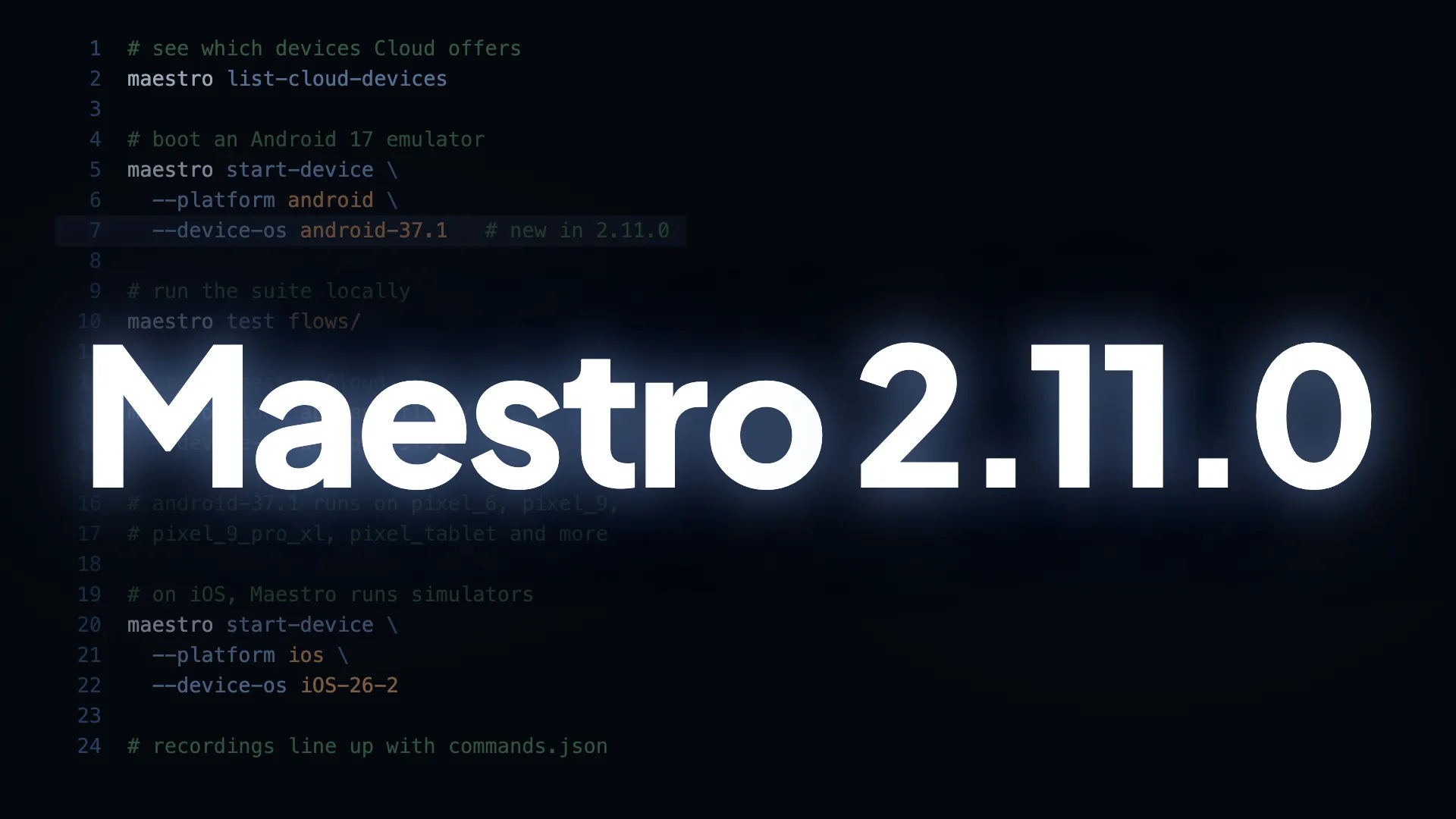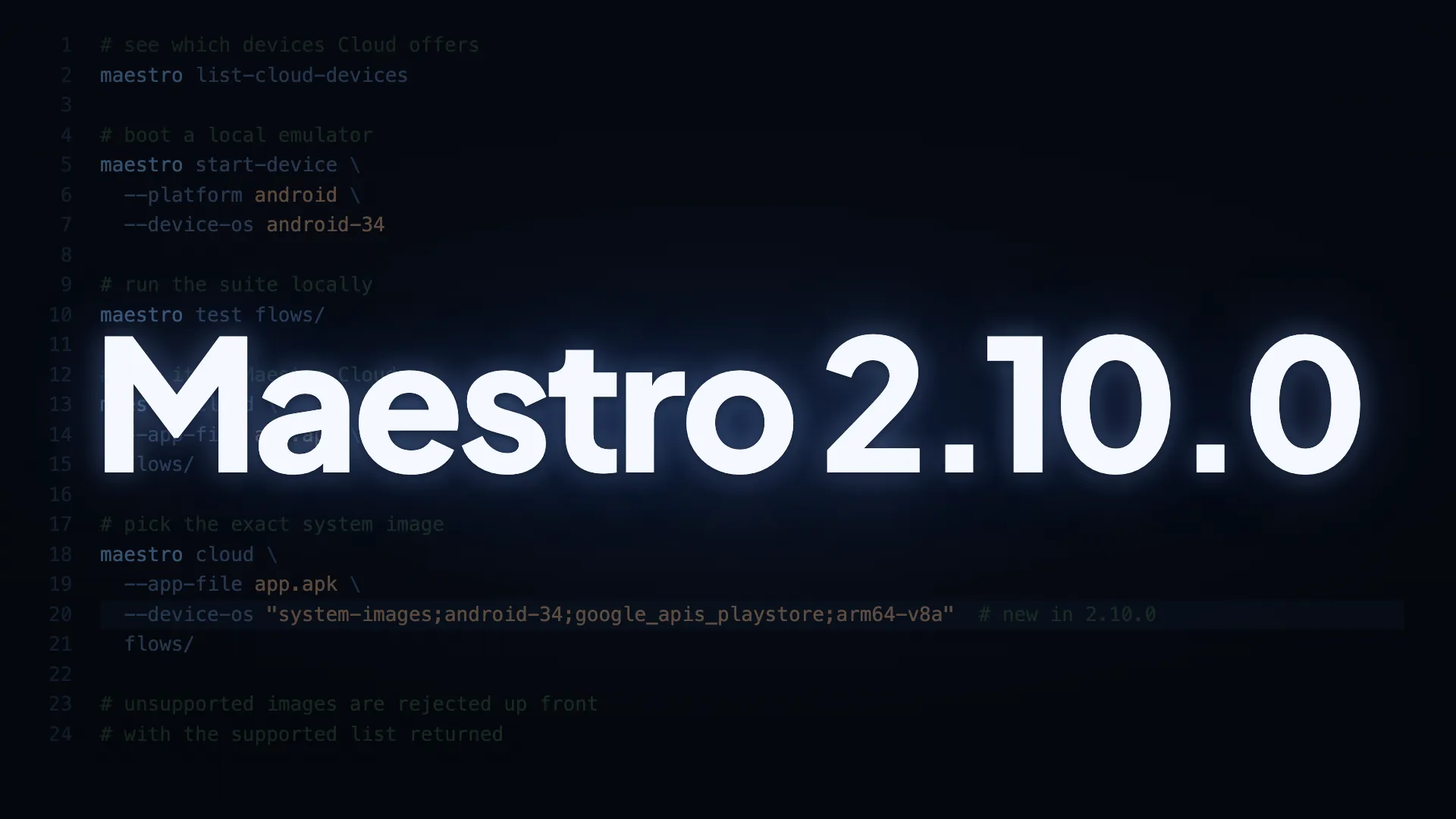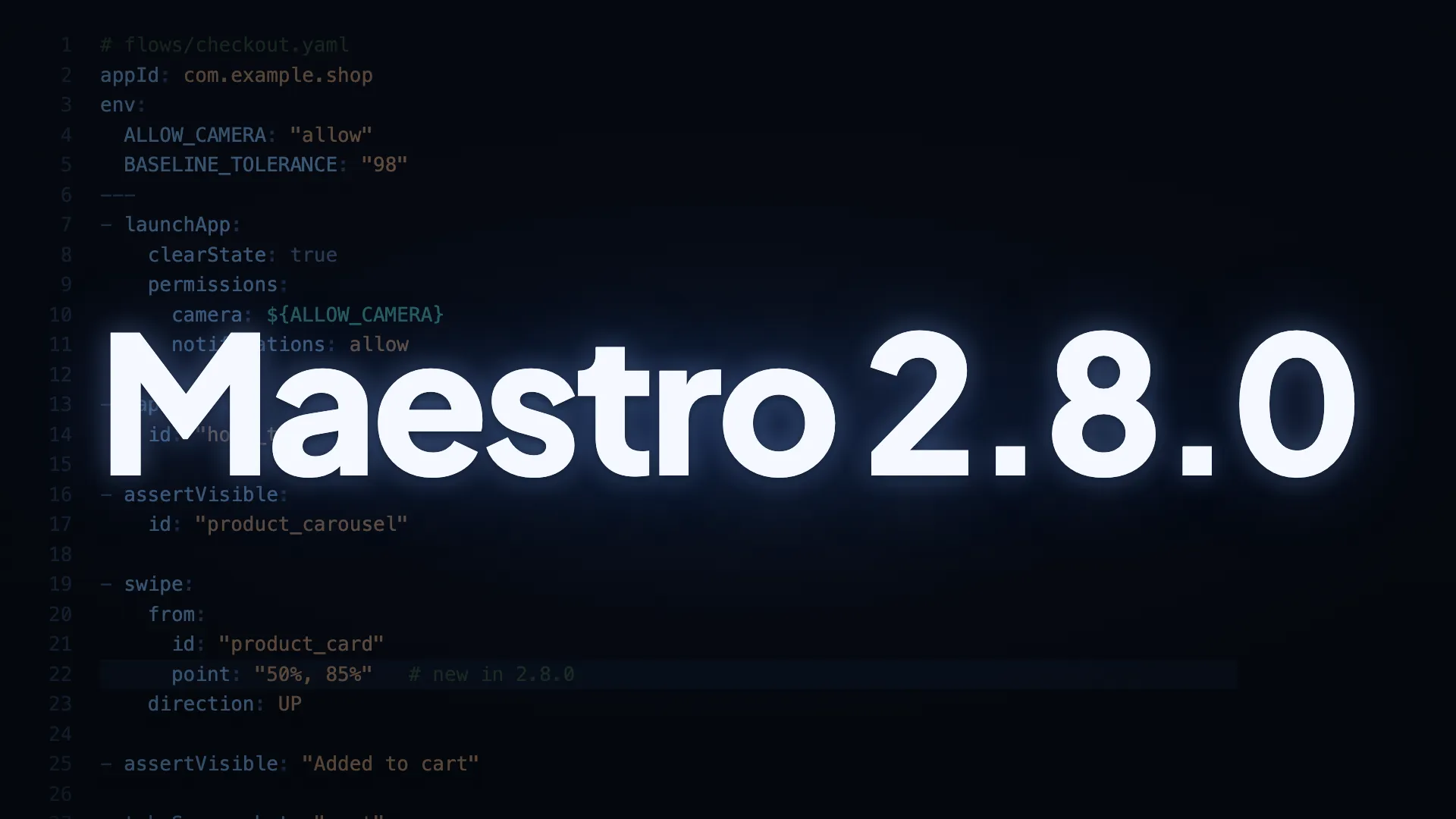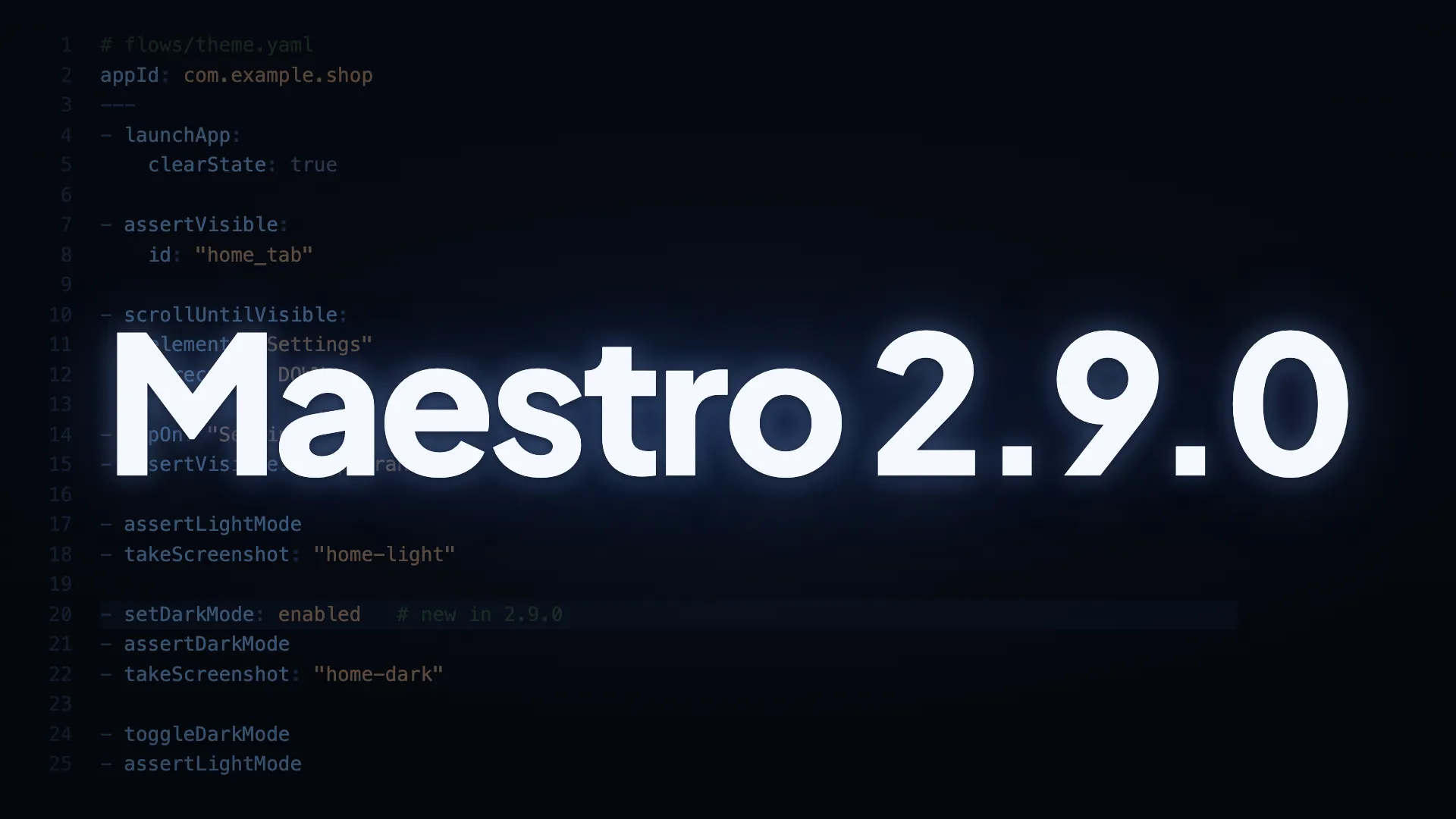
Dark mode lands in Maestro flows: switch themes mid-run and check both looks in one flow, one of the most requested authoring features since 2023. config.yaml also picks up negation globs, and the rest of the release fixes issues that could block runs on WebView-heavy apps and current Chrome.
Authoring
- Test light and dark mode in one flow. New commands
setDarkMode,toggleDarkMode,assertDarkMode, andassertLightModeswitch the appearance mid-run and check that each state renders correctly, so a single flow covers both themes. Available on iOS, Android and Web. - Keep non-flow YAML files next to your flows.
config.yamlnow accepts negation patterns: list a file with a leading!and Maestro skips it. Non-Maestro YAML can live in the test folder with no restructuring.
Android WebView inspection
If your app embeds WebViews, this release makes Maestro read them reliably: React, Vue, and Angular content, very deep pages, and modern emulators included.
- Flows can target React, Vue, and Angular WebView content. Maestro now reads pages built with modern SPA frameworks, so
tapOnandassertVisiblefind elements inside those WebViews; previously the frameworks’ internal DOM references could break the capture. - Very deep pages capture reliably, and unreadable pages fail fast. Large, deeply nested DOMs come through whole, and when a page genuinely can’t be read the flow fails with an actionable test error, with no retries spent on something that can’t succeed.
- One frozen WebView can’t stall the rest of your run. On Android 16 (API 36), if a single WebView stops responding, Maestro sets that WebView aside and the flow continues.
Web
- Web flows run on current Chrome. On Chrome 151+, commands once again land on the page under test, and a response timeout keeps an unresponsive target from hanging the run.
Android reliability
- Assert on Android form validation errors. Text matchers now read a view’s validation error, so you can check a message like “Email is required” directly.
- Empty inputs read as empty in the view hierarchy. A field with no value reports empty
text, with its placeholder exposed separately ashintText, so agents and tools that read the hierarchy can tell a filled input from an empty one. setDeviceLocalepasses on slower devices. Maestro waits up to 30 extra seconds for the system to apply the locale.
CLI
- A network blip can’t fail your CI step after a successful upload.
maestro cloudretries upload-status polls that come back with no response, on the same budget as server errors.
Full changelog: github.com/mobile-dev-inc/maestro/blob/main/CHANGELOG.md
Update to 2.9.0
To get everything above, update your Maestro CLI. The guide has steps for macOS, Windows, and Homebrew.