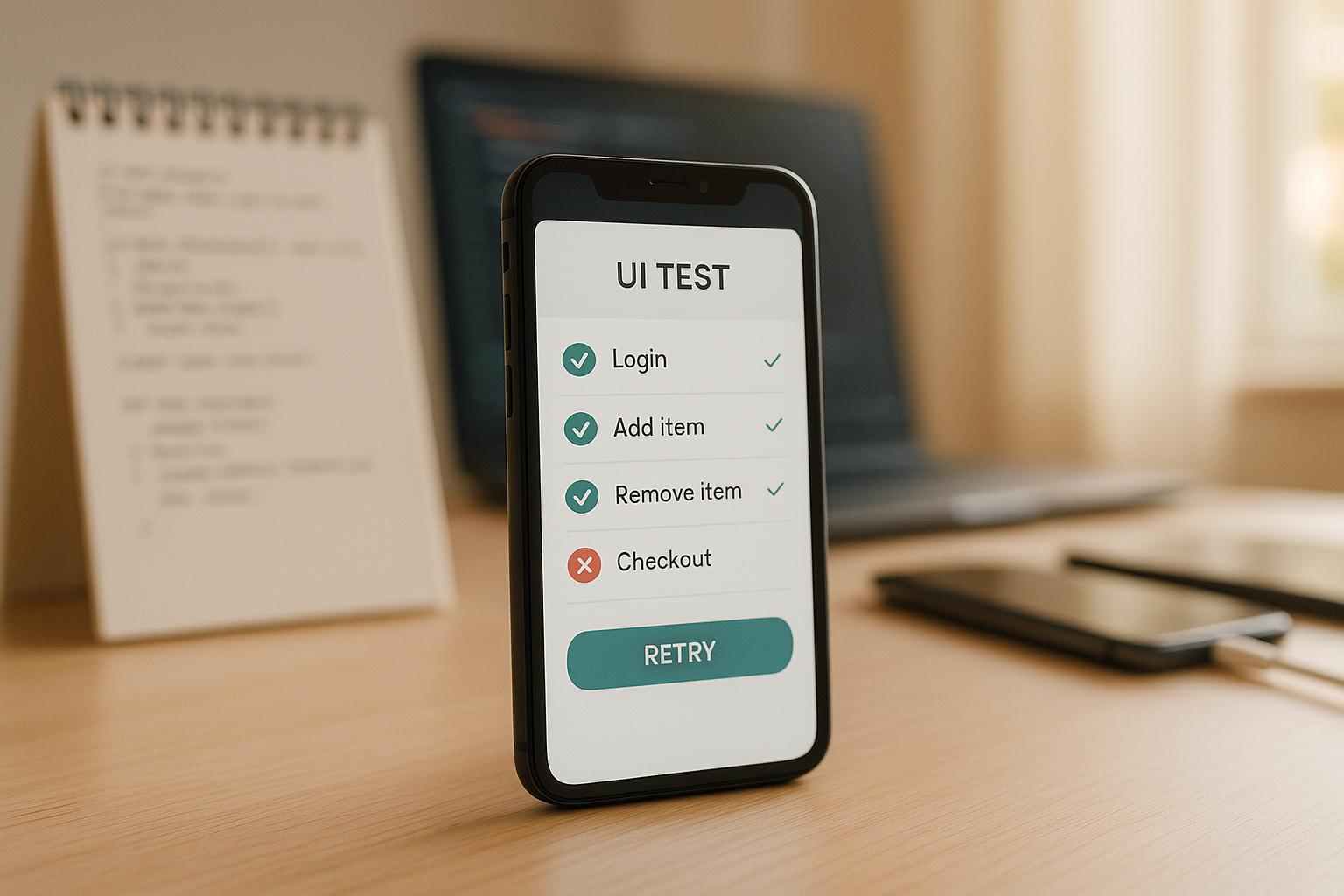
Regression testing ensures your iOS app works flawlessly after updates. It’s crucial because every code change risks breaking key features like login or payments, which can frustrate users and delay Apple’s review process. Here’s a quick guide:
- Prioritize Critical Flows: Focus on essential user journeys like checkout or login.
- Build a Clear Test Suite: Use accessible formats like YAML for easy updates.
- Adopt Multi-Layer Testing: Combine unit, integration, and UI tests for thorough validation.
- Automate Key Tests: Streamline repetitive checks with tools like Maestro.
- Use Simulators and Real Devices: Simulators for speed; real devices for accuracy.
- Integrate Into CI/CD: Catch issues early with automated test runs during development.
Maestro simplifies testing with YAML syntax, visual tools, and cross-platform support, making it easy for teams to maintain app quality while keeping up with fast-paced development cycles.
Core Strategies for iOS Regression Testing
How to Prioritize Test Cases
The foundation of effective iOS regression testing lies in identifying and focusing on the most critical user flows. These are the essential paths and features that users engage with frequently and that have the highest impact on your app's functionality.
Start by pinpointing your app's core flows - those vital user journeys that keep everything running smoothly. For example, in an e-commerce app, key flows might include product search, adding items to the cart, and completing the checkout process. Prioritize these flows based on how often users interact with them and their importance to your business. For instance, a broken login feature affects all users, while an issue in a less-used feature might only impact a small subset of your audience.
Historical data can also guide your priorities. Features that have caused problems in the past are more prone to breaking when new code is introduced. Giving these areas extra attention during regression testing can help prevent recurring issues.
Building and Maintaining Your Test Suite
Once you've prioritized the key flows, the next step is to structure your test suite around these critical paths. A well-organized test suite should be clear, consistent, and easy for any team member to understand and update.
Using simple, declarative syntax like YAML can make your test cases more accessible. When test cases are written in a way that's easy to read, both technical and non-technical team members can contribute to creating and updating them. This collaborative approach ensures the test suite becomes a shared resource rather than a bottleneck managed by a select few.
Regularly reviewing and auditing your test suite is essential. Remove outdated tests that no longer apply and add new ones to cover recently introduced features. Additionally, design your tests to handle UI instability and network delays without relying on manual sleep commands. This approach not only makes your tests more reliable but also reduces the time spent on maintenance.
Fast iteration cycles are another key to maintaining an effective test suite. By automatically running tests whenever changes are detected, your team can quickly adapt to new features and bug fixes without waiting for lengthy compilation processes. This keeps your suite up-to-date and aligned with the app's evolving needs.
Multi-Layer Testing Approach
A robust regression testing strategy goes beyond individual test cases. It requires a multi-layered approach, with each layer addressing specific types of issues and contributing to overall app stability.
- Unit tests: The foundation of your testing strategy, these validate that individual functions and methods work as intended. They are quick to run and catch logic errors early in development.
- Integration tests: These ensure that different components, such as API calls and UI updates, work together seamlessly.
- UI tests: These validate complete user flows, ensuring that users can achieve their goals within the app. While these tests take longer to execute, they provide a high level of confidence in the app's overall behavior.
Incorporate all these testing layers into your CI/CD pipeline. Automate test runs for pull requests, nightly builds, and pre-release checks. This "shift-left" approach helps identify and address issues during development, long before they reach production.
To balance speed and coverage, run fast unit and integration tests with every code change, while reserving comprehensive UI tests for nightly builds or pre-release stages. For each critical flow, ensure you have unit tests for the underlying logic, integration tests to verify data flow, and UI tests to confirm the complete user experience. This layered strategy ensures your app remains stable and reliable across updates.
Automation Testing for Swift iOS Apps - Unit Tests, UI Tests and Performance Tests with XCTest
Automation Best Practices for iOS Regression Testing
When it comes to iOS regression testing, automation plays a key role in ensuring that critical user flows are validated quickly and reliably throughout the development process. By combining a layered testing approach with prioritized test cases, teams can streamline their workflows and maintain high-quality standards.
Automating High-Priority and Repetitive Tests
Automation is especially effective for high-priority, repetitive tasks. Think about those user flows that are absolutely essential - like login processes, payment transactions, or core navigation. Automating these ensures that every code change is validated efficiently, delivering a strong return on investment.
Modern testing platforms have evolved to tackle common automation challenges. Built-in features handle issues like flaky tests and delays caused by network instability or slow-loading UI elements, reducing the need for constant test maintenance. This means your automated tests can adapt to the natural quirks of mobile applications without disrupting workflows.
Another advantage is the simplicity of tools available today. For example, a YAML-based syntax allows QA teams to create and update tests without requiring deep programming expertise. This removes bottlenecks, speeds up iteration cycles, and promotes a collaborative approach where test automation becomes a shared responsibility across the team.
Once your tests are automated, the next step is to strike the right balance between speed and accuracy by leveraging both simulators and real devices.
Balancing Real Devices and Simulators
When it comes to testing environments, simulators and real devices each have their strengths. Simulators are perfect for speed and convenience, making them ideal for early-stage regression checks. Developers can quickly validate basic functionality and catch glaring issues without the hassle of managing physical devices.
That said, real devices are indispensable for final validation. They reveal hardware-specific behaviors, memory limitations, network conditions, and UI rendering quirks that simulators simply can't replicate. Performance issues often emerge only when running on actual devices with real-world constraints.
A practical strategy combines both approaches. Use simulators for frequent, quick checks during development, and switch to real devices for thorough testing closer to release. This method ensures a balance between speed and reliability while keeping costs under control.
For teams looking to scale their testing, cloud-based solutions allow tests to run in parallel across multiple real devices. This eliminates the need for maintaining physical device labs while providing comprehensive coverage across iOS versions and device types.
CI/CD Pipeline Integration
To truly harness the power of automated testing, integrate it into your CI/CD pipeline. When automated regression tests are part of your development pipeline, issues can be detected early - before they ever reach end users.
Run these tests at various stages of the pipeline, such as pre-release checks, nightly builds, and pull request validations. This multi-layered approach ensures continuous quality monitoring without slowing down development. For example, pull request tests can focus on quick smoke tests, while nightly builds handle more extensive regression suites.
CI/CD integration also offers immediate feedback, enabling teams to address failures quickly and maintain momentum. With interpreted tests, teams can iterate faster, continuously monitor quality, and rerun tests automatically whenever changes occur.
"With Maestro, catching issues early in the development lifecycle is dead simple. Protect every workflow so you find problems before your users do."
– Maestro
Cross-platform testing capabilities further simplify CI/CD integration. By using a single framework for iOS, Android, and web testing, teams can reduce the complexity of managing multiple tools while maintaining consistent quality standards. Many modern solutions require minimal setup - often just a single binary - making it easy to integrate into diverse CI/CD environments. This means teams can focus on creating meaningful test coverage rather than wrestling with complicated infrastructure.
sbb-itb-e343f3a
Maestro: Simplifying iOS Regression Testing
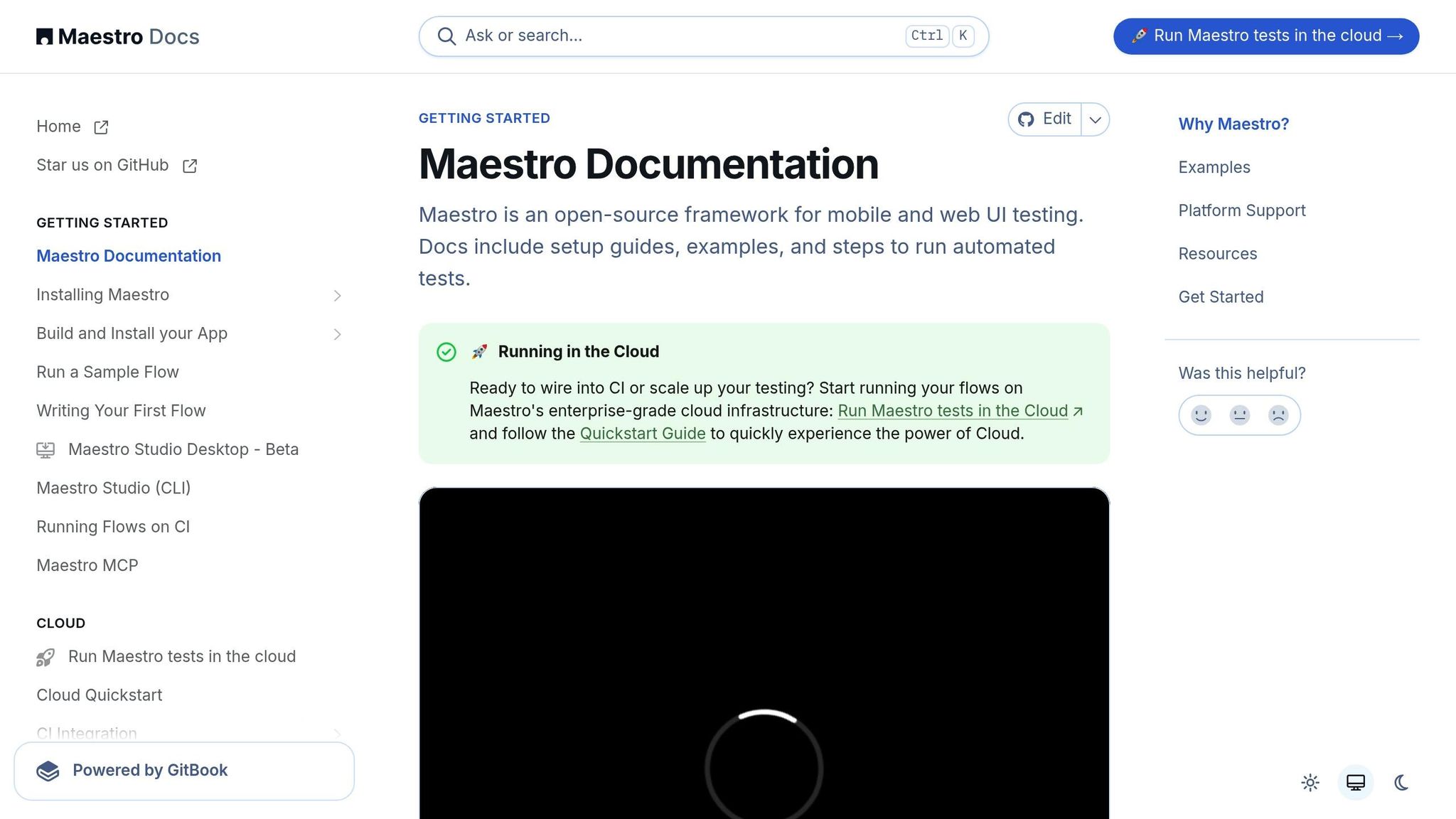
iOS regression testing can be tricky, especially with the complexities of mobile environments. Maestro steps in to make things easier by offering a mix of powerful automation tools and a user-friendly approach, enabling everyone on the team to contribute effectively.
Key Maestro Features for iOS Testing
Maestro brings several standout features to streamline iOS regression testing. Its declarative YAML syntax allows testers to define user flows using simple, readable commands instead of diving into complex code. This makes it easy for anyone on the team to write, understand, and maintain tests - no advanced programming knowledge needed.
One of Maestro’s strengths is how it tackles common mobile testing headaches like UI inconsistencies and network delays. Mobile apps can be unpredictable - buttons might shift, taps might not register, or screens might not load as expected. Maestro accounts for these quirks by automatically adapting to such scenarios. It waits for content to load and adjusts to UI variability, reducing test failures caused by latency while avoiding unnecessary pauses.
Another key feature is Maestro Studio, which uses AI to simplify test creation. This desktop app lets users interact directly with iOS apps to generate precise test commands, eliminating guesswork when selecting UI elements. With its built-in element inspector, teams can visually identify and build tests around specific app components, minimizing errors that could lead to flaky tests. Need extra help? Maestro Studio’s AI can suggest commands and answer questions, guiding users toward building stronger test suites.
How Maestro Accelerates Testing Workflows
Setting up complex tools can slow down regression testing, but Maestro removes this hurdle with a straightforward installation process - just a single binary file that works across different environments. No need to wrestle with complicated dependencies or configurations.
Maestro’s interpreted test approach also speeds things up. Unlike traditional frameworks that require compilation, Maestro monitors test files and reruns them instantly when changes are made. This real-time feedback helps teams quickly refine their tests and catch issues on the spot.
For teams managing multiple platforms, Maestro offers a unified testing framework. Whether it’s iOS (UIKit or SwiftUI), Android, React Native, Flutter, or web apps, Maestro handles them all. This cross-platform support simplifies workflows, ensuring consistent quality without juggling multiple tools.
| Platform | Maestro Support |
|---|---|
| iOS - UIKit | ✅ |
| iOS - SwiftUI | ✅ |
| Android - Views | ✅ |
| React Native | ✅ |
| Flutter | ✅ |
| Web Applications | ✅ |
Testing iOS User Flows with Maestro
Regression testing is essential to maintaining app stability, and Maestro’s user flow-based approach ensures that critical paths are always covered. Tests in Maestro are written as Flows, which are step-by-step instructions for navigating app functionality. These flows use straightforward commands - like tapOn, inputText, or assertVisible - that make it easy to understand and modify test scripts, even for team members who didn’t originally write them.
For example, an iOS regression test might verify a user registration flow. Each step in the journey - filling out a form, tapping a button, confirming a message - is clearly defined with high-level commands. Running these tests is simple with the Maestro CLI. A single command like this executes the test:
maestro test flow.yaml
For those who prefer a visual approach, Maestro Studio makes test creation even easier. Users can interact directly with their app in the studio, and Maestro automatically generates the corresponding YAML commands. This point-and-click method empowers non-technical team members to actively participate in regression testing without needing to learn scripting.
The declarative structure of Maestro flows adds flexibility. As apps evolve, keeping test coverage up-to-date is hassle-free. Teams can quickly tweak existing flows or add new ones without major rewrites, ensuring regression test suites stay aligned with fast-paced development cycles while covering all critical user journeys.
Measuring and Improving Testing Performance
When it comes to iOS regression testing, success isn’t just about running tests - it's about consistently tracking performance and making improvements. By focusing on the right metrics and refining your approach, you can ensure your app maintains high quality and stays on track during development.
Key Metrics to Monitor
To build an effective regression testing strategy, you need to zero in on metrics that reveal both immediate issues and long-term trends. For instance, keeping an eye on test pass/fail counts can quickly highlight regressions.
Another critical metric is the average execution time. Teams using Maestro’s cloud infrastructure often track data like "Avg. run time: 5m 7s" for their test suite. This helps pinpoint slowdowns and ensures regression tests don’t bog down the development process.
Additionally, monitoring the overall passing percentage offers a snapshot of your test suite’s health. Metrics like total flow runs and failed run counts - for example, "Flow runs: 5.9k" with "Failed runs: 13" - provide valuable context on testing volume and recurring issues.
By consistently tracking these metrics, you can confirm your app is ready for release. For example, achieving a full pass rate during validation is a clear indicator of readiness. These measurements also serve as a foundation for updating and fine-tuning your testing process.
Keeping Tests Relevant and Effective
Metrics aren’t just numbers - they’re tools for action. Use them to regularly review and update your test cases, ensuring they stay relevant as your app evolves. With Maestro, you can iterate on tests quickly without waiting for compilation, making it easier to adjust tests in response to changes.
Focus on updating tests that fail consistently, especially those affected by UI changes or timing issues. While Maestro’s built-in tolerance for flakiness and delays reduces maintenance headaches, it’s better to update problematic tests promptly instead of re-running them endlessly.
To make this process seamless, integrate test refinement into your CI/CD pipeline. Review test results from nightly runs or pull request checks to decide whether a failing test needs an update or if it’s catching a real bug. Also, be strategic with your test-to-feature ratio - not every minor feature needs exhaustive regression coverage. Instead, prioritize the most critical user journeys.
Strengthening Testing Through Team Collaboration
Beyond refining tests, fostering team collaboration can take your regression testing to the next level. When everyone contributes to creating and maintaining tests, you get better coverage and more realistic scenarios. With Maestro Studio’s visual testing tools, even non-technical team members can easily make updates.
Shared ownership of the test suite ensures it stays aligned with the app’s current state. Regular test review sessions keep priorities clear, help identify coverage gaps, and encourage timely updates. Using CI/CD integration as a communication tool makes test results visible to the whole team, helping developers understand how their changes impact the app and encouraging proactive testing.
Maestro’s straightforward, declarative YAML syntax further simplifies collaboration. Its readability allows team members to understand and modify tests, even if they weren’t the original authors. This shared understanding speeds up issue resolution and fosters collective improvements. Plus, Maestro Studio’s AI assistance bridges knowledge gaps, helping team members with different technical backgrounds contribute effectively to maintaining the regression test suite.
Conclusion
Effective iOS regression testing relies on a well-structured strategy that identifies issues early and keeps development on track. The key lies in focusing on the right test cases, automating repetitive tasks, and ensuring your test suite adapts as your app evolves.
To make regression testing sustainable, it’s essential to use tools that address common challenges in testing. Features like handling flakiness and tolerating delays ensure your tests run smoothly without constant upkeep. Additionally, tools with fast iteration capabilities let you quickly update tests as your app changes, avoiding the bottlenecks that can slow down traditional workflows.
This is where Maestro steps in. With its declarative YAML syntax, Maestro simplifies testing for both developers and QA teams. Developers can easily write complex user flows, while QA team members can leverage Maestro Studio’s visual interface. Its cross-platform support for iOS UIKit and SwiftUI makes it a one-stop solution for testing your app’s entire ecosystem.
Collaboration also plays a crucial role in successful regression testing. Teams that encourage contributions from both technical and non-technical members achieve better test coverage and more realistic scenarios. This shared responsibility ensures your test suite reflects your app’s current state and aligns with user expectations.
Performance tracking and CI/CD integration further enhance your testing strategy. Monitoring metrics like execution time and pass rates helps refine your approach over time. When these practices are integrated into your CI/CD pipeline and supported by team collaboration, you create an environment that enables rapid development without sacrificing quality.
With the right tools and practices, iOS regression testing becomes a powerful safety net. Platforms like Maestro allow your team to deliver features faster while maintaining the high standards your users expect, ensuring app quality remains intact as your development evolves.