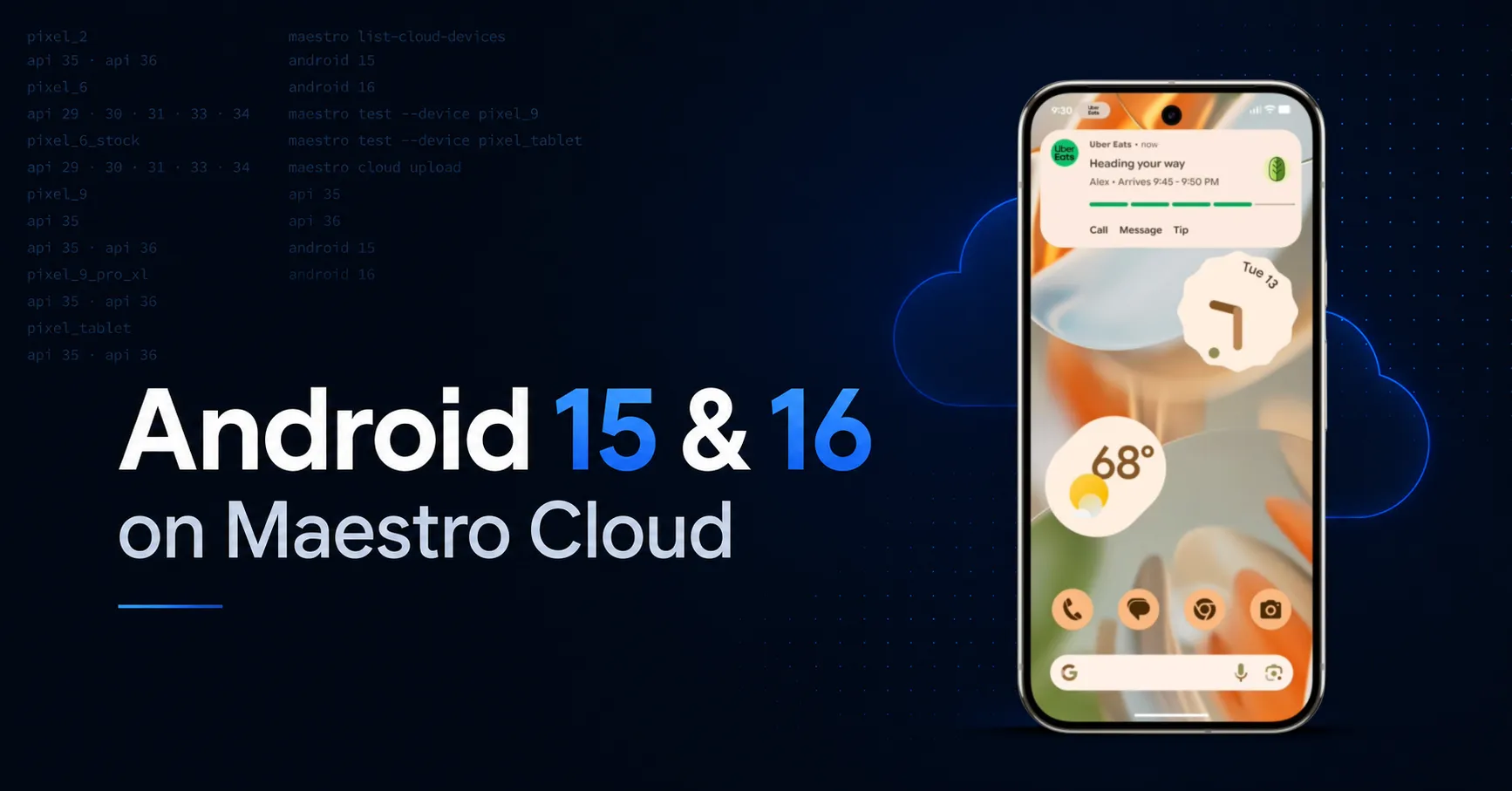
Maestro Cloud now runs your automated mobile tests on Android 15 (API 35) and Android 16 (API 36), available to every Cloud customer starting this week.
Alongside the new API levels, we shipped five new device profiles. All five match Android Studio’s default emulator configurations, so your cloud tests use the same setup as your local environment. The one exception is our existing pixel_6 cloud profile, which we kept on a lower resolution to avoid breaking existing tests. That’s why we added pixel_6_stock: a stock-resolution alternative for teams that want full local-to-cloud parity on pixel_6.
What’s new in Maestro Cloud’s Android coverage
- Latest Android versions: Android 15 (API 35) and Android 16 (API 36) live in production
- Four new device profiles:
pixel_2,pixel_9,pixel_9_pro_xl, andpixel_tablet, running the latest API levels - New pixel_6_stock profile: matches Android Studio’s default pixel_6 exactly, for teams that want full local-to-cloud parity on pixel_6
Run maestro list-cloud-devices in your terminal to see every device and API level you can target.
Why test on Android 15 and 16
Google Play raises its target SDK requirements every year. Testing your mobile app against the latest Android releases before those deadlines hit is the simplest way to avoid store-listing risk and surprise breakages.
Beyond compliance, every new Android version changes how permissions, privacy controls, background tasks, and edge-to-edge layouts behave. Catching these in automated tests on Android 15 and 16 today saves debugging cycles tomorrow.
More device profiles, more form factor coverage
The new device profiles open up scenarios that were previously off-table on Maestro Cloud:
pixel_tabletbrings Android tablet form factor coverage to your test matrixpixel_2lets you validate backwards compatibility on older devices in the same runpixel_9andpixel_9_pro_xlcover the current Google flagship lineup, so your tests reflect what real users actually carry
A heads-up: tests on higher-resolution devices (like the Pixel 9 Pro XL or Pixel Tablet) run slightly slower than on lower-resolution profiles. That’s a normal tradeoff for the added accuracy, but worth factoring into your test plan.
Local and cloud parity with pixel_6_stock
The new pixel_6_stock profile replicates the exact configuration you run locally with the standard pixel_6 emulator setup. If your team uses Maestro locally on pixel_6 for development and CI, you can now mirror that environment identically on Maestro Cloud. This is particularly useful if you use the assertScreenshot command. Screenshots are sensitive to device resolution, so any drift between local and cloud setups causes assertion failures. With pixel_6_stock, your screenshot assertions stay green across environments.
Add any Android device on demand
The new device configuration infrastructure means we can add any stock Android emulator profile on demand. If your team needs a specific device that ships with Android Studio, like a pixel_5 or another flagship, let us know and we’ll add it. Same goes for Android 17 when it ships.
Try it out
Run maestro list-cloud-devices in your terminal to see what’s available, or update your test configurations to target the new devices. Not using Maestro Cloud yet? Start a free trial and run your first test in under five minutes.
As always, share feedback in our community or drop us a note.