Changelog

Every Maestro release, feature and fix, newest first. New capabilities across the CLI, Studio and Maestro Cloud.

  1. v2.8.0

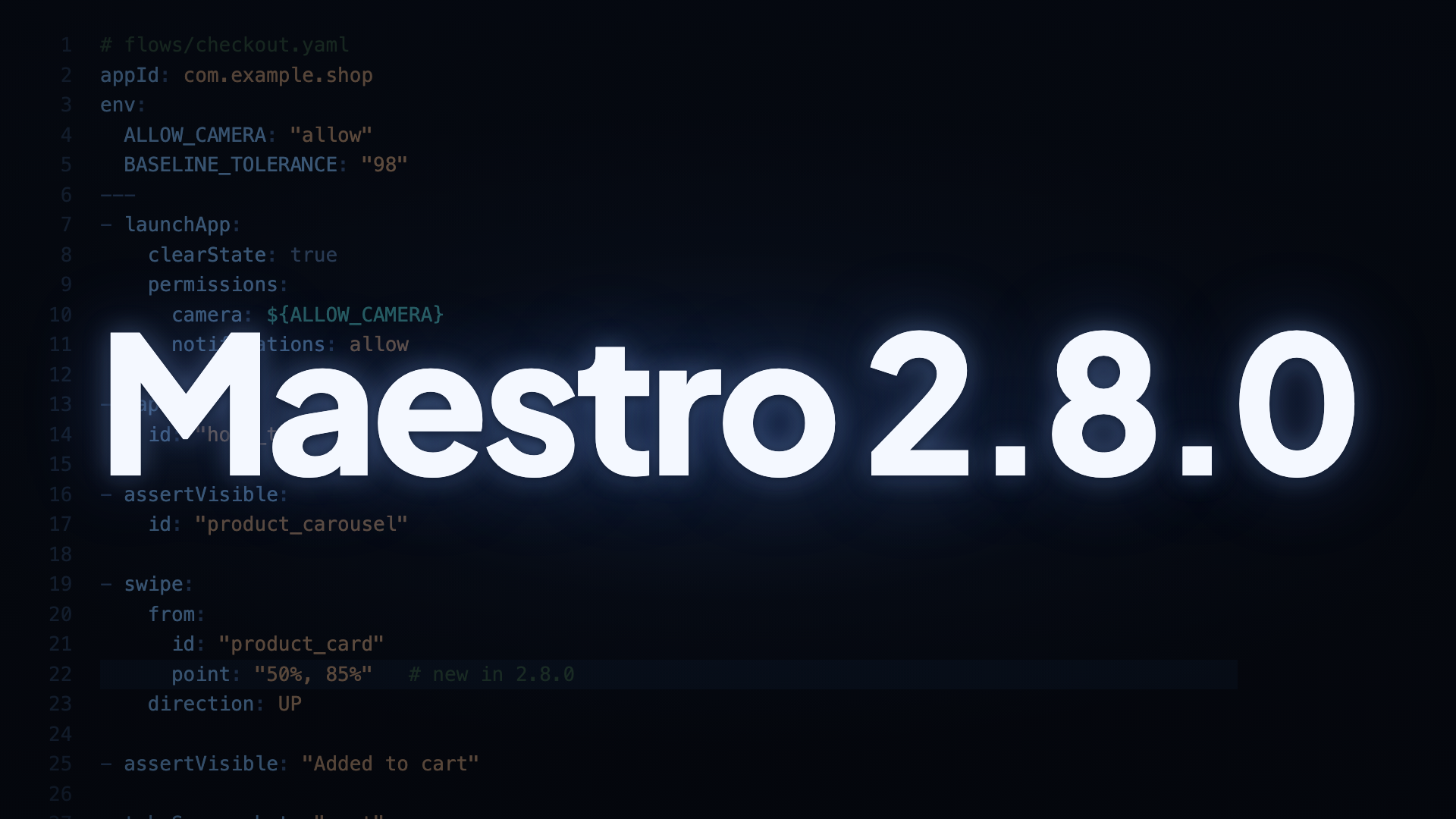
    Maestro CLI 2.8.0: swipe from any point inside an element

    This release adds two authoring capabilities and lands a set of reliability fixes. swipe can start from a chosen point inside an element, variables work in permissions and scree…

    Maestro CLI 2.8.0: swipe from any point inside an element Read the full note →
  2. v2.7.0

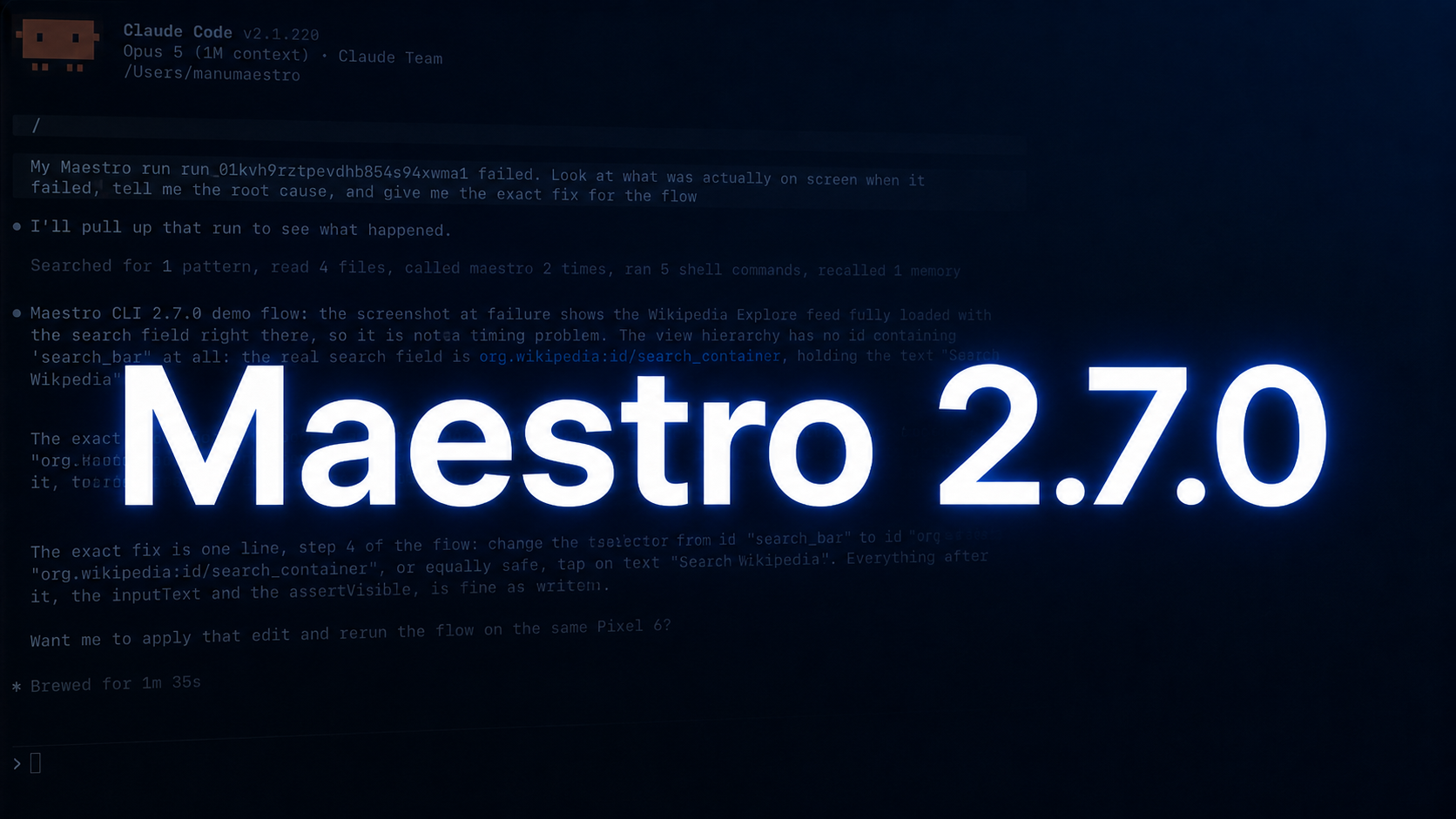
    Maestro CLI 2.7.0: debug failing Cloud runs with your AI agent

    Maestro CLI 2.7.0 is out. Leading the release: your AI agent can now debug a failing Cloud run on its own. Ask it why a run failed, and it pulls that run's recording, logs, and…

    Maestro CLI 2.7.0: debug failing Cloud runs with your AI agent Read the full note →
  3. v2.6.1 Bugfix

    Maestro CLI 2.6.1

    Bugfix release: iOS HealthKit (and other system sheet) automation works again, dynamic web pages no longer fail mid-flow on stale iframes, and the cloud console hint points to the right URL.

    What’s new:

    • iOS cross-process system sheets — taps targeting elements inside HealthKit auth, share sheets, and the photo picker now land on the right element instead of the wrong location. If you were stuck automating the HealthKit “Turn On All” gate, you’re unblocked.
    • Stale iframes on dynamic web pages — if your web test errored out mid-flow because a cross-origin iframe was swapped out in the middle of an action, that’s fixed. The iframe is quietly skipped and the test keeps going.
    • Cloud console hint — the “no projects found” message now points at app.maestro.dev instead of the dead console.mobile.dev domain.
  4. v2.6.0

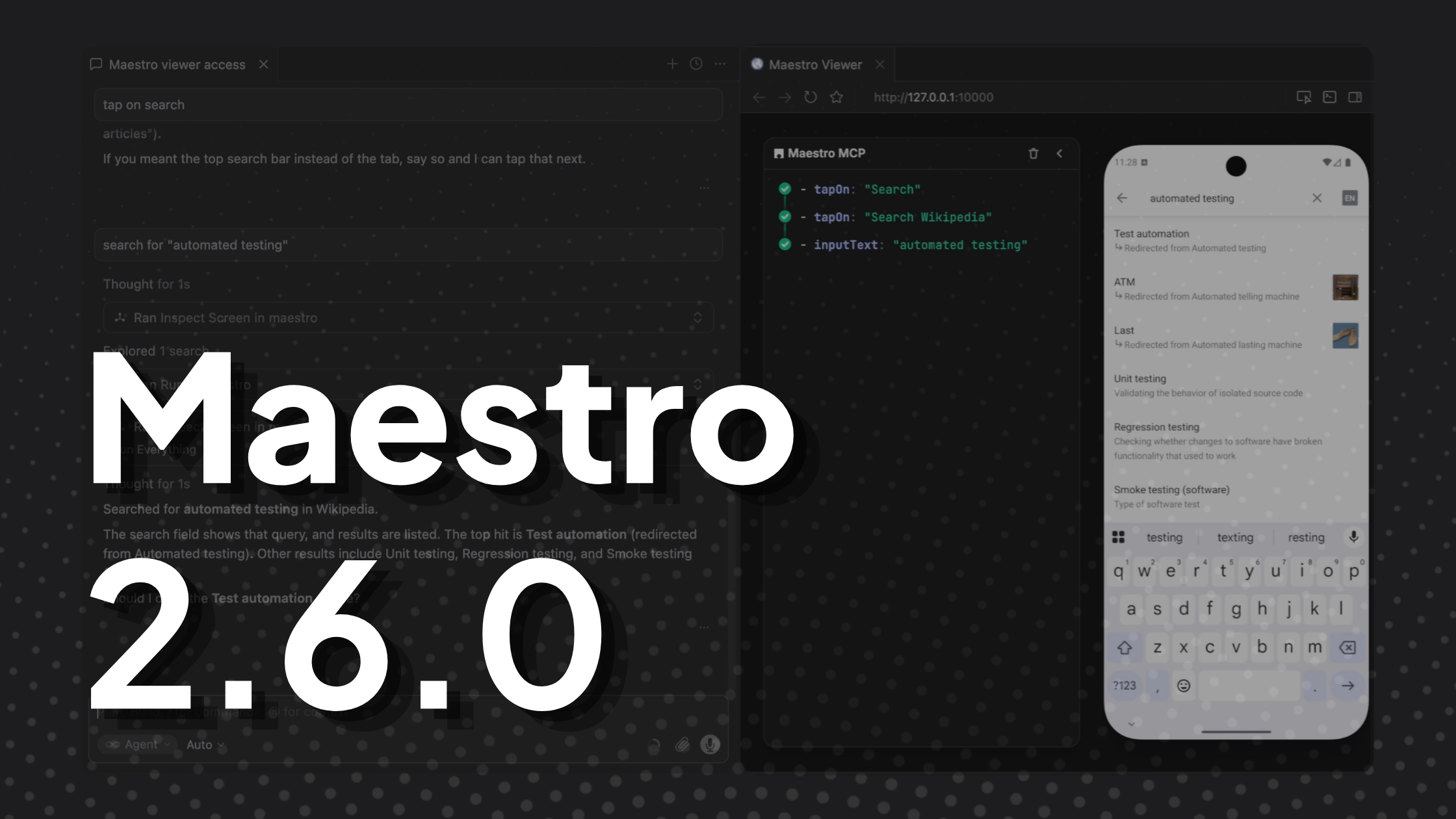
    Maestro CLI 2.6.0: introducing Maestro Viewer

    Maestro CLI v2.6.0 is out. Leading the release is Maestro Viewer: your AI coding agent now has a mobile device.

    Maestro CLI 2.6.0: introducing Maestro Viewer Read the full note →
  5. Android 15 and 16 are now live on Maestro Cloud

    Maestro Cloud now runs your automated mobile tests on Android 15 (API 35) and Android 16 (API 36), available to every Cloud customer starting this week.

    Android 15 and 16 are now live on Maestro Cloud Read the full note →
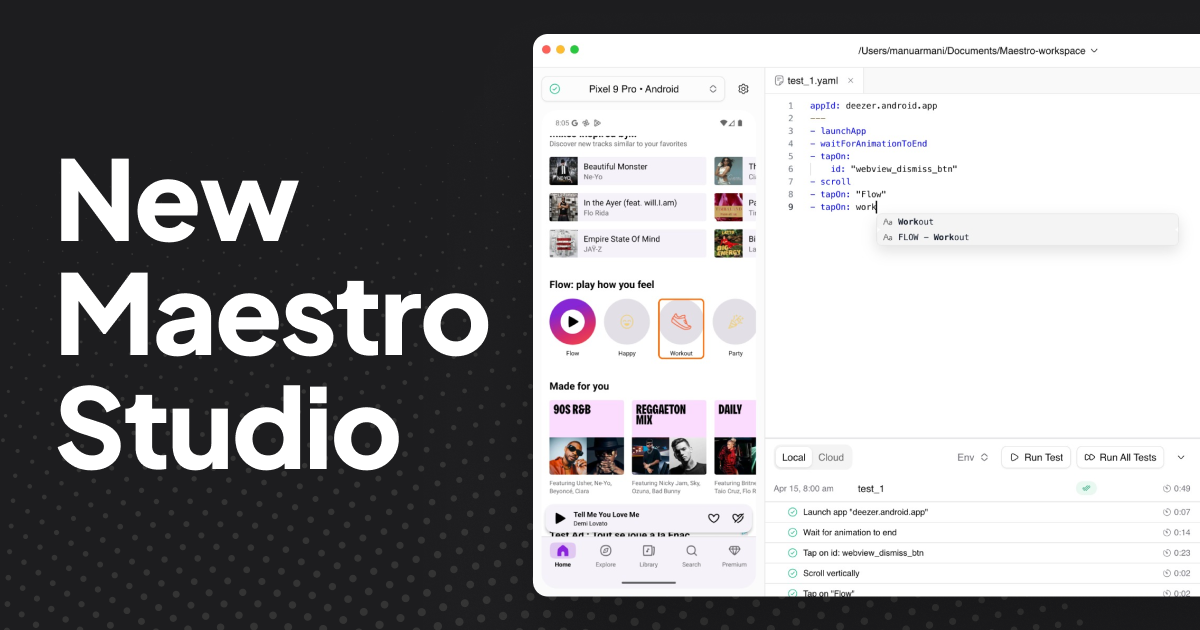
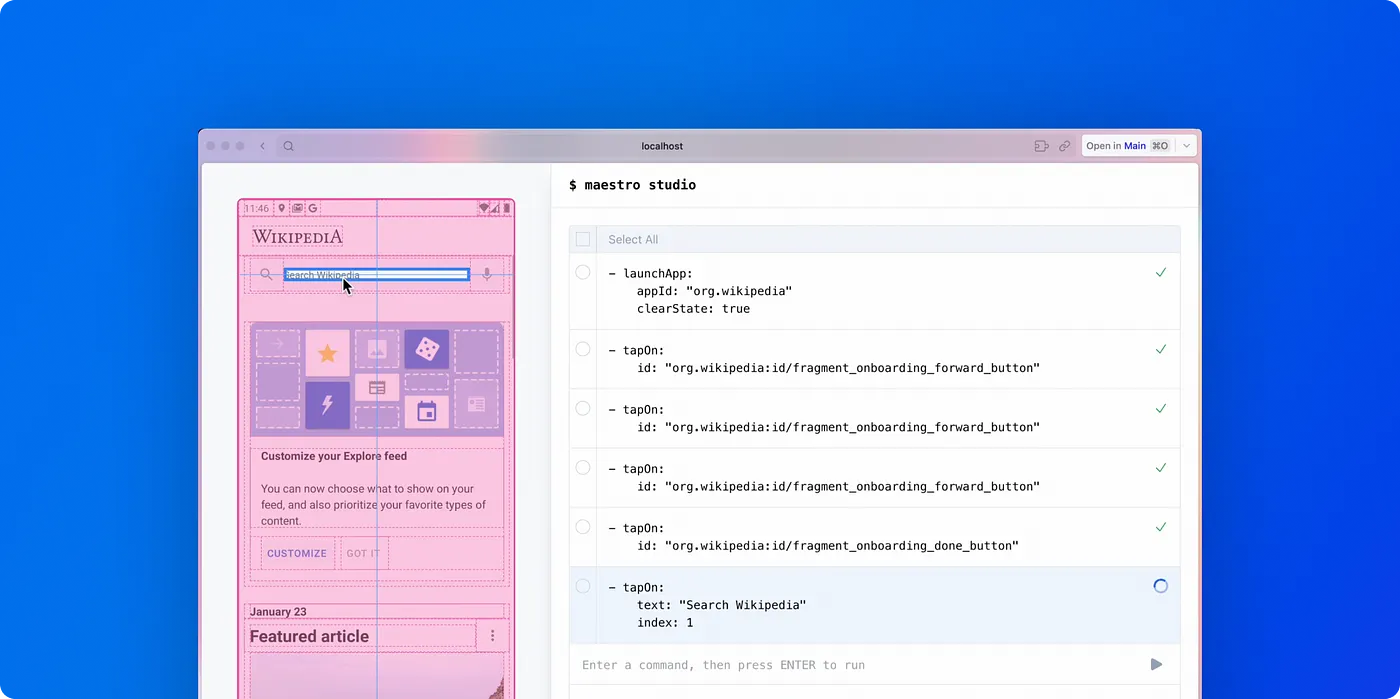
  6. New Maestro Studio

    Today, we're announcing a completely redesigned Maestro Studio! Modern, elegant, and with new features that make building tests faster than ever.

    New Maestro Studio Read the full note →
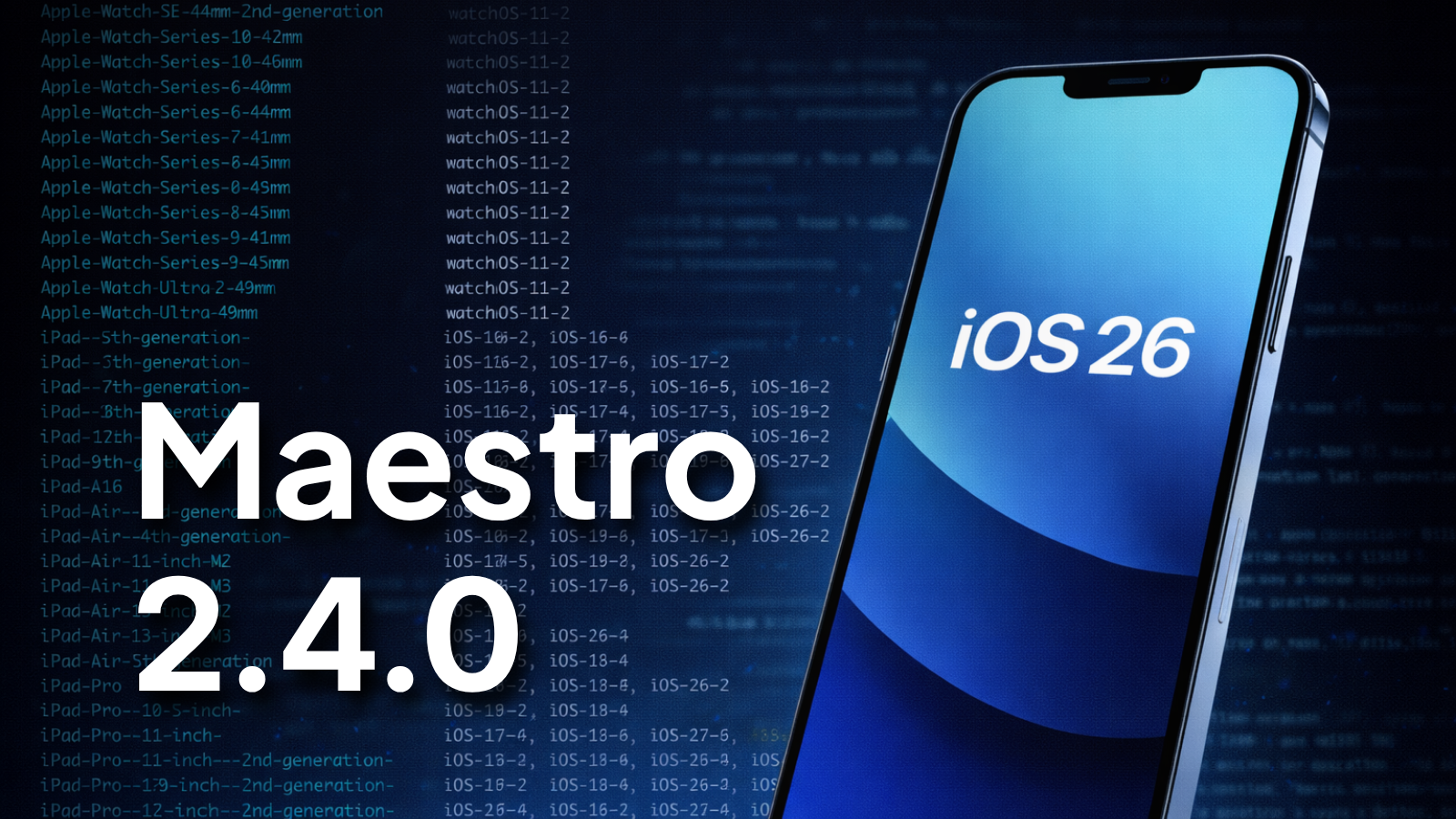
  7. v2.4.0

    CLI 2.4.0: iOS 26 and more devices on Maestro Cloud

    Support for iOS 26 is now available. --device-os=iOS-26 works both locally and on Cloud. Use --device-os=iOS-26-2 if you need a specific build.

    CLI 2.4.0: iOS 26 and more devices on Maestro Cloud Read the full note →
  8. Introducing Visual Testing in Maestro

    Available in CLI v2.2.0, Maestro Studio, and Maestro Cloud

    Introducing Visual Testing in Maestro Read the full note →
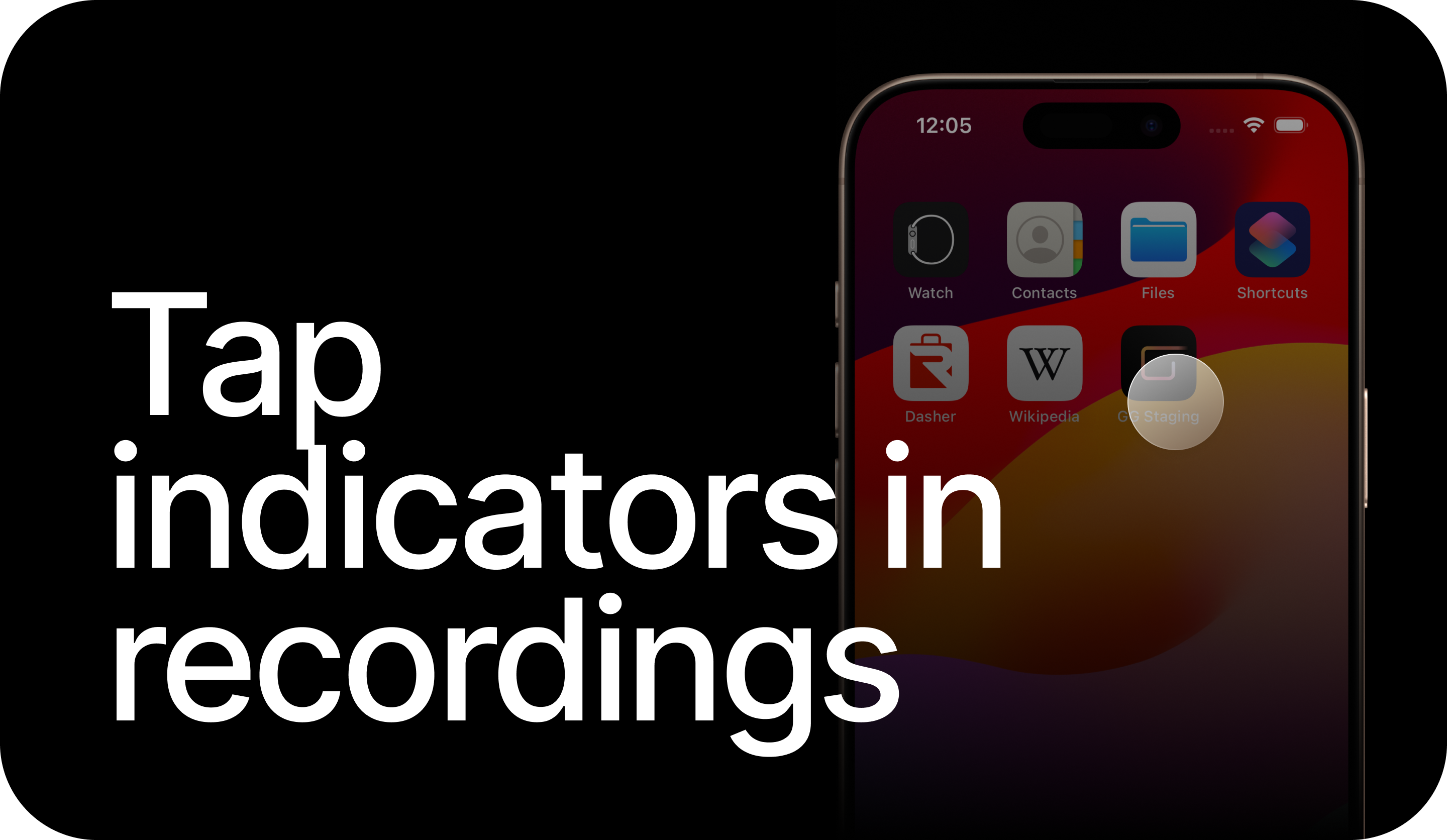
  9. Showing Tap Indicators on iOS Screen Recording

    Showing touch indicators is an important part of UI tests for debugging issues around animations and timing. We’ve all run into flaky failures where a tap happens mid-animation…

    Showing Tap Indicators on iOS Screen Recording Read the full note →
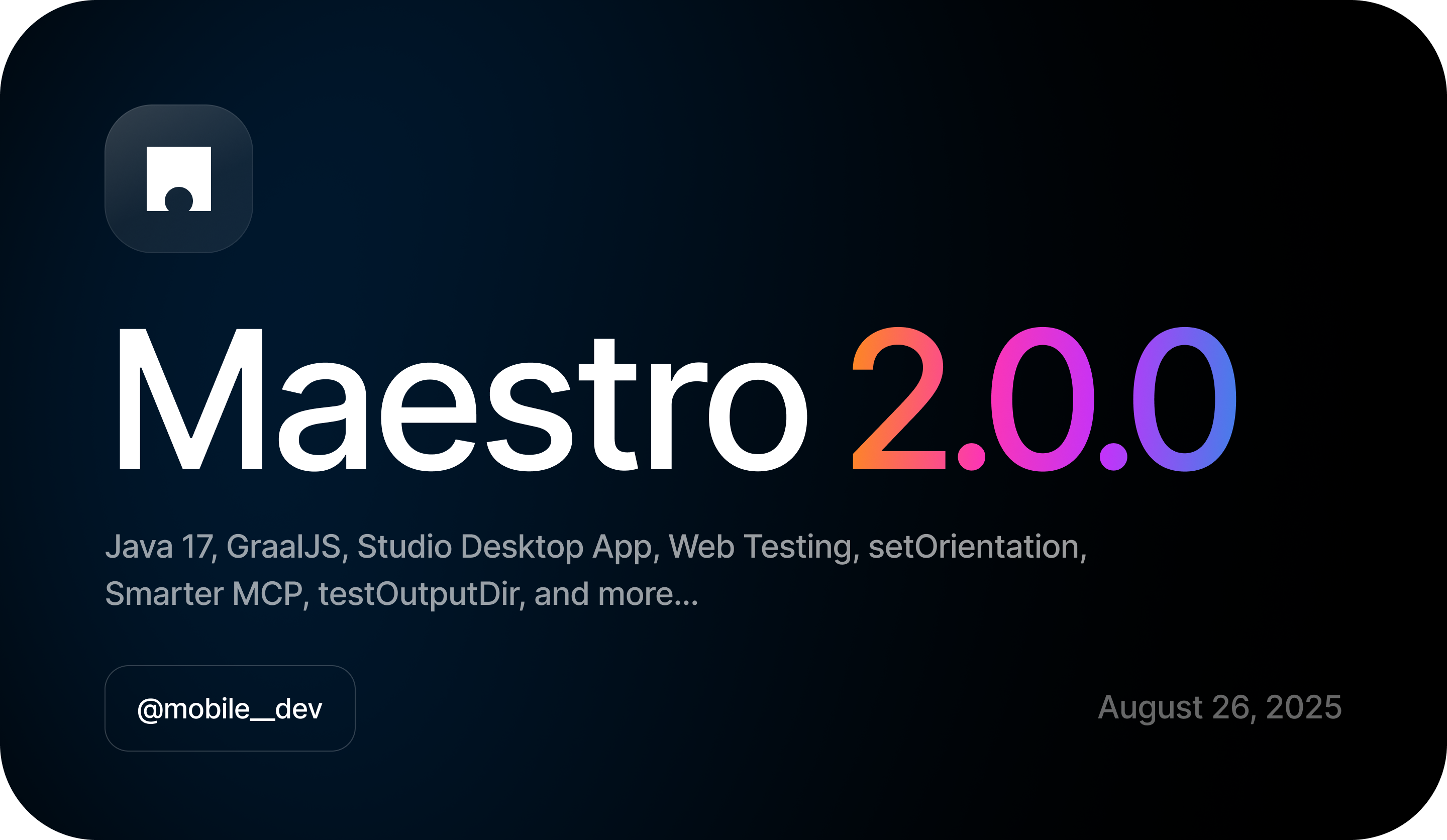
  10. v2.0.0

    Maestro 2.0 - Laying the foundation for the future of testing 🎉

    "Why is it called 2.0? "Isn't this just another release?"

    Maestro 2.0 - Laying the foundation for the future of testing 🎉 Read the full note →
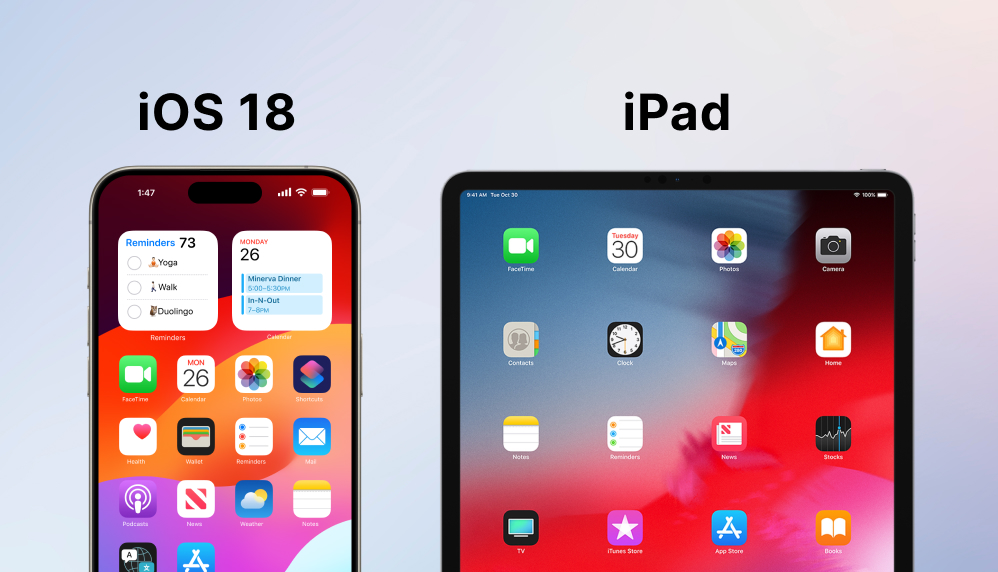
  11. iOS 18 & iPad Support in the Cloud

    Additional OS versions and device model options available for iOS in the cloud

    iOS 18 & iPad Support in the Cloud Read the full note →
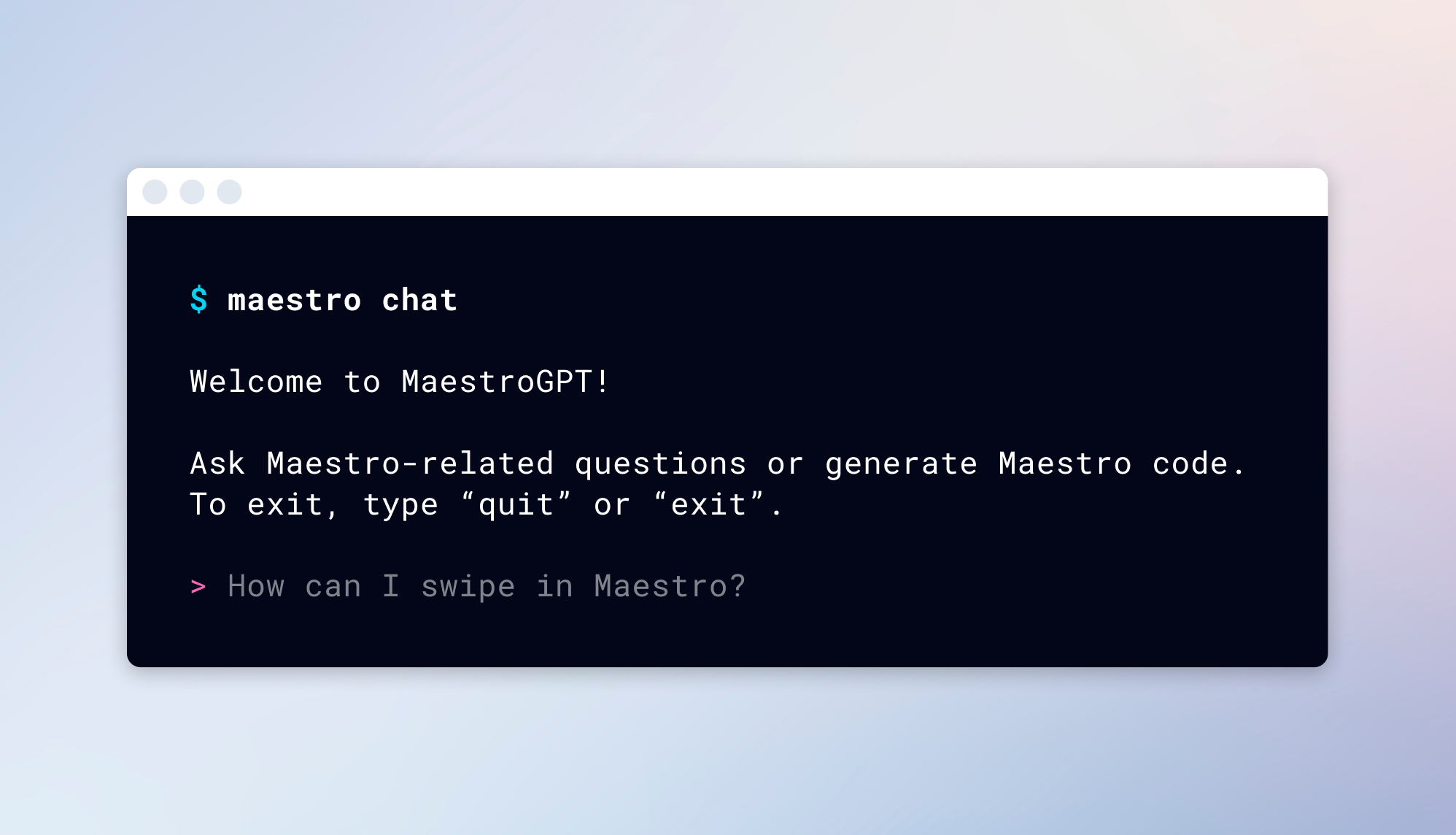
  12. $ maestro chat

    MaestroGPT is now available in the Maestro CLI 🎉

    $ maestro chat Read the full note →
  13. v1.2.3

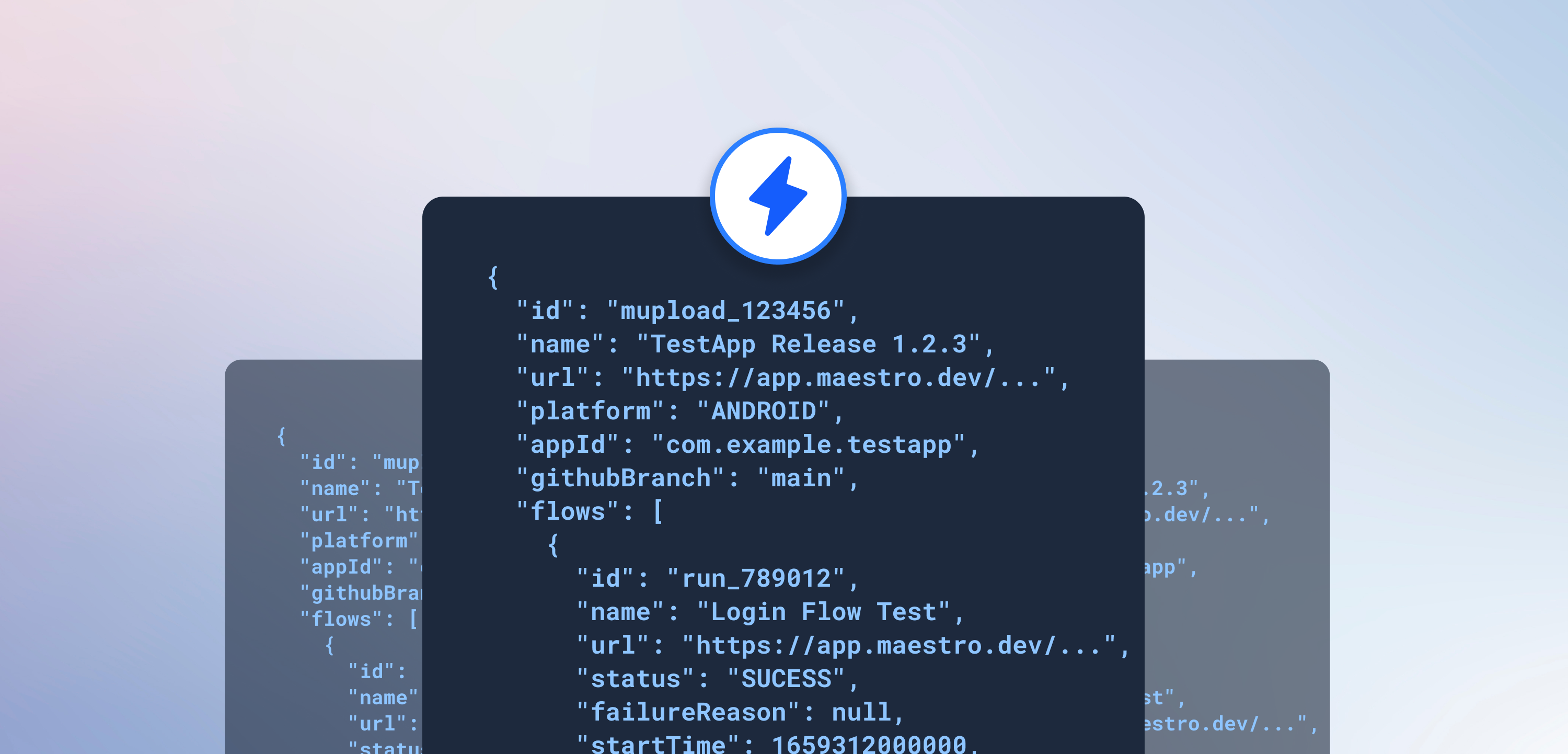
    Introducing: Maestro Webhooks

    We're excited to introduce Maestro Webhooks - now available for all Cloud Plan accounts!

    Introducing: Maestro Webhooks Read the full note →
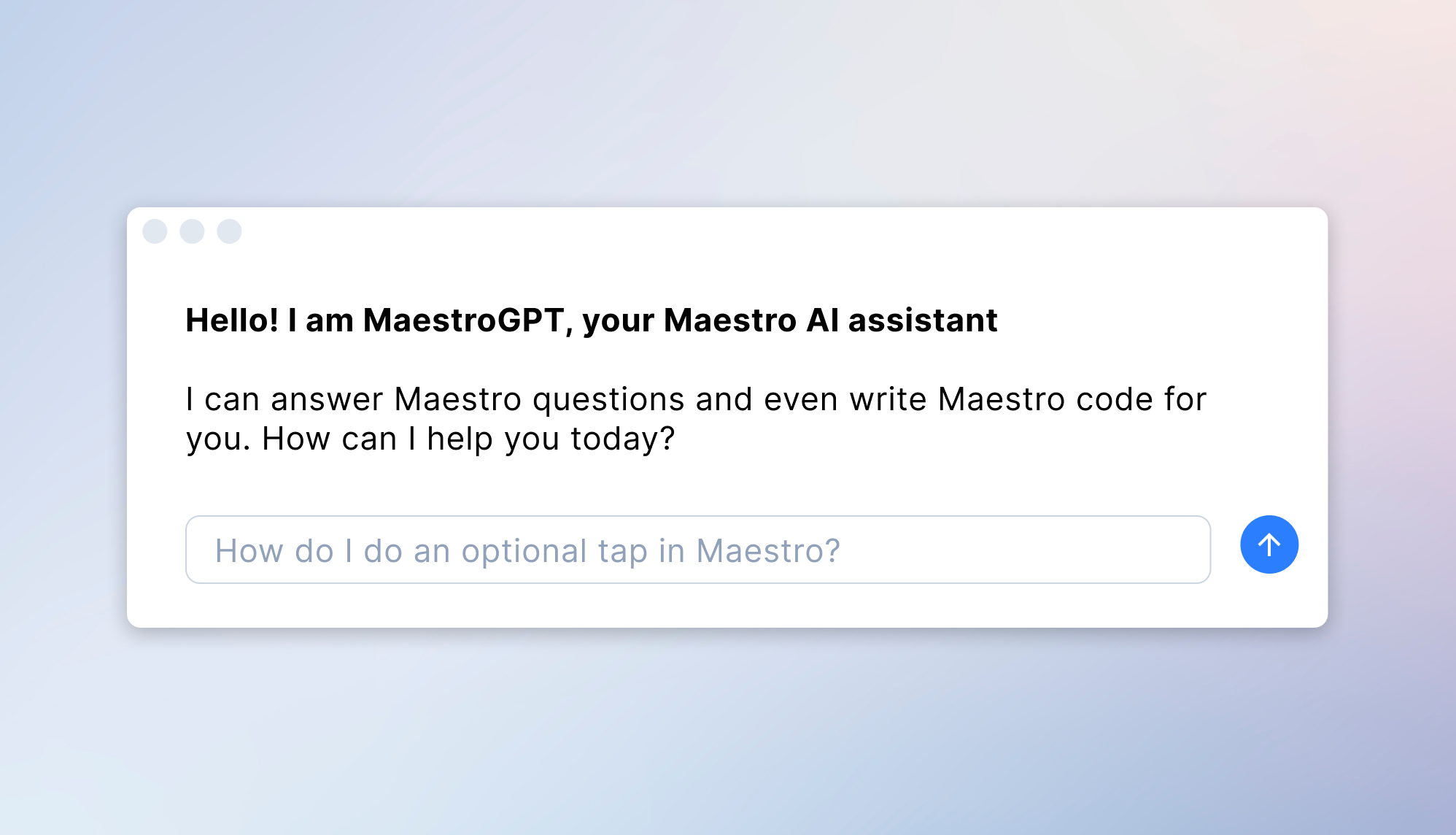
  14. Introducing MaestroGPT

    We're thrilled to announce MaestroGPT: Your AI-powered Maestro expert

    Introducing MaestroGPT Read the full note →
  15. Introducing: Maestro Slack Bot

    Deeper slack integration has been one of the top requests we've received since launching Maestro. For critical workflows like nightly or pre-release testing, it's important that…

    Introducing: Maestro Slack Bot Read the full note →
  16. Recent improvements to Maestro (January 2025)

    Howdy, testers! We’re excited to share another update on the recent changes we’ve made to your tools.

    Recent improvements to Maestro (January 2025) Read the full note →
  17. Recent improvements to the Maestro console

    Howdy, testers! We’re excited to share a quick update on changes we’ve made to the Maestro console over the last few weeks. There’s a bunch you’ll have noticed already, but to m…

    Recent improvements to the Maestro console Read the full note →
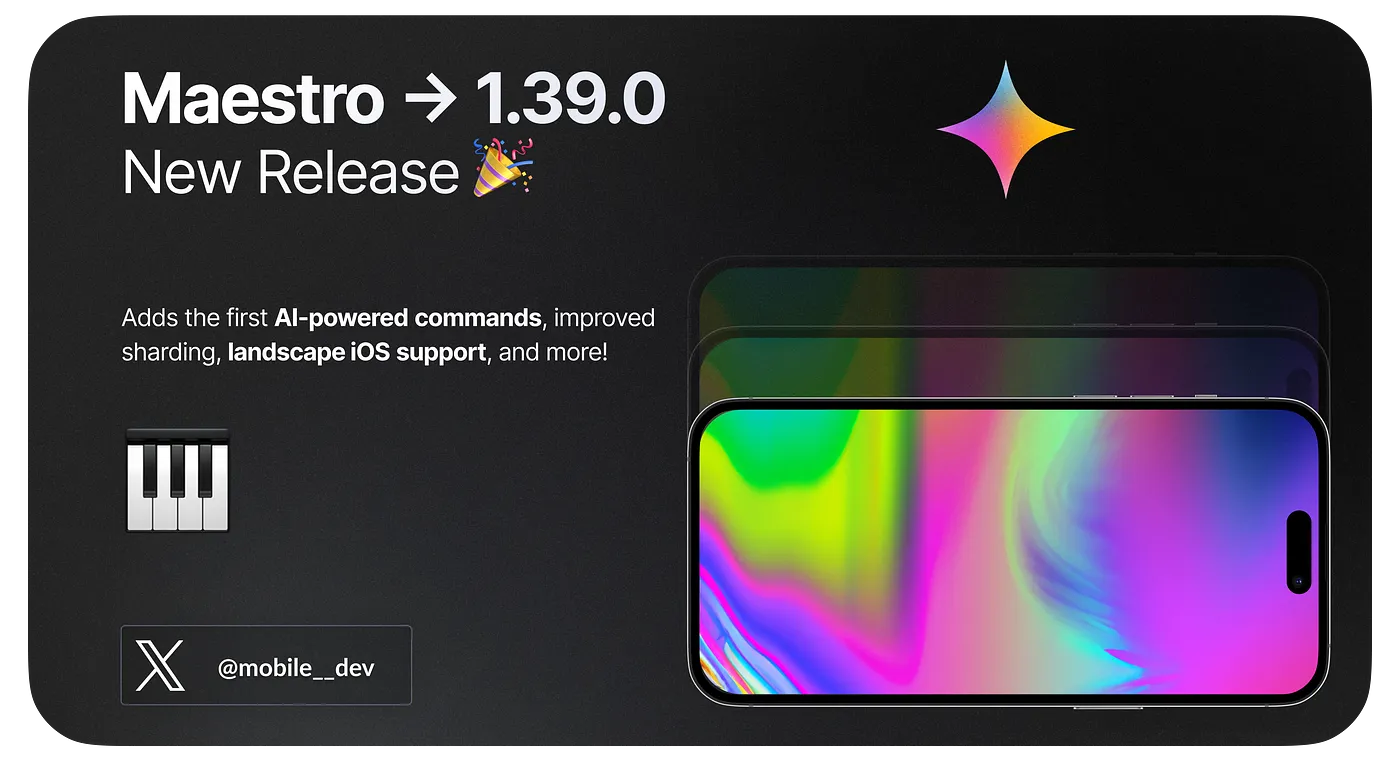
  18. v1.39.0

    What's new in Maestro: 1.39.0

    New features including the first AI-powered commands, improved sharding, landscape iOS support, and many bugfixes and stability improvements.

    What's new in Maestro: 1.39.0 Read the full note →
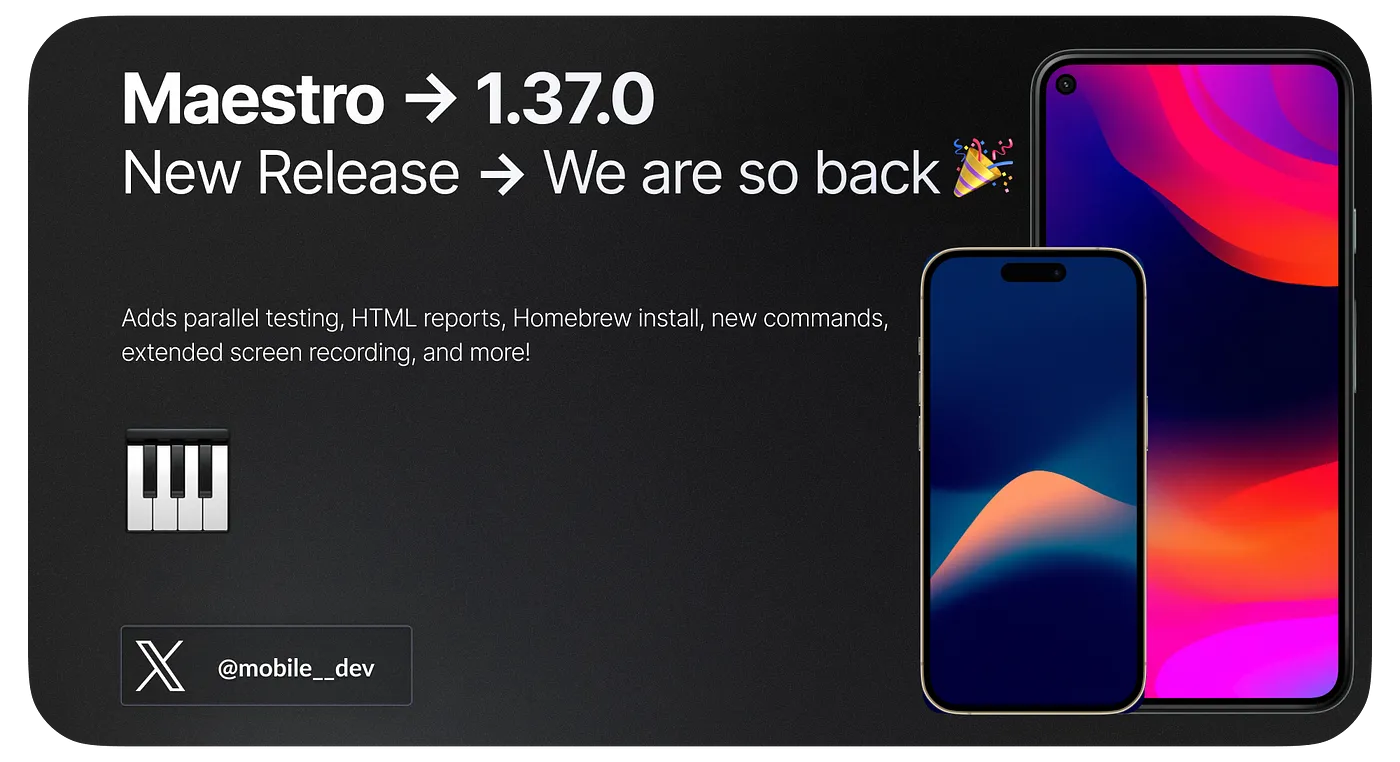
  19. v1.37.0

    What's new in Maestro: 1.37.0

    New features including testing on multiple devices in parallel, HTML test report, and stability improvements.

    What's new in Maestro: 1.37.0 Read the full note →
  20. v1.33.0

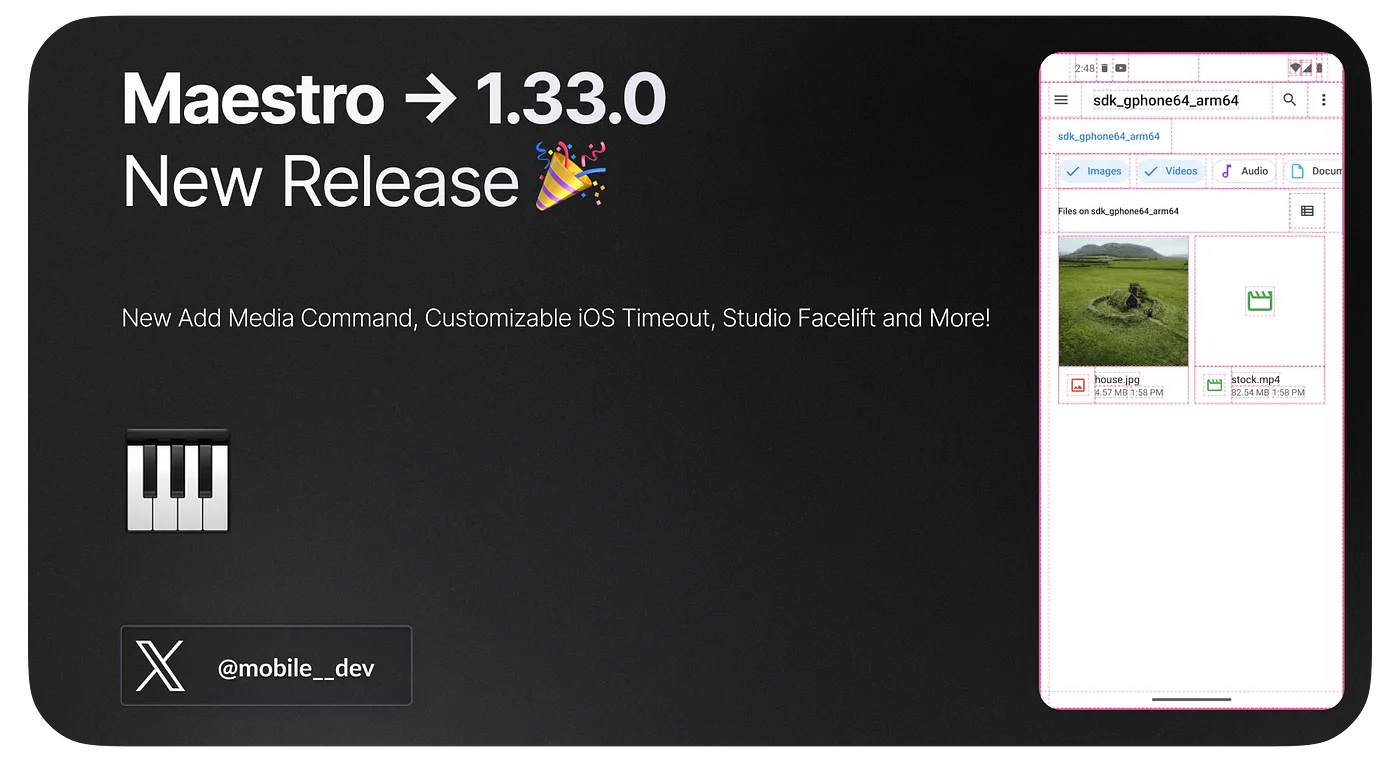
    What’s New in Maestro: 1.33.0

    New Add Media Command, Customizable iOS Timeout, Studio Facelift and More!

    What’s New in Maestro: 1.33.0 Read the full note →
  21. v1.32.0

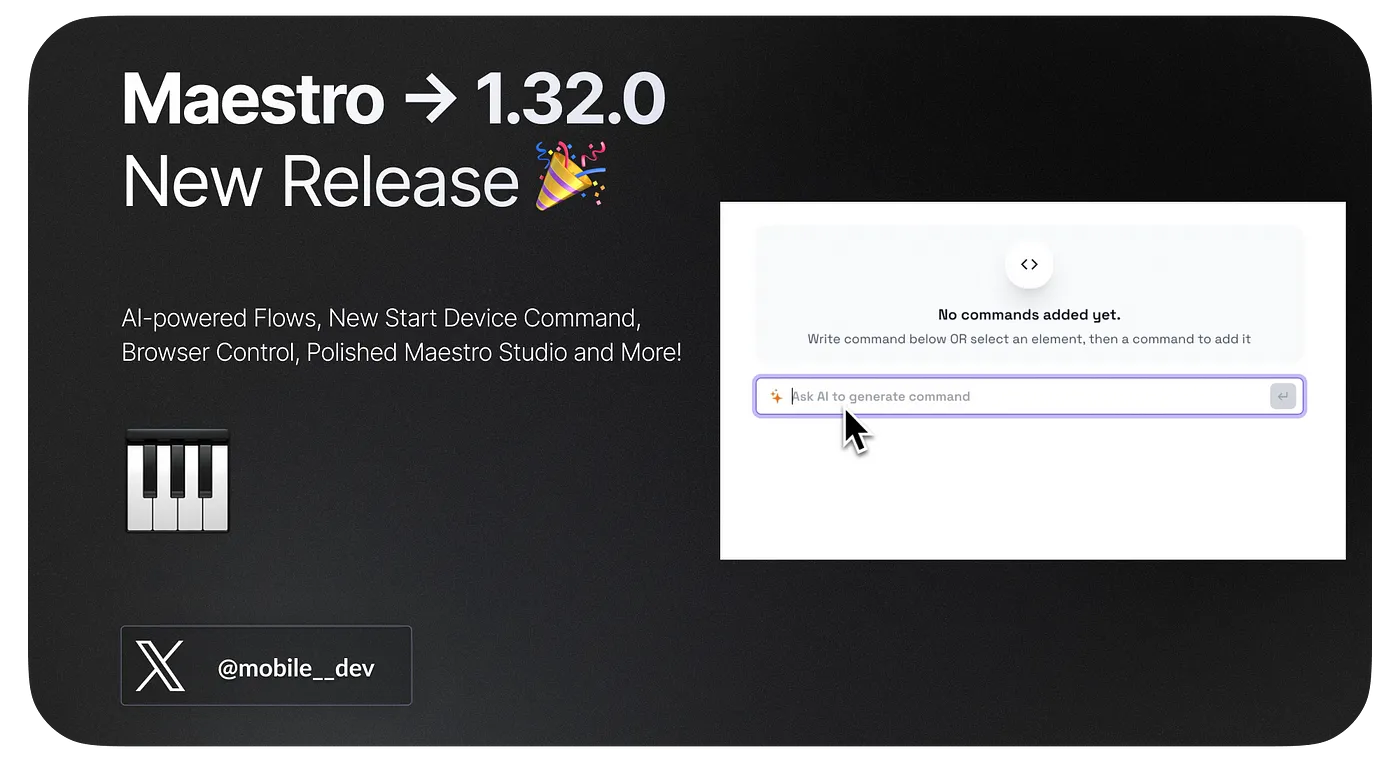
    What’s New in Maestro: 1.32.0

    AI-powered Flows, New Start Device Command, Browser Control, Polished Maestro Studio and More!

    What’s New in Maestro: 1.32.0 Read the full note →
  22. v1.31.0

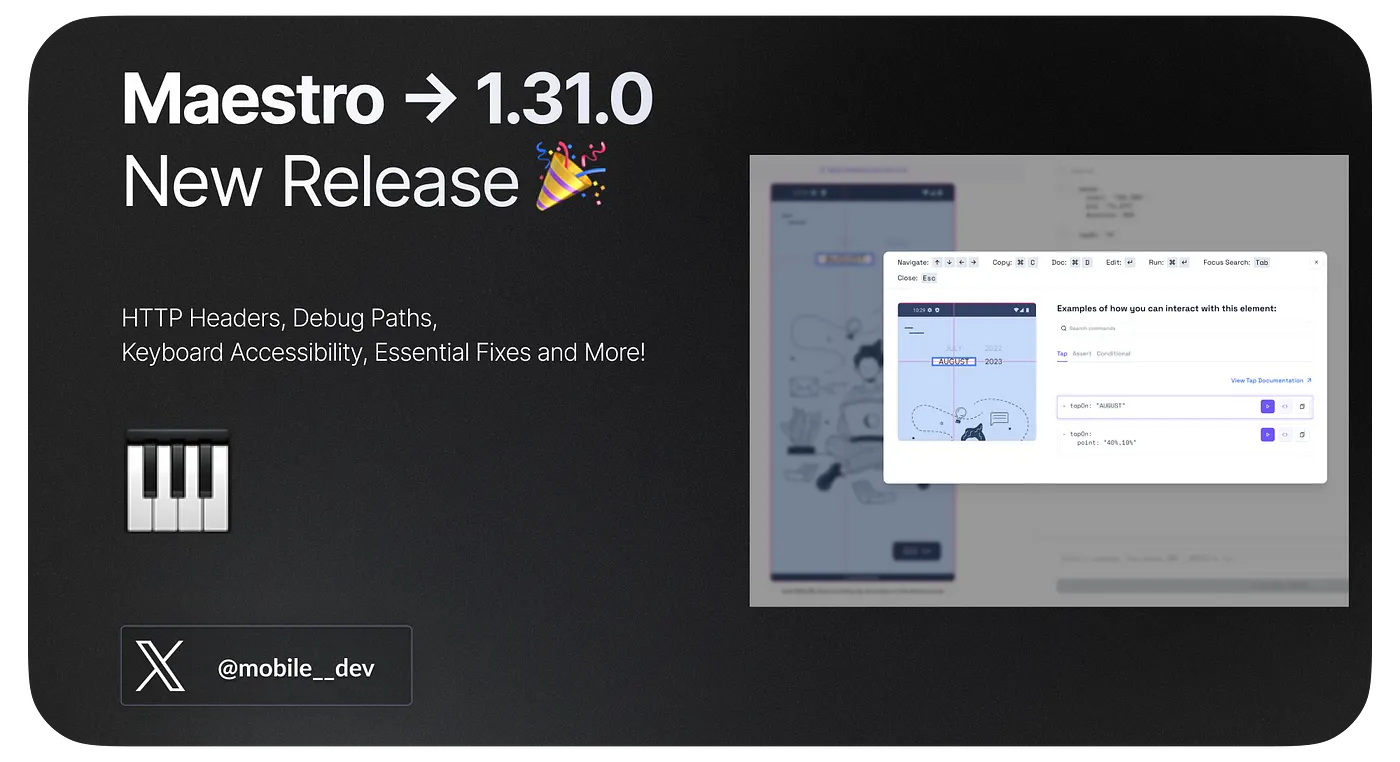
    What’s New in Maestro: 1.31.0

    HTTP Headers, Debug Paths, Keyboard Accessibility, Essential Fixes and More!

    What’s New in Maestro: 1.31.0 Read the full note →
  23. Announcing: Maintainable No-Code UI Automation for Mobile with Maestro Studio

    Today we are excited to announce the next evolution of Maestro Studio, which brings maintainable no-code UI automation to the Mobile ecosystem!

    Announcing: Maintainable No-Code UI Automation for Mobile with Maestro Studio Read the full note →
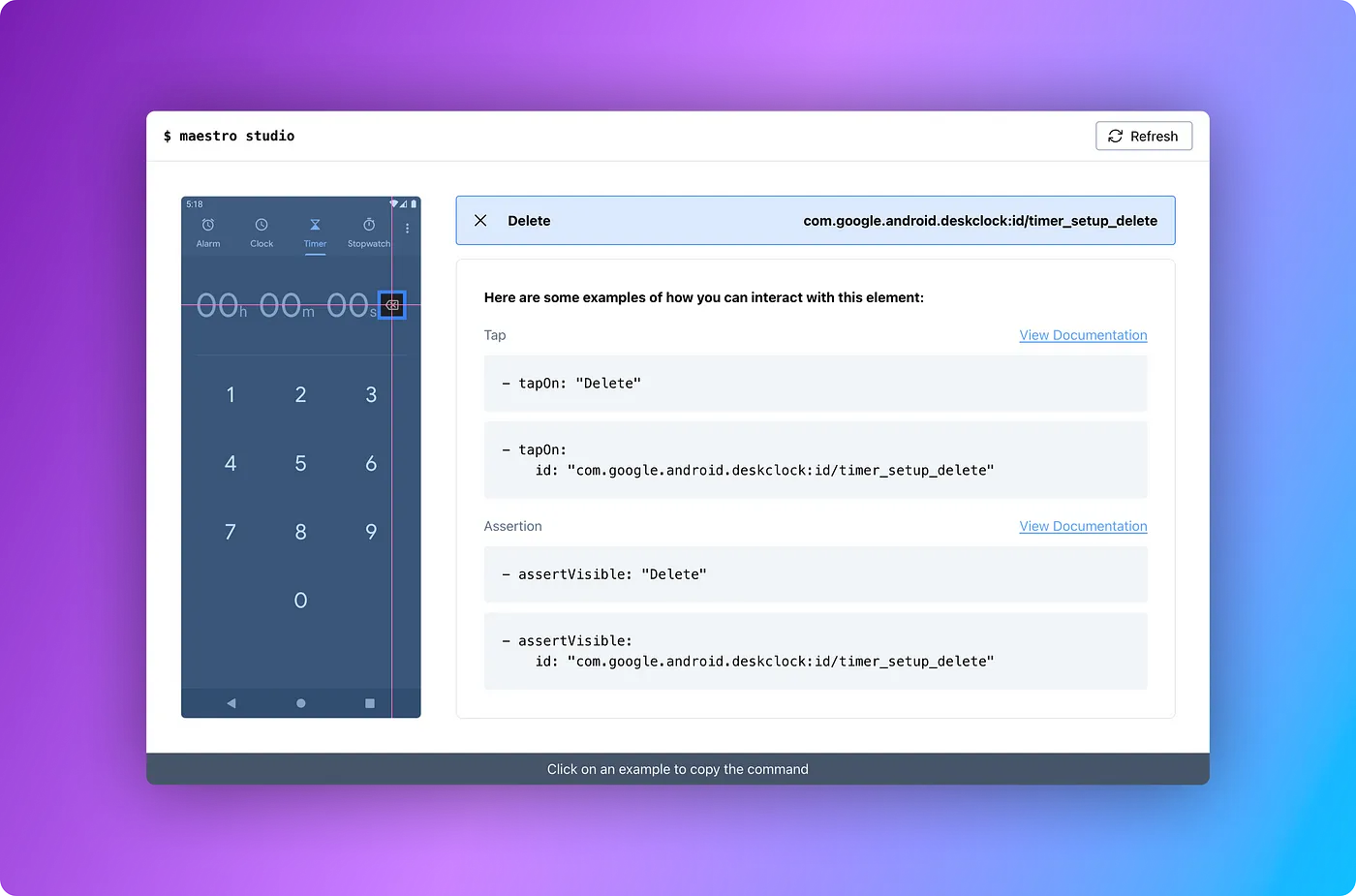
  24. Introducing: Maestro Studio

    Your personal assistant to help write your Maestro Flows

    Introducing: Maestro Studio Read the full note →
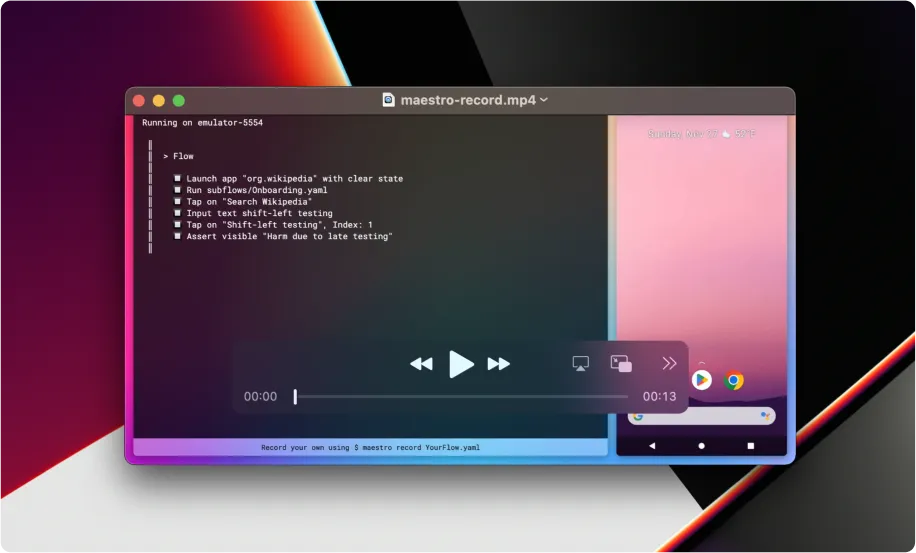
  25. Introducing: “maestro record”

    Record a beautiful video of your Maestro Flow with a single command

    Introducing: “maestro record” Read the full note →
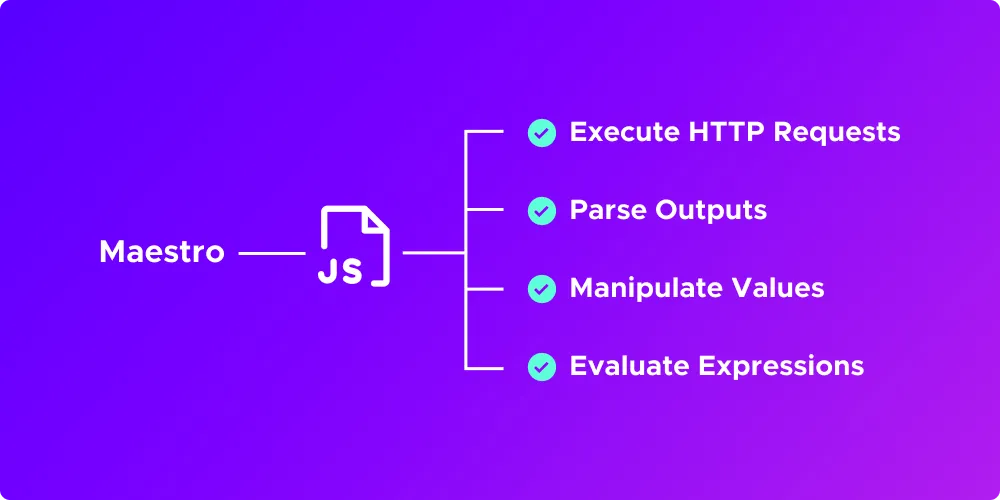
  26. Maestro — Announcing JavaScript + HTTP Request Support

    Run JavaScript and execute HTTP requests from your Maestro Flows

    Maestro — Announcing JavaScript + HTTP Request Support Read the full note →
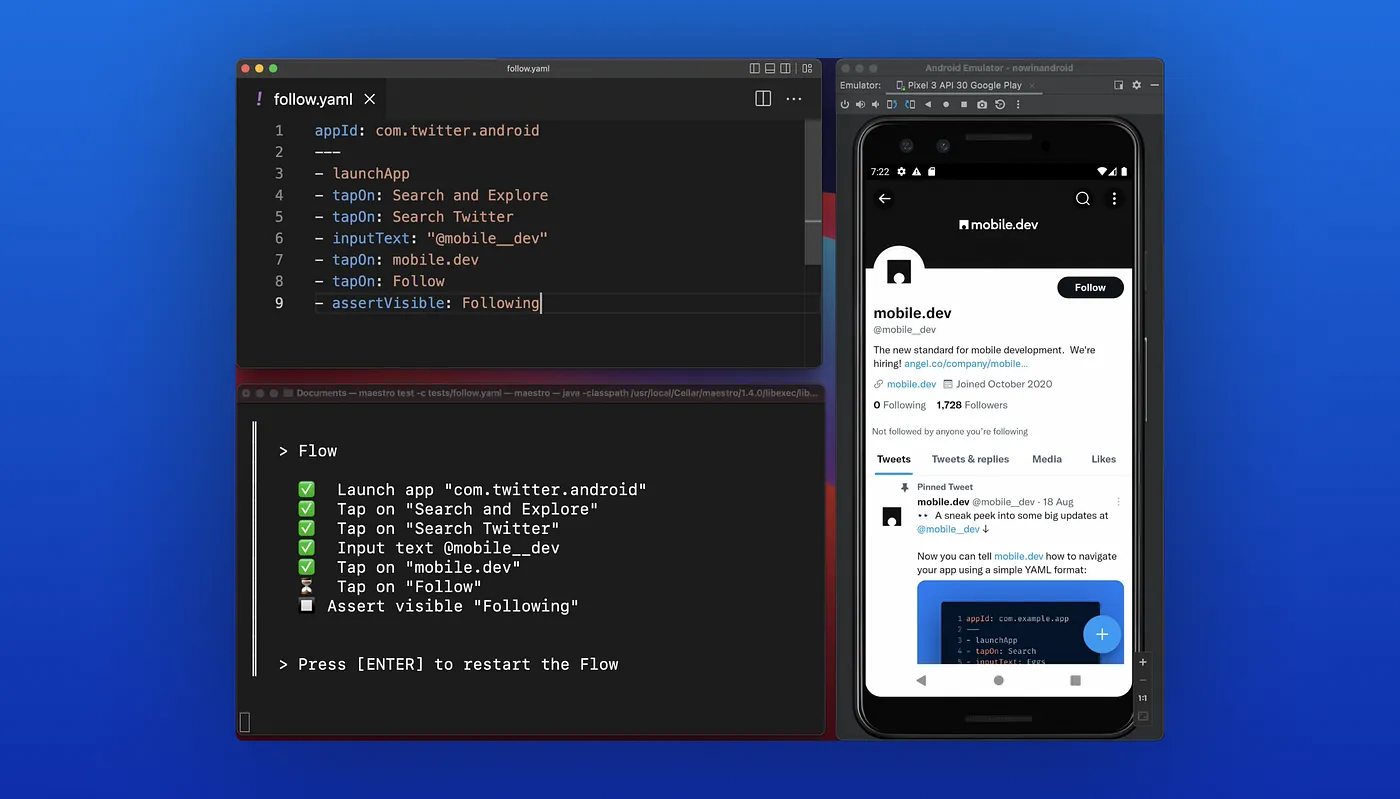
  27. Introducing: Maestro — Painless Mobile UI Automation

    The easiest way to automate UI testing for your mobile app

    Introducing: Maestro — Painless Mobile UI Automation Read the full note →

Stay in the loop

New posts, releases, and customer stories from the Maestro team. Subscribe via RSS or follow along.